AxiOwl Makes AI Workflows Survive Across Tools and Machines
AI workflows become fragile when every useful detail lives inside one chat window, one extension folder, or one machine-specific path. A provider can rename a thread. A local app can move its session files. An integration can be installed in VS Code, Cursor, Codex, or Antigravity with a slightly different session identity model. AxiOwl's current C++ implementation tackles that problem by pulling workflow identity into a local coordinator: a durable registry, provider-specific discovery, explicit sender metadata, delivery logs, and a shared CLI/MCP command surface.
This is not a claim that every provider behaves the same way. The implementation is careful about the opposite. AxiOwl treats each provider as its own edge, then records enough stable information to let the workflow survive outside that provider's immediate UI.
Sources read
C:\Users\kjhgf\OneDrive\Documents\New project\axiowl-blog-production-instructions.mdC:\Users\kjhgf\OneDrive\Documents\postfourth\axiowl-cplus\README.mdC:\Users\kjhgf\OneDrive\Documents\postfourth\axiowl-cplus\apps\windows-desktop\README.mdC:\Users\kjhgf\OneDrive\Documents\postfourth\axiowl-cplus\docs\user\README.mdC:\Users\kjhgf\OneDrive\Documents\postfourth\axiowl-cplus\docs\developer\README.mdC:\Users\kjhgf\OneDrive\Documents\postfourth\axiowl-cplus\docs\reference\architecture-overview.mdC:\Users\kjhgf\OneDrive\Documents\postfourth\axiowl-cplus\docs\reference\provider-support-matrix.mdC:\Users\kjhgf\OneDrive\Documents\postfourth\axiowl-cplus\docs\reference\installer-behavior-matrix.mdC:\Users\kjhgf\OneDrive\Documents\postfourth\axiowl-cplus\docs\security\trust-boundaries.mdC:\Users\kjhgf\OneDrive\Documents\postfourth\axiowl-cplus\apps\windows-desktop\src\models.hppC:\Users\kjhgf\OneDrive\Documents\postfourth\axiowl-cplus\apps\windows-desktop\src\registry.cppC:\Users\kjhgf\OneDrive\Documents\postfourth\axiowl-cplus\apps\windows-desktop\src\message_pipeline.cppC:\Users\kjhgf\OneDrive\Documents\postfourth\axiowl-cplus\apps\windows-desktop\src\cli.cppC:\Users\kjhgf\OneDrive\Documents\postfourth\axiowl-cplus\apps\windows-desktop\src\mcp_server.cppC:\Users\kjhgf\OneDrive\Documents\postfourth\axiowl-cplus\apps\windows-desktop\src\delivery_worker.cppC:\Users\kjhgf\OneDrive\Documents\postfourth\axiowl-cplus\apps\windows-desktop\src\app_paths.cppC:\Users\kjhgf\OneDrive\Documents\postfourth\axiowl-cplus\apps\windows-desktop\src\provider_edges.cppC:\Users\kjhgf\OneDrive\Documents\postfourth\axiowl-cplus\apps\windows-desktop\src\provider_remote.cppC:\Users\kjhgf\OneDrive\Documents\postfourth\axiowl-cplus\apps\windows-desktop\src\remote_relay.cppC:\Users\kjhgf\OneDrive\Documents\postfourth\axiowl-cplus\apps\linux-desktop\README.mdC:\Users\kjhgf\OneDrive\Documents\postfourth\axiowl-cplus\apps\linux-desktop\axiowl-linux-x86_64\src\main_linux.cppC:\Users\kjhgf\OneDrive\Documents\postfourth\axiowl-cplus\apps\windows-desktop\tests\core_tests.cppC:\Users\kjhgf\OneDrive\Documents\postfourth\axiowl-cplus\apps\windows-desktop\tests\mcp_conformance.ps1C:\Users\kjhgf\OneDrive\Documents\postfourth\axiowl-cplus\apps\windows-desktop\tests\vscode_native_provider_tests.cppC:\Users\kjhgf\OneDrive\Documents\postfourth\axiowl-cplus\apps\windows-desktop\tests\vscode_native_ownership_tests.cppC:\Users\kjhgf\OneDrive\Documents\postfourth\axiowl-cplus\apps\windows-desktop\tests\installer_robustness_guard_tests.cpp
The workflow address book lives outside the chat window
AxiOwl's registry is the main reason a workflow can outlive the immediate tool where it started. The current Windows runtime stores provider sessions under the AxiOwl state root. On Windows, app_paths.cpp resolves that root to %LOCALAPPDATA%\AxiOwl; the agent registry lives at registry\agents.tsv, the node registry at registry\nodes.tsv, and the runtime logs live under logs.
The registry row is deliberately richer than a display name. AgentRecord includes a stable provider_session_id, provider, node_id, aliases, sendable, source, first-seen and last-seen timestamps, last verification time, and last error. That means "send to this agent" is not reduced to a fuzzy window title. AxiOwl can distinguish a friendly chat name from the provider-owned session identifier that actually makes the target addressable.
The registry tests cover this behavior directly. core_tests.cpp checks TSV round-tripping, duplicate-name lookup, exact session lookup, node registry round-tripping, sender resolution by session, and the case where a Codex chat title looks like a prompt but still needs to be preserved as the visible sender name. That is the practical survival layer: names can be human, but routing must still be anchored to provider identity.
One command surface across many provider surfaces
AxiOwl exposes the same core operations through the CLI and the MCP server. The CLI usage in cli.cpp includes send, create, rename, discover, list agents, status, node list, node add, node verify, registry add/remove commands, mcp-server, delivery-worker, and relay-session --stdio.
The MCP server exposes matching tool concepts: axiowl_send_message, axiowl_create_agent, axiowl_rename_agent, axiowl_discover, axiowl_status, axiowl_node_add, axiowl_node_verify, axiowl_registry_add_agent, axiowl_registry_add_node, and axiowl_relay_deliver. The server instructions tell hosts to use the typed MCP tools instead of constructing raw axiowl send arguments themselves. That detail matters because the MCP path can carry the host session ID as a stable sender identity key.
The provider support matrix is also precise about current scope. The supported surfaces listed there include Codex agents, Codex CLI, VS Code native agents, VS Code Copilot-backed integration, Cursor agents, and Antigravity agents. Several CLI surfaces are marked as target rather than supported because final support requires real provider-owned metadata, not environment-only identity injection. That is a useful boundary: AxiOwl is trying to preserve real workflow identity, not just make a command appear to run.
Discovery repairs state, but it does not pretend proof exists
AxiOwl discovery is provider-specific. The developer docs describe discovery as the layer that finds sessions, refreshes last-seen fields, enriches manual rows, downgrades stale auto-discovered rows when proof disappears, and repairs a missing target once during send. The message pipeline implements that "single miss" repair path: if the target is missing or needs repair, it logs the miss, runs targeted discovery, then checks the registry again.
The important part is what happens when discovery does not prove sendability. AxiOwl does not silently convert weak evidence into a working route. If the target remains missing, if only evidence-only matches were found, or if no remote nodes are registered, the send fails with an explicit error. If the row is known but sendable is false, the send is rejected and the last error is included.
This is how AxiOwl makes a workflow survive without making it dishonest. It can repair stale routing information, but it still separates "we found something" from "the provider accepted delivery."
Receipts are intentionally scoped
The architecture docs and tests are clear that accepted_by_axiowl is not the same as provider delivery proof. message_pipeline.cpp returns an AxiOwl receipt after request validation, sender resolution, target resolution, final visible body construction, and delivery-worker handoff. The receipt detail is axiowl_receipt_only; provider acceptance is not implied.
The corresponding test, test_send_returns_axiowl_receipt_then_starts_delivery_handoff, asserts that a send can be accepted by AxiOwl without reporting provider acceptance, and that the local receipt is logged before the provider result. The delivery worker then dispatches to provider_edges.cpp, which selects the provider-specific implementation for Codex, Codex CLI, VS Code native, VS Code Copilot-backed, Antigravity, Cursor, and other provider families.
For operators, this boundary is a feature. It means an AxiOwl log can answer "did the coordinator accept and route the request?" separately from "did the target provider receive and reply?" The user docs state that the strongest proof is a provider reply through AxiOwl MCP with correct sender identity.
Machine boundaries are explicit
AxiOwl also has a node model. The CLI can add and verify nodes, and the node registry records node_id, host, SSH user, key path, aliases, verification time, and last error. node verify runs an SSH identity check against the target host, using hostname; whoami; pwd; hostname -I, then records verification state.
There is also a relay-session --stdio protocol in remote_relay.cpp. It emits a hello frame, accepts JSONL deliver frames, can pass a final-visible body through the message pipeline, and can emit upstream messages through a runtime outbox. provider_remote.cpp contains an SSH relay implementation that knows how to call axiowl relay-session --stdio on another host.
The current product boundary is narrower than the code shape: provider_edges.cpp returns remote_out_of_scope for remote delivery in the local-provider remediation build, and the provider support matrix marks remote as unsupported for local-provider remediation. The Windows README also notes that the Linux remote app supports Codex CLI delivery only and does not support VS Code, Antigravity, desktop IPC, GUI, tray behavior, or remote relay chaining.
That is still part of the survival story because the boundary is explicit. Remote is not a hidden fallback for local failures. When machine-to-machine routing is used, it has to be registered, verified, logged, and kept separate from local provider remediation.
Installation also protects workflow state
The installer docs reinforce the same idea at installation time. The MSI installs AxiOwl once, but each provider feature is treated like a separate install unit. Provider checkboxes are supposed to come from discovery, unchecked provider features should not be installed or patched as collateral damage, and selected provider features should fail loudly when they cannot be installed safely.
The security docs list what AxiOwl may read and write: provider session metadata, provider configs needed for discovery, AxiOwl registry/log/runtime files, selected provider install paths, selected MCP config, selected bridge extension files, selected patch changes, and AxiOwl-owned config entries. They also list what AxiOwl should not touch, including unrelated provider extensions, auth tokens, unrelated provider settings, unrelated workspace files, provider chats except by user-requested messages, unchecked provider surfaces, and remote configuration unless explicitly selected.
That matters for workflows that survive more than one tool because integrations are not all-or-nothing. A Codex setup, a VS Code bridge, a Cursor patch, and an Antigravity MCP config can each have different proof requirements and different risks. AxiOwl's installer and support matrix keep those risks visible.
What an operator gets
In practice, AxiOwl gives operators a few durable handles:
axiowl list agentsshows the registered agent rows instead of asking the operator to remember provider-specific session IDs.axiowl discover <provider>refreshes provider-specific state and merges it into the registry.axiowl send --to <agent> --body <message> --from <sender>routes through the same pipeline the MCP tool uses, with sender and target resolution recorded.axiowl statusprints the state root, registry path, node registry path, evidence log, delivery log, lifecycle log, activation state, runtime role, registered agent count, and registered node count.axiowl mcp-servergives provider sessions a typed way to reply through AxiOwl without inventing their own sender identity.
The end result is not magic portability. It is operational portability: a workflow has names, aliases, provider session IDs, node IDs, sendability state, logs, receipts, and proof boundaries that live outside the immediate tool UI.
Closing
AxiOwl makes AI workflows survive by refusing to treat a chat window as the whole system. The current C++ implementation keeps addressable workflow state in a durable registry, repairs stale discovery once when appropriate, sends through provider-specific edges, exposes typed MCP tools for replies, and records the evidence needed to understand what actually happened.
That is the useful version of "across tools and machines": not a vague promise that every AI surface is interchangeable, but a concrete coordinator that remembers identities, routes through explicit provider edges, and keeps machine boundaries visible.
Image prompt:
Create a polished graphic image related to: durable AI workflow routing across provider tools and registered machines.
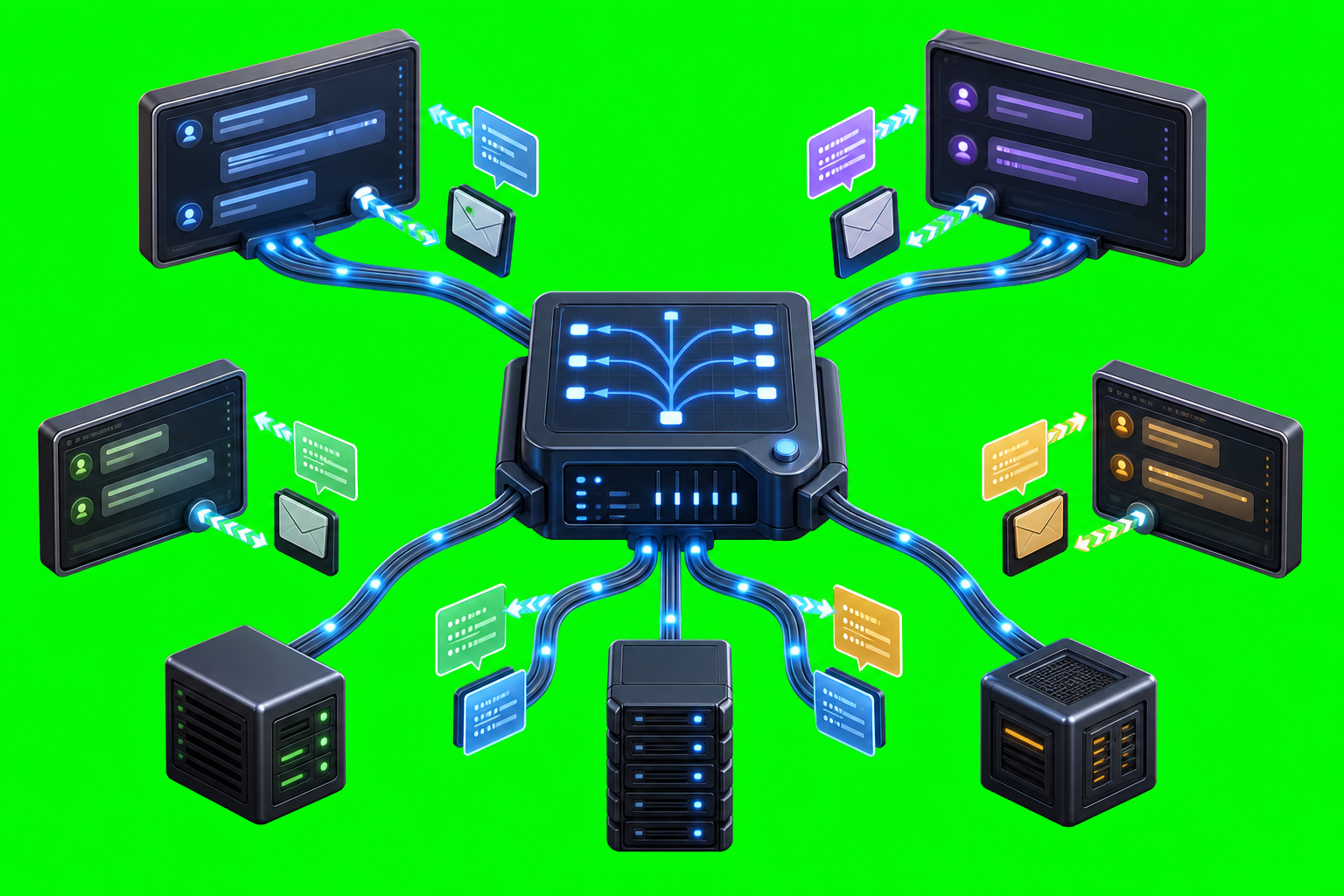
Subject: a central metallic routing hub connected by glowing cables to several distinct tool terminals and two small server nodes, with transparent data capsules moving along the cables; no readable labels or symbols.
Style: halfway between a clean symbolic icon and a realistic product/technical illustration; professional SaaS/technical marketing style; crisp edges; high detail; no text; no logos.
Background: solid #00ff00 chroma key green screen background covering the full canvas edge to edge.
Restrictions: no owl, no axolotl, no birds, no animals, no mascot, no text, no watermark.