AxiOwl Remote Nodes Explained
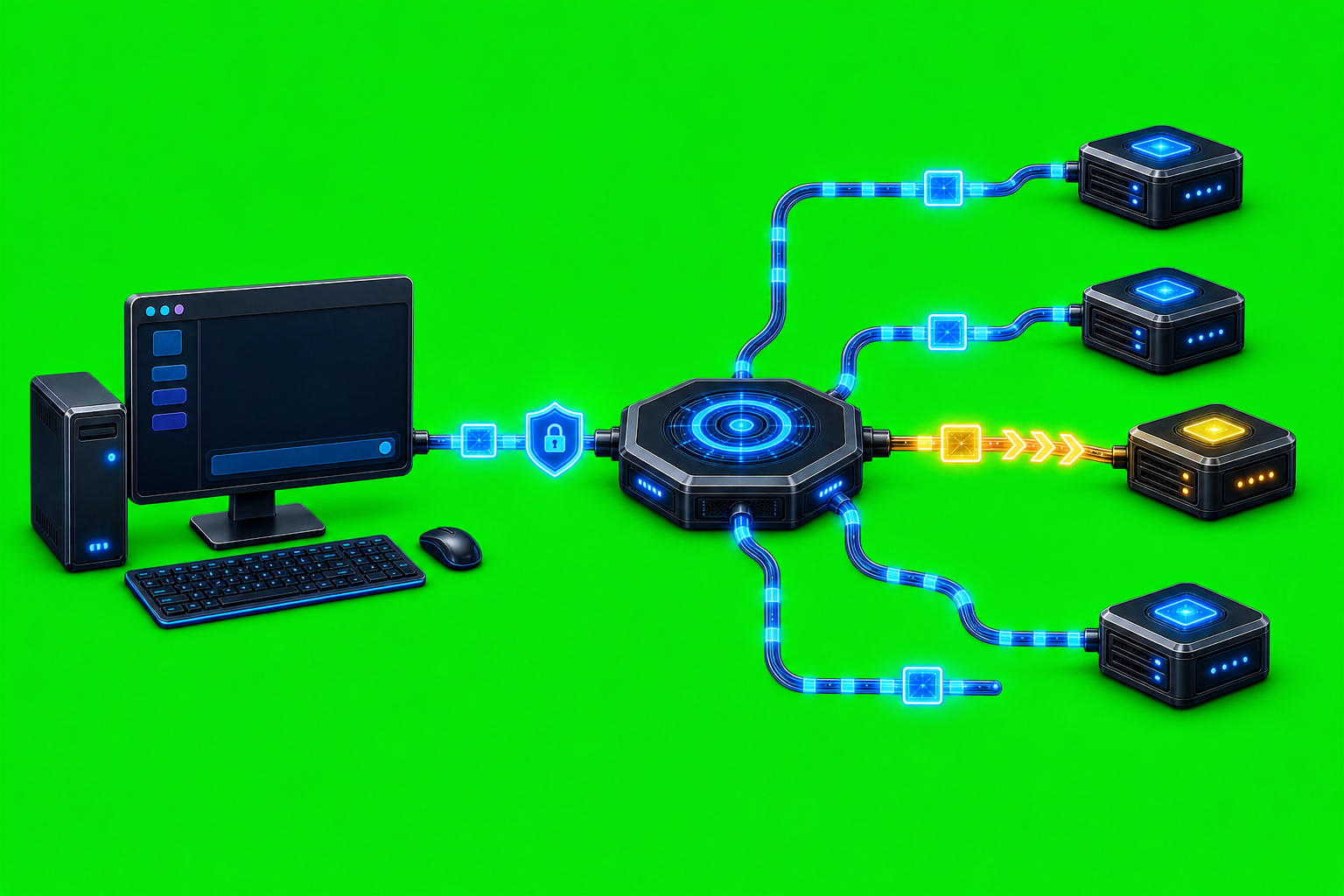
AxiOwl remote nodes are Linux machines that a local Windows AxiOwl installation can reach over SSH and use as remote Codex endpoints. They are not a generic cloud fallback layer, and they are not a second desktop UI. In the current implementation, the Windows build owns the local registry and coordinates outbound SSH, while the Linux remote side receives relay traffic and delivers to Codex CLI only.
That split matters because it keeps the operating model explicit. A remote node has to be enrolled, verified, reachable over SSH, and running an AxiOwl Linux payload. Once that is true, a local AxiOwl agent record can point at a target on that node and send through the remote relay path.
The Two Registries
AxiOwl keeps remote-node identity separate from agent identity.
The node registry stores machine-level details: node id, display name, aliases, host, SSH user, optional SSH key path, enabled state, verification timestamps, and last error. The agent registry stores sendable agent rows: display name, aliases, provider, provider session id, node id, enabled state, sendable state, source, timestamps, and last error.
That separation is the reason remote delivery can be precise. A node row answers, "How do I reach this Linux machine?" An agent row answers, "Which remote target should receive this message?" A remote agent row uses provider=remote, a node_id that matches the node registry, and a provider session value that identifies the remote target.
The command surface reflects the same model:
axiowl node add --id <node-id> --host <host> --ssh-user <ssh-user> [--key <ssh-key-path>] [--name <display-name>] [--alias <alias>]
axiowl node list
axiowl node verify --id <node-id>
axiowl registry add-agent --name <agent> --provider remote --node <node-id> --session <remote agent name>
axiowl send --to <agent> --body <message>
There is also an older registry-oriented node command shape still present in the CLI:
axiowl registry add-node --id <node-id> --host <host> --user <ssh-user> [--key <ssh-key-path>] [--name <display-name>]
The newer axiowl node ... commands make the remote-node concept clearer for operators because node management is no longer mixed into ordinary agent registration.
What Verification Actually Checks
Remote node verification is intentionally basic and useful. The CLI builds an SSH command with batch mode and a connection timeout, then runs:
hostname; whoami; pwd; hostname -I
If the command succeeds, AxiOwl updates the node's last verified timestamp and clears its last error. If it fails, the node row keeps a last-error value such as an SSH verification failure.
This is not a full application health check. It proves that AxiOwl can reach the host as the configured SSH user with the configured key or default SSH identity. That is the necessary first line before deployment, discovery, or relay delivery can work.
How Remote Delivery Works
The Windows remote provider sends through a live SSH relay shell. The local side writes a temporary JSONL relay input file, opens SSH to the node, and runs:
axiowl relay-session --stdio
The first frame is a hello frame. The delivery frame includes the relay protocol version, request id, target, final visible body, strict mode, and resolved sender details when available. If the local registry row contains a direct remote provider address such as a provider-prefixed session id, the relay can pass that provider and session id through to the remote side. Otherwise the remote side resolves the target through its own local pipeline.
The Linux relay reads JSON lines from standard input. For each deliver frame, it creates a normal AxiOwl message request and sends it through the remote machine's local registry and evidence log. It then emits a deliver_result JSON line with fields such as ok, message_id, state, target, provider, error, and detail.
That protocol is small by design. The local coordinator does not need a public service running on the remote node. It needs SSH access and an installed axiowl command on the Linux host.
Remote Discovery
Remote discovery is targeted. The implementation builds an SSH command to the configured node and asks the remote side to run:
axiowl discover codex --json --target <target name>
The local side reads JSON lines from that command and only accepts discovered_agent rows whose display name matches the requested target. It then records the local provider as remote, stores the node id, carries sendable status, and records evidence showing the remote provider and remote provider session id.
One important detail is that the remote provider session id may be normalized into a provider-prefixed form, such as codex:<remote-session-id>. That lets the local side remember that the visible local row is a remote AxiOwl target while the remote machine still has its own concrete provider identity.
What The Linux Remote App Supports
The current Linux remote role is intentionally narrow:
Linux build: remote Codex endpoint, relay-session receiver, Codex CLI delivery only.
The project README for the Windows app states the same boundary directly: the Linux remote app supports Codex CLI delivery only. It does not support VS Code, Antigravity, desktop IPC, GUI or tray behavior, or remote relay chaining.
The code enforces that boundary. Remote Linux stubs for non-Codex desktop surfaces return explicit unsupported results, with evidence explaining that Linux remote AxiOwl intentionally supports Codex CLI delivery only. The provider support matrix also warns that remote is outside local-provider remediation builds and must not be used as a fallback for local provider failures.
That distinction is useful. A remote node is for reaching a known Linux Codex environment through an explicit SSH contract. It is not a way to paper over a broken local VS Code, Cursor, Antigravity, or other provider integration.
Installer Behavior
The Windows installer line includes remote-node features, but remote is not treated like an always-on local provider. The installer behavior matrix marks remote as unchecked by default, with remote config used only when explicitly selected. Tests in the installer provider contract also assert that remote is unchecked by default.
When selected and configured, the MSI installer path can enroll remote nodes, deploy a packaged Linux payload over SSH/SCP, run the remote Linux installer, and run remote discovery. Runtime installer work is performed by the native axiowl-installer.exe helper rather than by PowerShell.
The packaged remote-node config file in the current repository is an empty JSON array:
[]
That means the repository does not ship a hardcoded fleet of remote hosts. The installer helper can read packaged remote config, local config, and existing node registry entries, merge enabled candidates by SSH user and host, verify SSH keys, and then enroll only nodes that actually verify.
The Linux remote installer is also concrete. It expects a payload directory with an axiowl binary, the axiowl-codex plugin directory, plugin manifest, MCP config, and the remote installer script. It installs /usr/local/bin/axiowl, checks that the binary reports axiowl 0.1.0, installs the Codex plugin payload under the user's local AxiOwl data area, writes a Codex plugin marketplace, runs codex plugin marketplace add, installs axiowl-codex@axiowl, and probes the MCP server to confirm that axiowl_send_message is exposed.
Why Operators Should Care
Remote nodes are most useful when the agent session you need is not on the local Windows workstation. A Linux host may already have the right repo, shell environment, credentials, Codex CLI state, or network reachability. Instead of copying work back and forth manually, AxiOwl can register that node and send to a named remote target through the same high-level axiowl send workflow.
The operator value is not magic distribution. It is controlled routing:
- The node has a durable id.
- The SSH endpoint is inspectable.
- The key path is explicit when needed.
- Verification records success or failure.
- Agent rows show which node they belong to.
- Delivery returns structured evidence from the remote relay.
Those details make remote operation debuggable. If a message does not arrive, the failure surface is narrow: node registry, SSH reachability, installed remote payload, remote Codex/MCP state, or target registration.
A Practical Mental Model
Think of a remote node as an AxiOwl-aware SSH destination.
The local Windows side owns the operator-facing registry and decides where a message should go. The remote Linux side owns the actual Codex CLI delivery in its own environment. The relay between them is standard input and standard output over SSH, using JSONL frames rather than a public network daemon.
That is why remote nodes fit AxiOwl's broader design: agents are named, provider identity is recorded, failures are loud, and routing decisions stay visible. A remote node only works when it has been deliberately enrolled and verified, which is exactly the right shape for sending work to another machine.