AxiOwl Turns AI Chats Into a Working Team
Most AI work still happens in isolated chats. One chat can write code, another can review, another can run a browser test, and another can inspect a provider-specific environment, but those sessions usually do not know how to reach each other. AxiOwl turns those separate chats into a working team by giving them names, stable session identities, a local registry, and a message path that can carry work from one provider session to another.
That distinction matters. AxiOwl is not trying to replace Codex, VS Code chat, Cursor, Antigravity, or any other provider surface. The current C++ implementation is a local Windows coordinator. It discovers provider sessions, records them in a durable registry, exposes CLI and MCP entry points, and sends messages through provider-specific delivery edges. The practical result is simple: an operator or provider chat can address another chat by name, send it a task, and ask it to reply through AxiOwl.
Sources read
C:\Users\kjhgf\OneDrive\Documents\postfourth\axiowl-cplus\README.mdC:\Users\kjhgf\OneDrive\Documents\postfourth\axiowl-cplus\apps\windows-desktop\README.mdC:\Users\kjhgf\OneDrive\Documents\postfourth\axiowl-cplus\docs\user\README.mdC:\Users\kjhgf\OneDrive\Documents\postfourth\axiowl-cplus\docs\developer\README.mdC:\Users\kjhgf\OneDrive\Documents\postfourth\axiowl-cplus\docs\reference\architecture-overview.mdC:\Users\kjhgf\OneDrive\Documents\postfourth\axiowl-cplus\docs\reference\provider-support-matrix.mdC:\Users\kjhgf\OneDrive\Documents\postfourth\axiowl-cplus\docs\reference\installer-behavior-matrix.mdC:\Users\kjhgf\OneDrive\Documents\postfourth\axiowl-cplus\docs\security\trust-boundaries.mdC:\Users\kjhgf\OneDrive\Documents\postfourth\axiowl-cplus\docs\providers\codex-agents.mdC:\Users\kjhgf\OneDrive\Documents\postfourth\axiowl-cplus\docs\providers\vscode-native.mdC:\Users\kjhgf\OneDrive\Documents\postfourth\axiowl-cplus\docs\providers\cursor-agents.mdC:\Users\kjhgf\OneDrive\Documents\postfourth\axiowl-cplus\docs\providers\antigravity-agents.mdC:\Users\kjhgf\OneDrive\Documents\postfourth\axiowl-cplus\apps\windows-desktop\src\models.hppC:\Users\kjhgf\OneDrive\Documents\postfourth\axiowl-cplus\apps\windows-desktop\src\registry.cppC:\Users\kjhgf\OneDrive\Documents\postfourth\axiowl-cplus\apps\windows-desktop\src\discovery.hppC:\Users\kjhgf\OneDrive\Documents\postfourth\axiowl-cplus\apps\windows-desktop\src\discovery.cppC:\Users\kjhgf\OneDrive\Documents\postfourth\axiowl-cplus\apps\windows-desktop\src\message_pipeline.cppC:\Users\kjhgf\OneDrive\Documents\postfourth\axiowl-cplus\apps\windows-desktop\src\mcp_server.cppC:\Users\kjhgf\OneDrive\Documents\postfourth\axiowl-cplus\apps\windows-desktop\src\provider_edges.cppC:\Users\kjhgf\OneDrive\Documents\postfourth\axiowl-cplus\apps\windows-desktop\src\delivery_worker.cppC:\Users\kjhgf\OneDrive\Documents\postfourth\axiowl-cplus\apps\windows-desktop\src\final_visible_body_builder.cppC:\Users\kjhgf\OneDrive\Documents\postfourth\axiowl-cplus\apps\windows-desktop\tests\core_tests.cppC:\Users\kjhgf\OneDrive\Documents\postfourth\axiowl-cplus\apps\windows-desktop\tests\mcp_conformance.ps1
The team starts with a registry
The core AxiOwl idea is not a vague "agent swarm." It is an address book for real provider sessions.
In the Windows desktop app, the registry stores agent records with fields such as display_name, aliases, provider, provider_session_id, node_id, sendable, source, last_seen_at, last_verified_at, and last_error. That gives AxiOwl something stronger than a chat window title. A chat can be known as "Review Agent" for humans while still being tied to the provider-owned session identifier AxiOwl needs for delivery and reply correlation.
The tests cover why this matters. Duplicate names can exist, and AxiOwl prefers the newest matching session when a name is ambiguous. Exact provider session IDs still override name recency. When discovery finds a newer title for the same session, the old title is preserved as an alias instead of being discarded. Manual rows are protected from discovery downgrades. Weak evidence-only rows are counted as evidence, but they do not automatically become sendable agents.
That behavior is what turns a pile of chats into a team. A team member needs a name, a stable identity, and a current reachability state. AxiOwl keeps those separate.
Sending is a pipeline, not a paste
The common operator command is plain:
axiowl send --to "Target chat name" --body "Message text"
For longer instructions, the CLI also supports stdin:
axiowl send --to "Target chat name" --stdin
Behind that small command is the MessagePipeline. The implementation validates that the target and body exist, resolves the sender, resolves the target registry row, performs one targeted discovery repair when needed, builds the final visible body, and dispatches through provider_edges.cpp to the selected provider module.
That final visible body is important. When the sender is resolved, AxiOwl puts a clear sender header on the message and appends an exact MCP reply instruction. The receiving chat is not told to guess who sent the task. It is told how to reply through axiowl_send_message back to the registered sender, with correlation fields such as a run ID and receipt message ID when available.
This is the difference between copying text into a chat and running a coordinated handoff. A pasted prompt can ask for work. An AxiOwl message can also carry the return route.
MCP gives chats a way to answer
AxiOwl exposes a native MCP server through:
axiowl mcp-server --host <host> --provider <provider>
The MCP tool surface includes tools such as axiowl_whoami, axiowl_send_message, axiowl_create_agent, and axiowl_version. The conformance test checks both line-oriented and framed MCP messages, verifies that required tools appear in tools/list, and rejects oversized frames.
The most important rule is sender identity. For provider replies, AxiOwl expects provider/session metadata. The MCP server resolves the host, provider, session ID, sender address, and sender name from metadata and provider-specific session state. If a provider does not supply a usable session ID for an action that needs one, AxiOwl fails loudly instead of pretending that a display name is enough.
That is why the docs say MCP sends are preferred for provider replies. The reply is not just text. It is text plus a real provider session identity that lets AxiOwl know which teammate answered.
Provider edges keep the system honest
AxiOwl does not use one generic delivery trick for every tool. The provider dispatch table routes delivery, create, and rename operations by provider type. Current provider surfaces include Codex agents, Codex CLI, VS Code native chat, VS Code Copilot-backed chat, Cursor agents, Antigravity agents, and several target or experimental CLI surfaces.
The support matrix is explicit about status. Supported means the full path has met the current bar: discovery, install/config, send, provider receive, MCP reply, and correct provider-owned sender identity. A config file or process launch alone is not enough.
That prevents false confidence. Cursor agent support uses a bridge extension, command files, a watcher, URI fallback, and patch support. VS Code native support uses bridge commands and session-oriented behavior. Codex agents use the Codex provider edge plus the AxiOwl MCP reply path. Antigravity agents use the Antigravity provider edge and MCP reply path. Other surfaces, such as some CLI integrations, remain target status until the metadata and proof requirements are satisfied.
AxiOwl's team model is therefore practical rather than magical: each teammate is only considered supported when its real provider path works.
Receipts are not proof of a reply
The implementation is careful about receipt boundaries. accepted_by_axiowl means AxiOwl accepted and validated the message and handed it to the delivery layer. It does not prove that the provider displayed the message, processed it, or replied.
The delivery worker can accept a request, write logs, and dispatch provider delivery in the background. Provider-specific results can report acceptance or failure. The strongest proof is still a response over AxiOwl MCP with correct sender identity.
That is useful operationally. AxiOwl can tell the difference between "the coordinator accepted the job," "the provider edge accepted the handoff," and "the target chat actually replied through the right path." Those are different facts, and treating them as different facts makes the system easier to debug.
Creating new teammates
AxiOwl can also create provider chats through the CLI:
axiowl create --provider codex --name "Review Agent" --body "Start a new review chat and wait for instructions."
The create path records lifecycle events, calls the provider create edge, and enrolls the created session into the registry when a stable provider session ID is returned. If the provider accepts creation but does not return a stable session ID, AxiOwl does not fake a sendable row. It reports that no sendable registry row was created.
That behavior is important for team formation. A new chat is not really a teammate until AxiOwl can address it again.
What operators get from this model
For an operator, AxiOwl makes AI work more composable. One session can ask another session to review a patch. A browser-testing session can report back to the original coding session. A provider-specific session can be assigned work without the operator manually copying prompts between windows.
For developers, the value is in the boundaries. The registry is durable local state, not a cache-only convenience. Discovery can repair stale data, but it is not treated as delivery proof. Provider support is tracked by surface and status. Selected provider integrations should be installed and patched only when selected. Logs live under AxiOwl state locations, and receipts are explicit about what they prove.
The result is a team made out of real chats, not a marketing diagram. AxiOwl names the sessions, remembers how to reach them, sends work through provider-specific paths, and asks every reply to come back through a metadata-aware MCP route. That is the mechanism that lets separate AI chats behave less like isolated conversations and more like a working group.
Image prompt:
Create a polished graphic image related to: AI chats becoming a coordinated working team through AxiOwl.
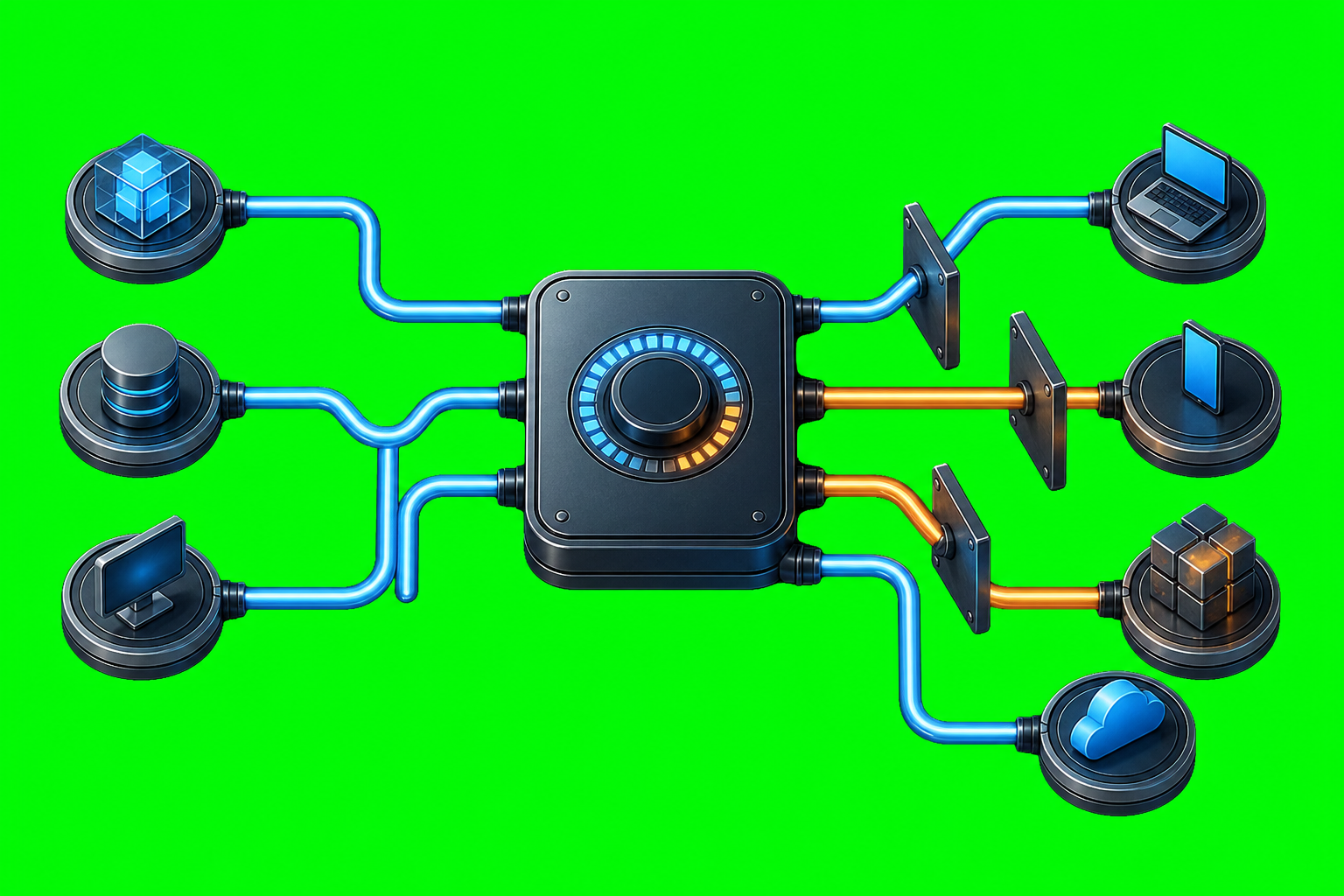
Subject: a compact metallic routing hub on a clean desk, connected by glowing cables to several blank glass chat-window tablets arranged like workstations around it; the screens contain no readable text, only subtle abstract message blocks and connection lights.
Style: halfway between a clean symbolic icon and a realistic product/technical illustration; professional SaaS/technical marketing style; crisp edges; high detail; no text; no logos.
Background: solid #00ff00 chroma key green screen background covering the full canvas edge to edge.
Restrictions: no owl, no axolotl, no birds, no animals, no mascot, no text, no watermark.