AxiOwl vs Multi-Agent Chat Rooms
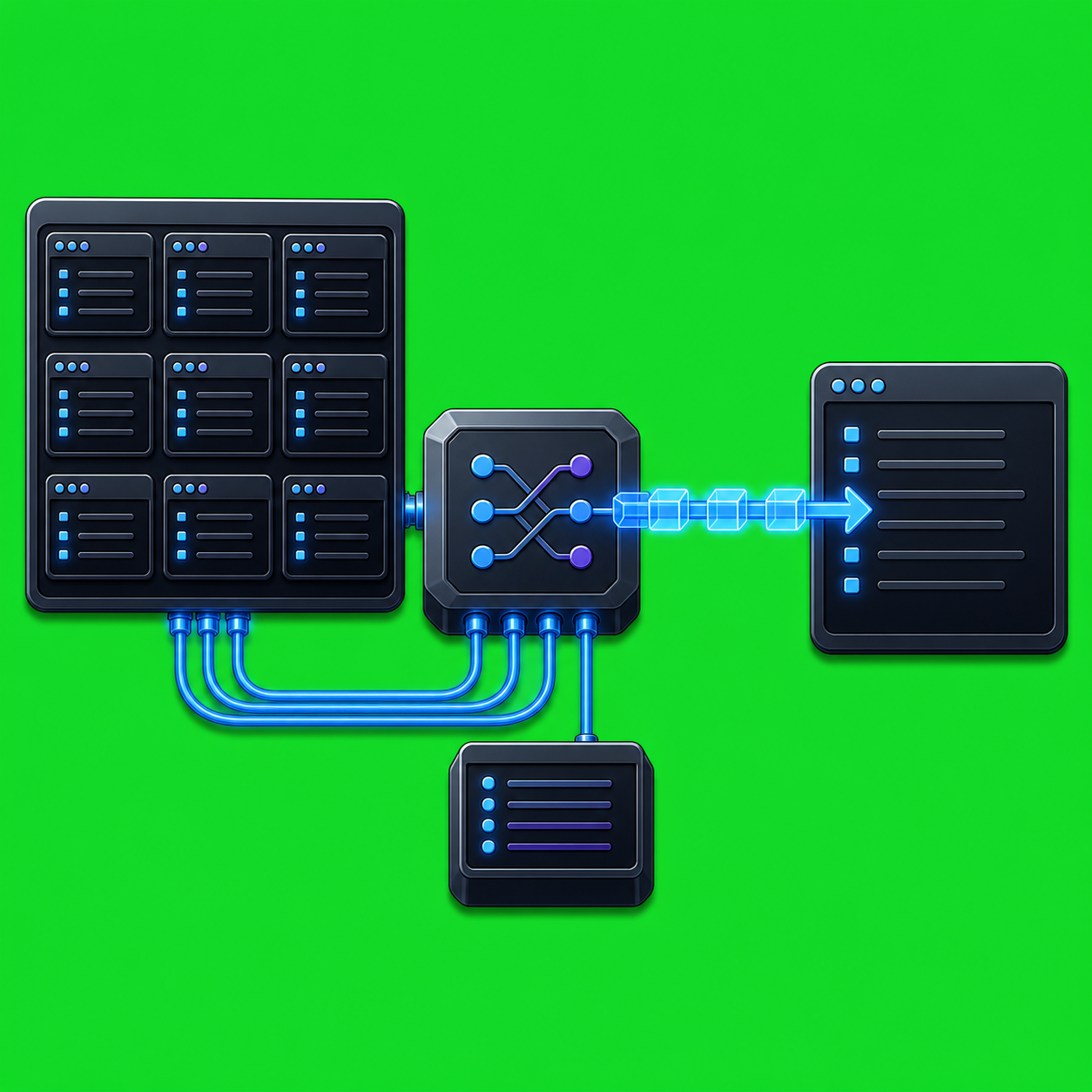
Multi-agent chat rooms and AxiOwl both help more than one AI session participate in a workflow, but they solve different problems. A chat room usually starts from a shared space: multiple participants see the same thread and add messages to the same context. AxiOwl starts from routing: one named sender sends one message to one named target, and the system records how that handoff moved through the local provider stack.
That distinction matters when agents live in different tools. A developer may have one session in Codex, another in Cursor, another in VS Code, and another provider session that should only receive a narrow task. Putting everything in one shared thread can be convenient, but it also blurs identity, delivery state, and responsibility. AxiOwl is built to keep those boundaries visible.
The Core Difference
The product contract in docs/plans/01-product-contract.md is intentionally small: a named sender sends a text body to a named target; AxiOwl resolves both names, builds the visible message, selects one provider edge, records what happened, and returns an honest receipt.
That is not a room model. There is no assumption that every registered agent sees every message. There is no broadcast step in the send path. The current Windows CLI usage in apps/windows-desktop/src/cli.cpp exposes commands such as:
axiowl send --to <agent> --body <message> [--from <agent>]
axiowl send --to <agent> --stdin [--from <agent>]
axiowl list agents
axiowl discover <provider|all>
axiowl mcp-server
The target is explicit. The sender identity is resolved rather than guessed. The body is prepared once, then passed to the provider edge selected by the registry.
AxiOwl Uses A Registry Instead Of A Shared Room
The registry is the center of AxiOwl routing. In apps/windows-desktop/src/registry.cpp, registry rows are serialized with fields for display_name, aliases, provider, provider_session_id, node_id, enabled, sendable, source, first_seen_at, last_seen_at, last_verified_at, and last_error.
That shape is closer to an address book than a chat room. A row answers questions like:
- What visible name can the operator use?
- Which provider owns the session?
- What provider session ID should receive the message?
- Is the target currently sendable?
- When was it last seen or verified?
- What was the last known error?
The architecture overview in docs/reference/architecture-overview.md describes the same model as a durable local registry of provider sessions, aliases, provider session IDs, node IDs, sendability, and discovery sources. This gives AxiOwl a concrete routing surface. A message to "review agent" can resolve to a specific Codex thread, Cursor composer, VS Code native session, or another supported provider surface, depending on the registry row.
One Message, One Provider Edge
The message pipeline in apps/windows-desktop/src/message_pipeline.cpp makes the routing behavior explicit. A send request is validated, the sender is resolved, the target is looked up, targeted discovery repair may run once if the target is missing or stale, and then AxiOwl selects the provider route from the target registry row.
Provider dispatch is centralized in apps/windows-desktop/src/provider_edges.cpp. The current dispatch table includes provider values such as codex, codex_cli, vscode_native, vscode_copilot_backed, antigravity, antigravity_cli, cursor, cursor_cli, claude_code_cli, copilot_cli, and opencode_cli. If the registry provider does not match a known edge, AxiOwl returns an unknown-provider failure. The remote provider path is explicitly marked out of scope for the current local-provider remediation build.
This is a major difference from a shared room. AxiOwl does not rely on a room timeline to decide who might see the message. It resolves a target, selects exactly one provider edge, and hands that provider edge the final visible body.
Replies Are New Routed Messages
In a room, a reply is usually just the next message in the same shared transcript. In AxiOwl, a reply is another routed send.
apps/windows-desktop/src/final_visible_body_builder.cpp shows how AxiOwl builds the message that the target provider sees. When the sender is resolved, AxiOwl prepends "Message from mcp__axiowl.axiowl_send_message back to the sender. The reply can include the original runId and receiptForMessageId, which gives operators a way to connect the response to the original handoff.
The MCP server reinforces that model. In apps/windows-desktop/src/mcp_server.cpp, the advertised axiowl_send_message tool requires to and body, and its description says the host MCP session ID is used as the stable sender identity key. The server instructions also tell provider sessions to use axiowl_send_message for sending and not to invent their own session IDs.
That is more structured than simply telling agents to talk in a shared room. AxiOwl wants the receiving provider to answer through the same transport, with provider-owned identity metadata, so the reply can be routed back to the real sender instead of a guessed display name.
Receipts Stay Honest
The AxiOwl source is careful about receipt boundaries. apps/windows-desktop/src/cli.cpp prints "AxiOwl handoff receipt" language and, for the common accepted state, says provider delivery, provider wake-up, and provider reply are not implied. docs/user/README.md says the same thing plainly: accepted_by_axiowl means the request was accepted and handed to the delivery layer, not that the target provider displayed or processed the message.
The delivery worker implementation in apps/windows-desktop/src/delivery_worker.cpp continues that separation. It writes a request file, starts a background delivery worker, and records stages such as request validation, provider write started, provider write succeeded, provider handoff started unverified, or provider write failed.
For operations, this is one of AxiOwl's main advantages over an informal multi-agent room. The system can distinguish:
- AxiOwl accepted the request.
- A provider edge accepted or rejected the handoff.
- The target provider replied through AxiOwl MCP.
- The sender identity on the reply was correct.
Those are different facts. AxiOwl treats them as different facts.
When A Chat Room Is Enough
A room-style workflow can be enough when the goal is shared brainstorming, casual coordination, or a single common transcript. If every participant can safely see every message, and delivery proof is less important than conversation flow, the shared room model is simple.
AxiOwl is for a different operating mode. It is better suited when the operator wants to address a specific provider session, preserve sender identity, keep provider-specific integrations isolated, and inspect what happened after the send. The local Windows app described in README.md and docs/user/README.md is a coordinator for supported AI provider sessions, not a replacement for the providers themselves.
Practical Value For Developers
The point is not that every workflow needs rigid routing. The point is that real multi-provider development often does.
With AxiOwl, an operator can list sendable agents, discover provider sessions, register or remove specific targets, create provider chats, rename registered agents, and run status checks. The same source tree exposes CLI and MCP surfaces, provider-specific delivery modules, provider bridge extensions, evidence logs, delivery logs, and installer behavior for selected integrations.
That gives developers a few practical benefits:
- The target is explicit instead of implied by room membership.
- Provider differences stay inside provider edges.
- Sender identity can be resolved from registry rows or provider MCP metadata.
- A reply is routed back through AxiOwl rather than treated as room chatter.
- Delivery states can be inspected without pretending that a handoff is an end-to-end response.
Bottom Line
Multi-agent chat rooms organize conversation around a shared space. AxiOwl organizes provider-to-provider work around named routing, registry-backed identity, provider-specific delivery, and honest receipts.
That makes AxiOwl a better fit for workflows where the question is not "who is in the room?" but "which exact agent session should receive this message, how was it delivered, and how will the reply find its way back?"
Source basis: README.md, docs/user/README.md, docs/reference/architecture-overview.md, docs/plans/01-product-contract.md, docs/plans/02-message-pipeline.md, docs/plans/03-discovery-and-registry.md, docs/reference/provider-support-matrix.md, apps/windows-desktop/src/cli.cpp, apps/windows-desktop/src/message_pipeline.cpp, apps/windows-desktop/src/registry.cpp, apps/windows-desktop/src/provider_edges.cpp, apps/windows-desktop/src/mcp_server.cpp, apps/windows-desktop/src/final_visible_body_builder.cpp, and apps/windows-desktop/src/delivery_worker.cpp in C:\Users\kjhgf\OneDrive\Documents\postfourth\axiowl-cplus.