AxiOwl vs Remote Desktop for AI Operations
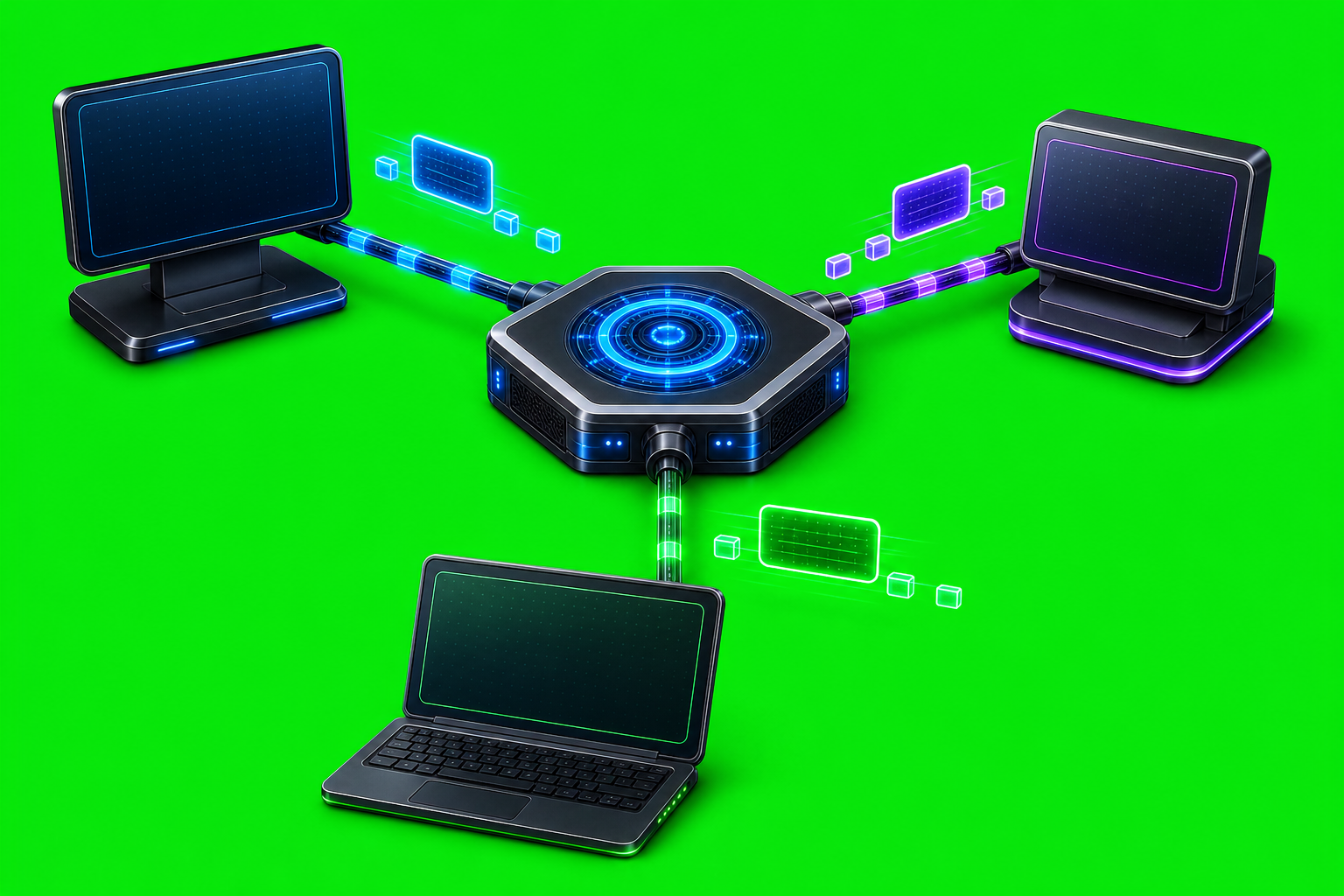
Remote desktop is useful when a person needs to see and control a machine. AxiOwl solves a different problem: it coordinates messages between AI provider sessions by name, provider identity, registry state, MCP metadata, and delivery evidence. For AI operations, that distinction matters.
If the task is "open a remote screen and click through it," remote desktop is the natural tool. If the task is "send this instruction to the right Codex, Cursor, VS Code, Copilot, or Antigravity session and preserve reply identity," AxiOwl is built for that routing layer instead of the visual desktop layer.
What Remote Desktop Gives You
Remote desktop gives an operator a live graphical view of another environment. That is valuable for setup, debugging, one-off inspection, and applications that only expose their state through a visible UI.
The tradeoff is that remote desktop is human-centric. It shows pixels. It does not, by itself, know which AI provider session is the target. It does not maintain a registry of provider-owned session IDs. It does not prove that a provider accepted a message, and it does not give another provider a structured MCP path for replying with sender identity.
In practice, remote desktop can answer questions like:
- Is the app open?
- Did the window render?
- Can an operator click the next button?
- Does the remote machine look healthy?
Those are useful questions, but they are not the same as AI-agent message coordination.
What AxiOwl Gives You
The current AxiOwl architecture describes the product as a local Windows coordinator for sending messages between AI provider sessions. It exposes a CLI and MCP server, keeps a durable local registry, discovers active sessions, dispatches through provider-specific delivery edges, and writes receipts and evidence.
The normal command shape is direct and message-oriented:
axiowl send --to "Target chat name" --body "Message text"
For longer or structured content, the CLI supports stdin:
axiowl send --to "Target chat name" --stdin
Inside provider sessions, AxiOwl exposes MCP tooling. The source instructions in mcp_server.cpp are explicit that sending should use axiowl_send_message, creating chats should use axiowl_create_agent, and provider chats should not invent sender identity or manually construct raw relay commands.
That is the core difference: AxiOwl is not trying to watch a desktop. It is trying to preserve a routeable conversation graph between provider sessions.
The Registry Is The Operational Center
A remote desktop session is usually addressed by machine, account, or screen. AxiOwl addresses provider sessions.
The AxiOwl registry stores rows for reachable sessions and agents. The architecture docs call out fields such as display_name, aliases, provider, provider_session_id, node_id, sendable, source, last_seen_at, last_verified_at, and last_error.
That registry lets an operator think in terms of:
- the target chat name;
- the provider edge, such as
codex,cursor,vscode_native, orclaude_code_cli; - the provider-owned session ID;
- whether the target is currently believed to be sendable;
- the evidence source that created or updated the row.
This is the kind of state remote desktop does not naturally have. Remote desktop can show a window titled like a chat. AxiOwl can route to a registered provider session and record how that route was resolved.
Receipts Are Not The Same As Seeing A Message On Screen
AxiOwl makes an important distinction between accepting a request and proving provider delivery.
The docs define accepted_by_axiowl as the point where AxiOwl accepted and validated the request and handed it to the delivery layer. That is useful, but it is not full proof that the target provider displayed, processed, or replied to the message.
The stronger signal is provider-level proof. The architecture docs distinguish provider result accepted_by_provider from the strongest end-to-end proof: a response over MCP from the target provider with provider-owned sender identity.
That matters in operations because it gives teams clearer failure boundaries:
- AxiOwl can reject a message before delivery if the request or target is invalid.
- AxiOwl can accept a message but still be waiting on provider delivery proof.
- A provider edge can report whether the provider accepted the message.
- A real MCP reply can prove the full loop: target received the message, acted, and replied through AxiOwl with correct identity.
Remote desktop can help a person visually inspect what happened. AxiOwl is designed to make message state machine-readable.
Provider Edges Replace Screen Guesswork
The live provider_edges.cpp implementation dispatches based on the target provider. Current edges include Codex, Codex CLI, VS Code native, VS Code Copilot-backed, Antigravity, Cursor, Claude Code CLI, Copilot CLI, and OpenCode CLI paths, with each provider routed to provider-specific code.
That provider-specific design is important. AI tools do not all expose the same surfaces. The current provider support matrix marks some surfaces as supported, some as targets, and some as unsupported. Supported surfaces must pass a high bar: discovery, install/config, send, provider receive, provider MCP reply, and correct sender identity.
That is a more precise operational model than "drive the UI until something appears." AxiOwl can treat each provider surface as a separate integration with its own installer action, patch/config needs, risks, and test status.
Remote Is Not A Silent Fallback
The title of this post invites a remote comparison, so the current source-of-truth status needs to be clear: AxiOwl remote provider routing is not currently supported for local-provider remediation builds.
The provider support matrix lists remote as unsupported. The remote provider doc says remote delivery is intentionally out of scope for current local provider builds and should not be used as a fallback to hide local provider failures. The installer behavior matrix says remote features can remain present but should be unchecked by default. The security docs repeat the same boundary: local provider support should remain local unless a remote feature is explicitly selected, and remote must not hide local delivery failures.
The implementation matches that documentation. In provider_edges.cpp, provider value remote returns a remote_out_of_scope result for delivery. The CLI status path reports remote rows as excluded_out_of_scope. There is also a relay-session --stdio path in source, but the current docs still require an explicit remote node contract before remote routing is treated as supported.
This is a healthy boundary for operations. If a local provider path is broken, AxiOwl should say so. It should not quietly jump to a remote path and make the local integration look healthier than it is.
Security And Trust Boundaries
Remote desktop usually grants broad interactive access to a machine. The operator sees the screen and can often interact with anything available in that session.
AxiOwl's trust model is narrower and more inspectable. The security docs list what AxiOwl may read and write: provider session metadata, selected provider config files, registry/log/runtime files, selected install paths, MCP config, bridge extension files, and AxiOwl-owned runtime state under %LOCALAPPDATA%\AxiOwl.
The same docs also list what AxiOwl should not touch, including unrelated provider extensions, user auth tokens, unrelated provider settings, unrelated workspace files, provider chats except by sending user-requested messages, unchecked provider surfaces, and remote configuration unless explicitly selected.
That boundary is not cosmetic. Provider integrations can involve MCP config, bridge extensions, and selected patches. The installer rules say provider features should behave like separate install units, should default from discovery, should fail loudly when selected work cannot be done safely, and should not disturb unchecked providers.
For AI operations, that is a practical advantage: a failed integration should be visible in logs and status, not hidden behind a broad screen-control session.
When To Use Each
Use remote desktop when the job is visual or manual:
- inspecting a remote UI;
- confirming an installer screen;
- fixing a login prompt;
- handling a provider app that requires human interaction;
- debugging display-only behavior.
Use AxiOwl when the job is message routing:
- sending a task to a named provider session;
- letting provider sessions reply through MCP;
- preserving provider-owned sender identity;
- validating discovery and registry state;
- collecting receipts, logs, and delivery evidence;
- testing provider support against the actual support bar.
The two tools can coexist. Remote desktop may help an operator set up or inspect an environment. AxiOwl handles the structured message path once provider sessions are discoverable and integrated.
The Practical Difference
Remote desktop gives a person control of a screen. AxiOwl gives AI operations a message coordinator.
That coordinator model is why AxiOwl cares about provider metadata, MCP sender identity, registry rows, targeted discovery repair, provider-specific edges, and receipt boundaries. It is also why current remote routing is deliberately excluded instead of used as a silent fallback.
For serious AI operations, the question is not only "can I see the machine?" The better question is "can I address the right AI session, send the right message, prove what accepted it, and route the reply back with correct identity?" That is where AxiOwl is different from remote desktop.