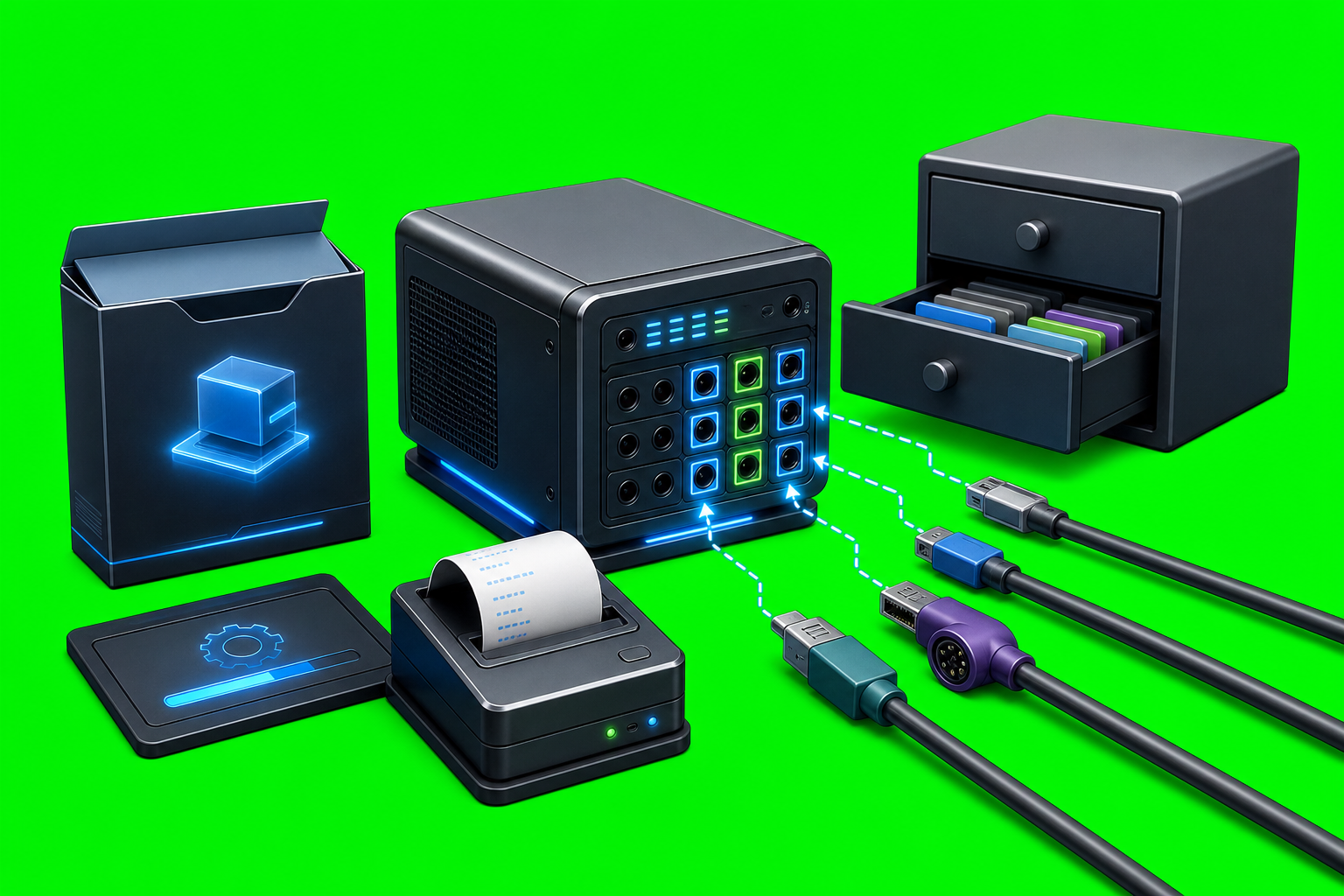
How AxiOwl Makes Agent Workflows Scriptable
AxiOwl makes agent workflows scriptable by turning agent-to-agent coordination into explicit commands, registry records, MCP tools, and evidence logs. Instead of treating every provider chat as a manual UI target, AxiOwl gives operators a command surface for discovering sessions, creating chats, sending messages, and checking what was accepted by AxiOwl versus what was actually proven by a provider reply.
That distinction matters. Scriptability is not only about having a command named send. It is about having repeatable inputs, stable target names, machine-readable outputs where possible, and logs that explain what happened when a workflow moves across providers.
The Command Line Is The Main Automation Handle
The Windows desktop command surface includes the core workflow verbs an operator expects to automate:
axiowl send --to <agent> --body <message>
axiowl send --to <agent> --stdin
axiowl create --provider <provider> --name <agent> --body <message>
axiowl create --provider <provider> --name <agent> --stdin
axiowl rename --agent <existing-agent> --name <new-agent-name>
axiowl discover <provider|all> --json
axiowl list agents
axiowl doctor inventory
axiowl provider smoke-test --all-local --report
axiowl node list
axiowl node add --id <node-id> --host <host> --ssh-user <ssh-user>
axiowl node verify --id <node-id>
Those commands are not just wrappers around one provider. The implementation normalizes provider names such as codex-cli, vscode-copilot, antigravity-cli, cursor-cli, claude-code-cli, and opencode-cli into canonical provider identifiers before routing. That gives scripts a consistent AxiOwl-facing vocabulary even when the provider surfaces underneath have different session formats and capabilities.
The --stdin option is especially important for real automation. A shell script, CI job, or another agent can pipe a long multi-paragraph instruction into AxiOwl without losing formatting to command-line quoting:
Get-Content .\handoff.md | axiowl send --to "Review Agent" --stdin --from "Planner"
The same stdin pattern exists for creating a new agent session with an initial message. That makes AxiOwl practical for handoffs, runbooks, regression prompts, and generated task packets that are too structured to fit comfortably inside a single quoted argument.
Registry Records Turn Chats Into Script Targets
A script needs stable targets. AxiOwl uses a local registry for that. On Windows, the registry lives under the AxiOwl state root as registry\agents.tsv; node records live beside it as registry\nodes.tsv. On Linux CLI surfaces, provider rows are stored under the user state directory in registry/cli_providers.json.
The registry is more than a list of names. Rows include provider identity, provider session IDs, sender addresses, aliases, node IDs, sendability, discovery source, and timestamps. When a script sends a message to a name, the message pipeline tries to resolve that name to a canonical registry row. If the target is missing or looks stale, the pipeline performs a targeted discovery pass before rejecting the send.
That design is useful for operators because a workflow can say, in plain terms, "send this to Build Reviewer" or "create a new Codex chat named Release Triage", while AxiOwl handles the provider-specific session identifiers behind the scenes.
MCP Makes Provider Replies Script-Aware
AxiOwl also exposes an MCP server. The Windows installer installs the native MCP server as:
%LOCALAPPDATA%\AxiOwl\bin\axiowl.exe mcp-server
It also installs MCP configuration entries for VS Code and Antigravity, and when a working Codex CLI is available it registers the bundled Codex MCP plugin and installs axiowl-codex. In the user documentation, provider replies through MCP are preferred because they carry provider and session identity metadata.
That is the other half of scriptability. A command-line send can show that AxiOwl accepted a request, but a provider reply through MCP proves more: the provider received the message, had AxiOwl MCP available, replied through AxiOwl, and was identified as the session that replied.
The MCP server implementation also resolves host and provider identity across surfaces such as Codex, VS Code, VS Code Copilot, Copilot CLI, OpenCode CLI, Cursor CLI, Antigravity CLI, Antigravity, Cursor, and Claude Code CLI. That identity work prevents a scriptable workflow from becoming a pile of anonymous messages.
Receipts Are Honest About The Boundary
AxiOwl's send path deliberately separates "accepted by AxiOwl" from "accepted by provider." The user docs state that accepted_by_axiowl means AxiOwl accepted the message and handed it to the delivery layer; it does not prove the target provider displayed or processed the message.
The Windows run_send implementation prints that boundary directly. If AxiOwl accepted the request but only has an AxiOwl handoff receipt, the output says provider delivery, provider wake-up, and provider reply are not implied. If a delivery path explicitly reports provider acceptance, the command can say so. If provider delivery fails after AxiOwl accepts the request, it fails loudly and points to the delivery log.
For automation, that honesty is valuable. A script can treat a local handoff receipt as one kind of state and an MCP reply as a stronger kind of proof. It does not have to pretend that every successful local command equals an end-to-end provider response.
Evidence Logs Make Workflows Auditable
AxiOwl writes operational evidence into JSONL logs. On Windows, the implementation defines:
logs\events.jsonl
logs\delivery.jsonl
logs\create-lifecycle.jsonl
logs\activation.jsonl
The message pipeline appends delivery stages such as request acceptance, target resolution, route resolution, delivery worker handoff, and failure reasons. It also records fields such as message IDs, run IDs, target names, providers, provider session IDs, node IDs, selected delivery methods, final body policy, body byte counts, activation state, and evidence paths.
That makes scripted workflows easier to debug. If a batch of agent messages misroutes, times out, or lands on a non-sendable target, the operator can inspect the delivery log instead of guessing from a chat UI. The implementation also includes rate-limit state and a directory lock for outbound send pacing, so repeated sends are serialized with logged delays rather than fired blindly.
Linux Provider Tools Extend The Script Surface
The Linux CLI surface is provider-specific. The axiowl-linux tool exposes commands for Codex CLI, OpenCode CLI, and Antigravity CLI:
axiowl-linux codex-cli detect
axiowl-linux codex-cli mcp-install
axiowl-linux codex-cli discover
axiowl-linux codex-cli create --message <text> --name <chat-name>
axiowl-linux codex-cli send --to <name-or-id> --body <text> --sender <name>
axiowl-linux codex-cli mcp-self-test --message <text>
The same detect, MCP install, discover, create, rename, send, and MCP self-test pattern exists for the OpenCode CLI and Antigravity CLI surfaces. Discovery writes structured provider rows to the Linux CLI registry. Delivery results are printed as JSON with fields such as ok, phase, provider_id, target_name, target_session_id, sender_address, stdin_used, exit_code, output excerpts, transcript paths, log paths, acceptance flags, duration, failure reason, and evidence paths.
For Codex CLI specifically, the implementation builds commands around codex exec --json and codex exec resume --json, reads Codex session JSONL files, and correlates thread IDs. That means the Linux side can be driven by shell scripts while still producing structured evidence about what provider command ran and what it returned.
Remote Nodes Fit The Same Model
AxiOwl's Windows README describes a split runtime: the Windows build is the local coordinator and registry owner, while the Linux build can act as a remote Codex endpoint and relay-session receiver. A Windows operator can register a remote node:
axiowl registry add-node --id "front" --host "<host>" --user "<ssh-user>" --key "<ssh-key-path>"
axiowl registry add-agent --name "Remote Test" --provider remote --node "front" --session "<remote agent name>"
axiowl send --to "Remote Test" --body "hello"
The documented Linux-side remote command surface is:
axiowl relay-session --stdio
The same README is clear about the current boundary: the Linux remote app supports Codex CLI delivery only, not VS Code, Antigravity, desktop IPC, GUI behavior, tray behavior, or remote relay chaining. That limitation is part of why the workflow remains scriptable: supported paths are explicit, and unsupported paths fail loudly instead of pretending to work.
Practical Value For Operators
The practical value is that AxiOwl lets an operator build repeatable agent workflows out of normal scripting parts:
- discover or register agent sessions;
- name targets in a registry;
- create new provider sessions with initial instructions;
- pipe long task bodies through stdin;
- send messages with explicit sender identity;
- run provider MCP self-tests;
- inspect JSONL evidence and structured delivery results;
- distinguish local handoff from end-to-end provider proof.
That is a stronger foundation than copying prompts from one window to another. It gives teams a way to build handoff scripts, smoke tests, remote-node checks, multi-agent review loops, and regression workflows while keeping enough evidence to understand what happened.
Scriptable Does Not Mean Invisible
AxiOwl's current implementation is still intentionally visible. It stores registries on disk. It writes logs. It prints receipt boundaries. It records discovery sources and provider evidence. It requires sender identity for normal sends. It treats MCP replies as stronger proof than local acceptance.
That is the core idea behind scriptable AxiOwl workflows: make agent coordination automatable without hiding the route. A script can send the message, but AxiOwl still leaves a trail showing which target was resolved, which provider path was selected, what was accepted, what failed, and what still needs an actual provider reply to count as end-to-end proof.