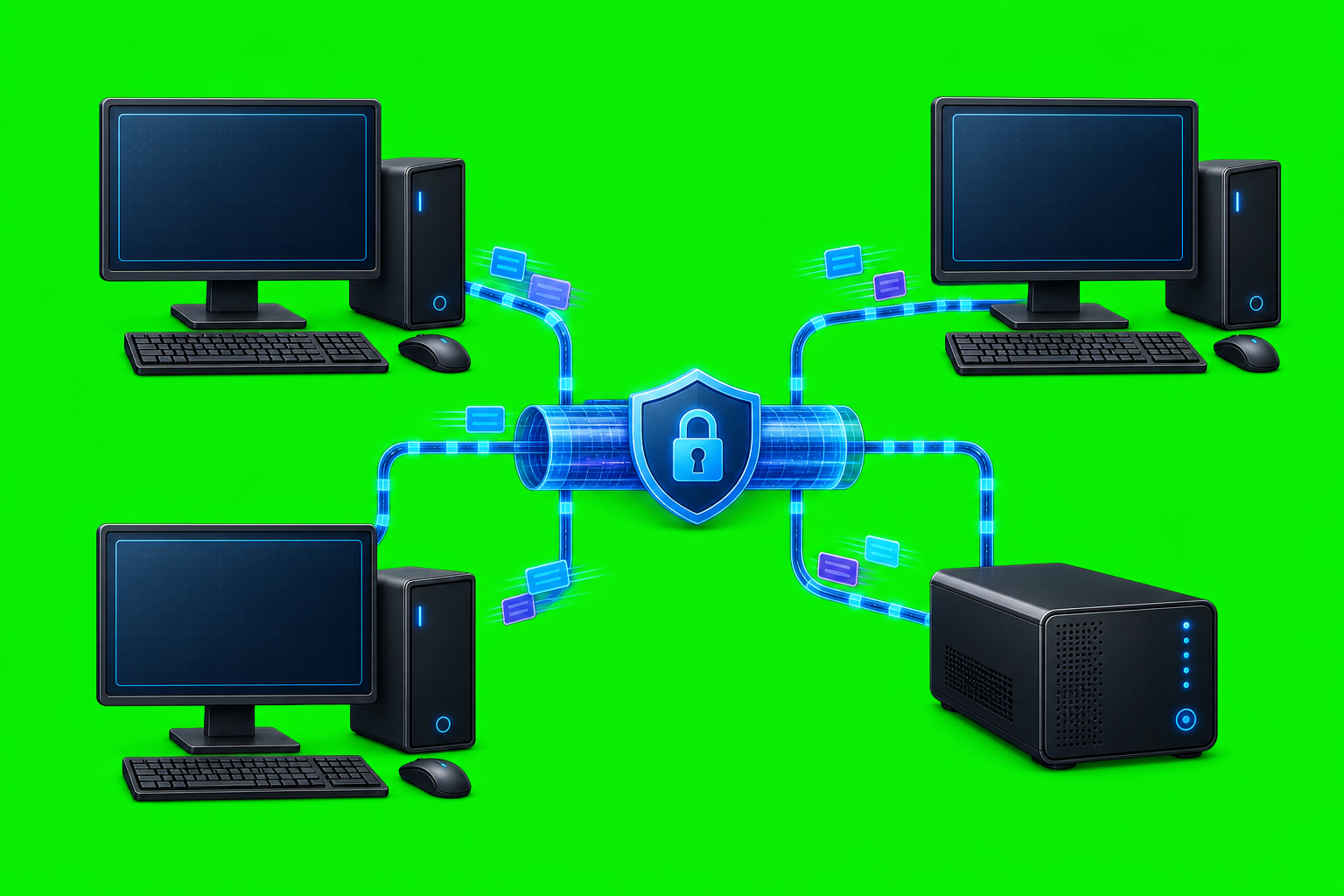
How AxiOwl Turns Chat Sessions Into Addressable Work Surfaces
Most AI chat tools treat a conversation as something a human opens, reads, and types into. That is fine for one person working in one window. It is a poor fit when multiple provider sessions need to hand work to each other, reply with identity, and leave evidence that an operator can inspect later.
AxiOwl approaches the problem differently. In the current C++ implementation, a chat session can become a registered AxiOwl agent: a named, addressable work surface with a provider, a provider-owned session identifier, a node, aliases, sendability state, timestamps, and delivery evidence. The result is not a vague "AI workspace." It is a registry-backed route that another supported session can target by name.
From Open Chat To Registered Surface
AxiOwl's user documentation describes the product as a local Windows coordinator that lets supported AI provider sessions send messages to each other. The coordinator discovers sessions and chats on the machine, records them in a local registry, sends messages to selected provider sessions, exposes an MCP tool for replies, and records receipts, logs, and delivery evidence.
The registry is the key part. In the implementation, an AgentRecord carries:
display_namealiasesproviderprovider_session_idnode_idenabledsendablesourcefirst_seen_atlast_seen_atlast_verified_atlast_error
Those fields are stored in a TSV registry at the AxiOwl state root. On Windows that state root resolves under %LOCALAPPDATA%\AxiOwl; on Linux it resolves under $XDG_STATE_HOME/axiowl or ~/.axiowl. The agent registry path is registry\agents.tsv under that state root, and the node registry is registry\nodes.tsv.
That means AxiOwl is not only remembering that a chat existed. It is assigning enough operational identity to route to it later. A human-friendly name can point to a provider-specific session ID. Aliases can point to the same surface. A node ID can distinguish local and registered remote contexts. The sendable flag gives AxiOwl a way to separate evidence-only discoveries from targets that passed the current enrollment bar.
Addressability Means More Than A Title
A chat title alone is weak identity. Titles can be duplicated, stale, missing, or changed by the provider. AxiOwl's registry logic therefore treats the provider session ID as first-class routing data.
When AxiOwl looks up an agent, it checks enabled registry rows and matches against both display names and aliases. It also recognizes direct session-style identifiers. The lookup code prefers sendable session matches, then enabled session matches, then sendable name matches, then enabled name matches. That order matters because it keeps a stable provider session from being accidentally shadowed by a looser human name.
The create flow follows the same idea. The CLI command:
axiowl create --provider codex --name "New Codex Chat" --body "Start a new chat and answer briefly."
builds a CreateRequest, dispatches it through the provider create edge, and then enrolls the resulting surface when the provider returns a stable session ID. If the provider title is known, AxiOwl can use that as the registry display name. If the provider accepts creation but does not return a stable provider session ID, AxiOwl records the create as pending instead of pretending it has a sendable target.
That is the distinction that makes a session addressable: AxiOwl needs a durable route, not just a successful launch.
Sending Uses The Registry Route
The everyday command form is:
axiowl send --to "Target chat name" --body "Message text"
Under the hood, the send path builds a MessageRequest, resolves the sender identity, looks up the target in the registry, and records delivery stages in JSONL logs. If the target is missing or appears to need repair, AxiOwl runs targeted discovery once and tries to enroll a sendable row before failing.
The code is careful about receipt boundaries. When a request enters the message pipeline, AxiOwl records that the MCP or CLI request was accepted into AxiOwl. When a target resolves, it records the canonical registry row: target name, provider, provider session ID, and node. When a provider handoff starts, it records the provider, method, evidence, body policy, and errors if any.
The CLI output also makes the boundary explicit. accepted_by_axiowl means the request reached AxiOwl and target routing succeeded. It does not automatically prove that the provider displayed the message, woke up, or replied. The user docs say the stronger proof is an end-to-end provider reply through AxiOwl MCP with correct sender identity.
That distinction is important for operations. AxiOwl does not hide uncertainty behind a silent success message. It separates "AxiOwl accepted the handoff" from "the provider replied with correct identity."
MCP Makes Replies Addressable Too
Provider sessions can send through the axiowl_send_message MCP tool. The MCP server instructions are explicit: for sending, use axiowl_send_message; for creating chats, use axiowl_create_agent; the host MCP session ID is treated as the stable sender identity key.
When a provider calls axiowl_send_message, AxiOwl resolves the host identity, registers the sender when the metadata is usable, and then calls the same CLI send pipeline with --from and --from-node derived from the provider-owned session metadata. That prevents each chat from inventing its own identity convention.
AxiOwl also appends reply instructions to delivered messages when the sender is resolved. The final visible body can include a "Message from …" header and an exact MCP call shape for replying to the sender. That turns the source session into an addressable return path, not just a name in plain text.
In practice, this is what makes provider-to-provider work manageable. A target session receives a message with enough context to reply through AxiOwl. The reply comes back through the registry and evidence path instead of depending on the target to remember where the message came from.
Discovery Turns Local State Into Routes
AxiOwl discovery is provider-specific. The current support matrix distinguishes supported surfaces from target and unsupported surfaces. Supported surfaces include Codex agents, Codex CLI, VS Code native chat, VS Code Copilot-backed sessions, Cursor agents, and Antigravity agents. Other CLI surfaces exist as target work or unsupported status depending on the provider.
The implementation reflects that status instead of treating every discovered row as equal. Discovery rows must include required identity fields: display name, provider, provider session ID, and node. A row must also prove enrollment before AxiOwl promotes it into a sendable target. Evidence-only rows can be recorded or used for diagnostics without being treated as valid delivery routes.
This prevents a common automation failure mode: finding a hint of a session and then assuming it is safe to send work there. AxiOwl's registry has a sendable bit and a last_error field specifically so it can represent partial knowledge without overclaiming support.
Nodes Extend The Address Space
AxiOwl's Windows build is the local coordinator and registry owner. The Linux build is described in the app README as a remote Codex endpoint with a relay-session receiver and Codex CLI delivery only. Remote node setup is represented by node registry commands such as:
axiowl node add --id "front" --host "<host>" --ssh-user "<ssh-user>" --key "<ssh-key-path>"
axiowl node verify --id "front"
The node registry stores the node ID, display name, aliases, host, SSH user, key path, enabled state, timestamps, and last error. That lets an address contain both a chat/session identity and the machine context where that session lives.
The current provider support matrix also states that remote is unsupported for the local-provider remediation build, and the provider edge returns a loud out-of-scope result for remote delivery in that context. That is still useful architecture: the address model has a node dimension, while the implementation refuses to pretend remote delivery is supported when the current build says it is not.
Operator Value
For an operator, addressable work surfaces change the workflow from "find the right window and paste this" to "send to the registered target and inspect the evidence."
The practical advantages are concrete:
axiowl list agentsshows enabled, sendable registered agents with their provider and node.axiowl registry add-agentcan manually register a known provider session when needed.axiowl discover <provider>can refresh provider-specific session inventory.axiowl statusprints the registry path, node registry path, evidence log, delivery log, create lifecycle log, local service endpoint, runtime role, and registered counts.- MCP replies carry provider/session identity metadata instead of relying on a chat to manually type who it is.
The evidence files matter as much as the commands. The implementation writes general events to logs\events.jsonl, delivery stages to logs\delivery.jsonl, and create lifecycle records to logs\create-lifecycle.jsonl. Those logs give an operator a way to answer practical questions: Was the sender resolved? Which registry row was targeted? Did targeted discovery run? Did the delivery worker handoff start? Which provider edge was selected?
The Surface Is The Contract
The useful abstraction in AxiOwl is not "a bot" or "a generic agent." It is the addressable work surface: a real provider session, known by AxiOwl, backed by a provider-specific session ID, registered under a name, and routed through a pipeline that records what happened.
That design lets AxiOwl work with existing AI tools instead of replacing them. Codex, VS Code, Cursor, Antigravity, and other provider surfaces keep their own session semantics. AxiOwl adds the layer that makes those sessions findable, nameable, targetable, and inspectable.
For teams running multiple AI work streams in parallel, that is the difference between loose chat windows and operational surfaces. A session becomes something another session can address, something an operator can list, something the system can route to, and something logs can explain after the fact.