How to Know If AxiOwl Is Working Correctly
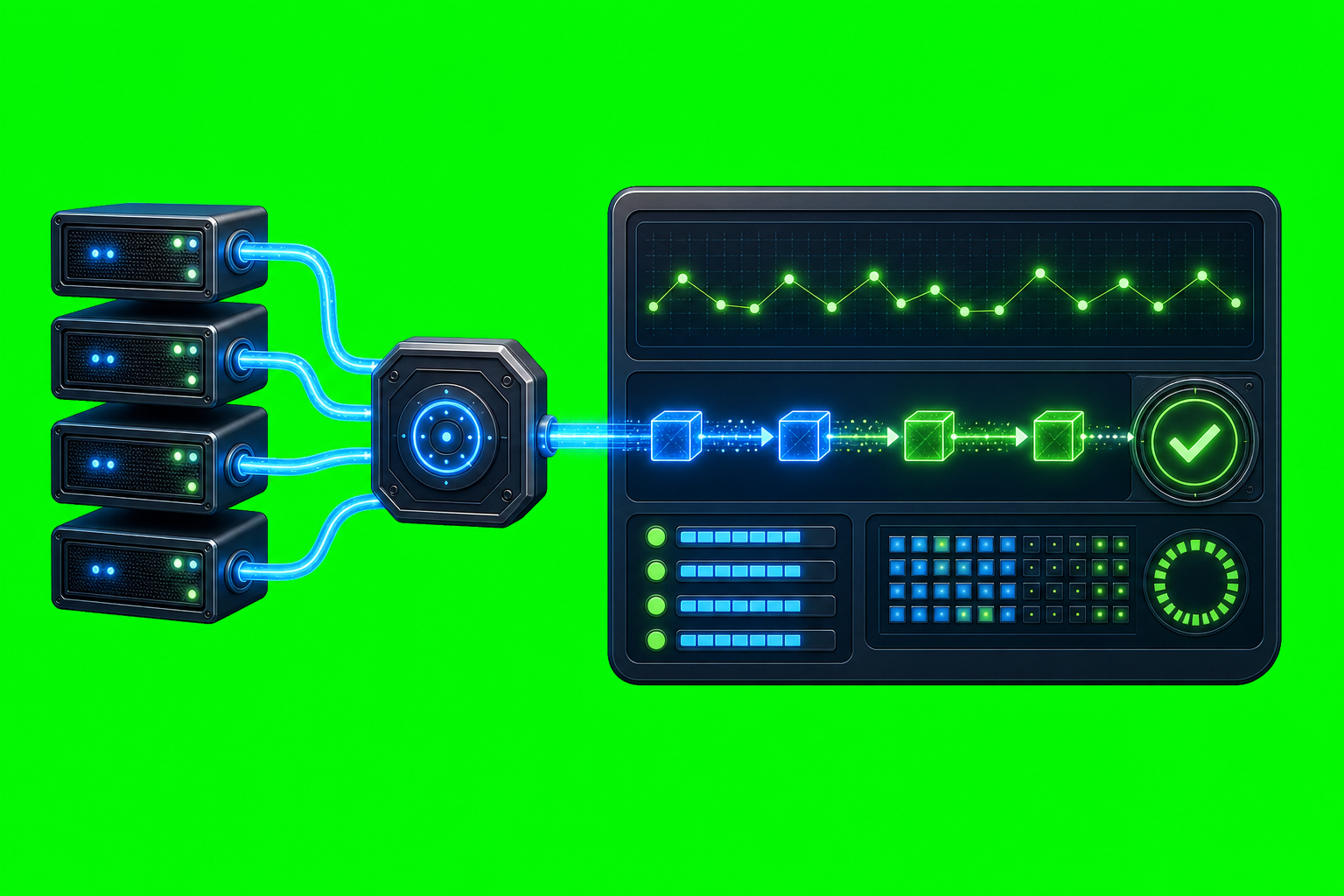
AxiOwl is working correctly when more than one layer agrees: the runtime is installed, the registry has sendable provider sessions, discovery can refresh those sessions, the MCP tools are visible to the host, and a real provider can receive a message and reply through AxiOwl with the right sender identity.
That last part matters. A local command returning success is useful, but it is not the whole proof. AxiOwl's current Windows build is a local coordinator with a direct CLI pipeline; the README explicitly notes that the always-running local service is not implemented yet. So the practical question is not "is a daemon green?" It is "can the installed coordinator discover, route, log, deliver, and receive a provider-backed reply?"
Start With The Local Status
The first check is the AxiOwl status command:
axiowl status
The current CLI prints the AxiOwl version, state root, registry path, node registry path, evidence log, delivery log, create lifecycle log, artifact manifest details, installed executable hash information, activation status, activation endpoint, local service endpoint, runtime role, registered agent count, registered node count, and the current local service note.
On Windows, the important paths are under:
%LOCALAPPDATA%\AxiOwl
For a healthy install, the status output should point to real runtime locations such as:
%LOCALAPPDATA%\AxiOwl\bin\axiowl.exe
%LOCALAPPDATA%\AxiOwl\registry\agents.tsv
%LOCALAPPDATA%\AxiOwl\registry\nodes.tsv
%LOCALAPPDATA%\AxiOwl\logs\events.jsonl
%LOCALAPPDATA%\AxiOwl\logs\delivery.jsonl
%LOCALAPPDATA%\AxiOwl\logs\create-lifecycle.jsonl
If Installed axiowl.exe is missing, the runtime is not installed where AxiOwl expects it. If the manifest is missing or the installed executable does not match the manifest, that is an install/provenance issue to investigate before blaming a provider.
Activation status is also shown here. The implementation can still build final visible message bodies when unactivated, but it appends an unactivated license warning. For clean production behavior, activation should be checked with:
axiowl license status
Check The Agent Registry
AxiOwl routes by registry rows. The command is:
axiowl list agents
The current implementation lists enabled and sendable agents only. Each row is printed with its display name, provider, and node, for example in this shape:
Some Agent Name | provider=codex | node=local
If the command says no agents are registered, AxiOwl may be installed but it has no current targets to send to. That points you toward discovery or provider integration setup.
The registry is a TSV file at:
%LOCALAPPDATA%\AxiOwl\registry\agents.tsv
The registry records fields such as display name, aliases, provider, provider session id, node id, enabled, sendable, source, timestamps, and last error. In normal use, you should not need to hand-edit it; use discovery, create, registry commands, or the MCP tools so rows stay consistent.
Run Discovery For The Provider You Care About
AxiOwl has provider-specific discovery commands:
axiowl discover codex --json
axiowl discover codex-cli --json
axiowl discover vscode-native --json
axiowl discover vscode-copilot --json
axiowl discover antigravity --json
axiowl discover cursor --json
axiowl discover all --json
Discovery merges found provider sessions into the local registry and writes evidence. The current source supports discovery scopes for Codex, Codex CLI, VS Code native, VS Code Copilot-backed sessions, Copilot CLI, Antigravity, Antigravity CLI, Cursor, Cursor CLI, Claude Code CLI, OpenCode CLI, and all.
There is an important boundary: current local-provider remediation builds treat remote discovery as out of scope. The CLI reports that instead of silently using remote as a fallback. That is the correct behavior. Remote paths should not hide local provider failures.
Use The Inventory Doctor
For a quick provider inventory check, run:
axiowl doctor inventory
This command counts registry rows and local sendable rows for the local provider set used by the smoke-test path. It reports each provider as OK or FAIL based on whether at least one local sendable target exists.
This is a registry and inventory check, not a complete end-to-end delivery proof. It tells you whether AxiOwl has viable local rows to route toward. It does not prove the provider UI received a message or that MCP replies are working.
Test The MCP Surface
The Windows install registers a native MCP server mode:
%LOCALAPPDATA%\AxiOwl\bin\axiowl.exe mcp-server
The CLI also includes a self-test:
axiowl mcp-self-test
The self-test initializes the MCP server, lists tools, and calls the version tool. It expects required tools such as axiowl_whoami, axiowl_list_agents, axiowl_send_message, axiowl_create_agent, and axiowl_version to appear.
In real provider hosts, the MCP tool path matters because it carries host session metadata. The Codex skill in the repository is explicit about this: use the bundled AxiOwl MCP tool for Codex sends and identity checks, do not ask a chat to invent its own session id, and treat CLI acceptance as different from recipient reply.
Understand What A Send Receipt Means
A basic send command looks like this:
axiowl send --to "Target chat name" --body "Message text" --from "Sender name"
The current CLI prints an "AxiOwl handoff receipt" when the request is accepted by AxiOwl. If the state is accepted_by_axiowl, the CLI also says the receipt boundary plainly: provider delivery, provider wake-up, and provider reply are not implied.
That is not a weak result. It is a precise one. It means AxiOwl accepted the request, resolved the target, selected a route, built the final visible body, and handed the provider request to the delivery layer. It does not claim something it has not proven.
If delivery fails loudly, the CLI returns a different message with the message id, delivery state, provider, reason, and delivery log path. That is usually better than a silent fallback because it gives you a concrete failure point.
Look For End-To-End Proof
The user docs define the stronger proof: a provider reply through AxiOwl MCP with correct sender identity. That proves more than local acceptance:
- AxiOwl accepted the request.
- The target provider received the message.
- The target provider had AxiOwl MCP available.
- The provider sent a reply back through AxiOwl.
- AxiOwl could identify the provider session that replied.
This is the difference between "AxiOwl accepted a handoff" and "the provider-to-provider workflow works."
The current code also has a local provider smoke-test command:
axiowl provider smoke-test --all-local --wait-seconds 120 --report
The smoke test chooses the newest sendable local target for each local provider, sends a strict message asking for an exact reply token, then watches Codex session logs for that exact token. It writes a Markdown report and JSONL report under %LOCALAPPDATA%\AxiOwl\logs, and it records delivery stages in the delivery log.
This is a stronger check than list agents because it looks for an actual reply contract. It can still fail for ordinary operational reasons: no local sendable target, no Codex sender available for reply correlation, provider auth problems, stale sessions, missing MCP config, or a provider that received the prompt but did not answer before the timeout.
Know Which Providers Are Actually Supported
The provider support matrix is the source of truth for current support status. It does not count a provider as supported just because AxiOwl can write a config file or start a process. The support bar is discovery, install/config, send, provider receive, provider MCP reply, and correct sender identity.
Current supported surfaces in the matrix include Codex agents, Codex CLI, VS Code agents, VS Code Copilot through the VS Code bridge, Cursor agents, and Antigravity agents. Several CLI surfaces are listed as targets rather than supported because they still need current metadata-patch proof or response-backed evidence at the current bar.
That distinction is useful when diagnosing. If a target provider does not pass the full roundtrip test, that may reflect current product status rather than a broken local install.
Read The Right Logs
For runtime behavior, start here:
%LOCALAPPDATA%\AxiOwl\logs\events.jsonl
%LOCALAPPDATA%\AxiOwl\logs\delivery.jsonl
%LOCALAPPDATA%\AxiOwl\logs\create-lifecycle.jsonl
For registry state:
%LOCALAPPDATA%\AxiOwl\registry\agents.tsv
%LOCALAPPDATA%\AxiOwl\registry\nodes.tsv
For install diagnosis:
%LOCALAPPDATA%\AxiOwl\logs
%LOCALAPPDATA%\AxiOwl\registry
%LOCALAPPDATA%\AxiOwl\runtime
If the MSI itself is suspect, collect a verbose Windows Installer log:
msiexec /i path\to\axiowl-activation-windows-installer.msi /l*v install.log
The installer docs make another important point: a successful MSI install proves selected install actions completed. It does not prove every provider message path works. Post-install discovery and send/receive validation are still required.
A Practical Working Checklist
AxiOwl is in good shape when these checks line up:
axiowl --versionreturns the expected CLI version.axiowl statusshows a real state root, registry, logs, installed executable, and reasonable activation state.axiowl list agentsshows enabled, sendable targets for the providers you intend to use.axiowl discover <provider> --jsoncan refresh or confirm the provider sessions you care about.axiowl doctor inventoryreports local sendable rows for expected local providers.axiowl mcp-self-testpasses and lists the expected MCP tools.- Provider-host MCP tools such as
axiowl_whoami,axiowl_list_agents, andaxiowl_send_messageare available inside the host after restart or a new chat/thread. axiowl sendreturns a handoff receipt with a message id and delivery log path.- A provider reply through AxiOwl MCP proves the target received the message and sender identity resolved correctly.
- The delivery log and evidence log agree with the observed behavior.
Common Misreads
An install success is not a message-path proof. It says the installer completed selected actions.
An accepted_by_axiowl receipt is not a provider reply. It says AxiOwl accepted and routed the request into the delivery layer.
An empty agent list is not usually a delivery bug. It means the registry has no enabled sendable targets, so discovery or provider setup comes first.
Remote is not a fallback for local provider problems in the current local-provider remediation build. If remote is reported as excluded or unsupported, treat that as an intentional boundary.
Old provider sessions can be stale. The README notes that after MCP config or plugin installation, the target app may need a restart or a new chat/thread before the AxiOwl MCP tool is available.
The Short Version
The best proof that AxiOwl is working is not a single green check. It is a chain: status is sane, registry rows exist, discovery can update them, MCP tools are visible, sends produce traceable receipts, and at least one target provider replies through AxiOwl with correct identity.
That chain matches the way AxiOwl is built. It is a local coordinator with provider-specific edges, a registry, MCP tooling, delivery logs, and explicit receipt boundaries. When each layer gives you the expected evidence, you can trust that AxiOwl is not just installed. It is actually routing provider-to-provider work.