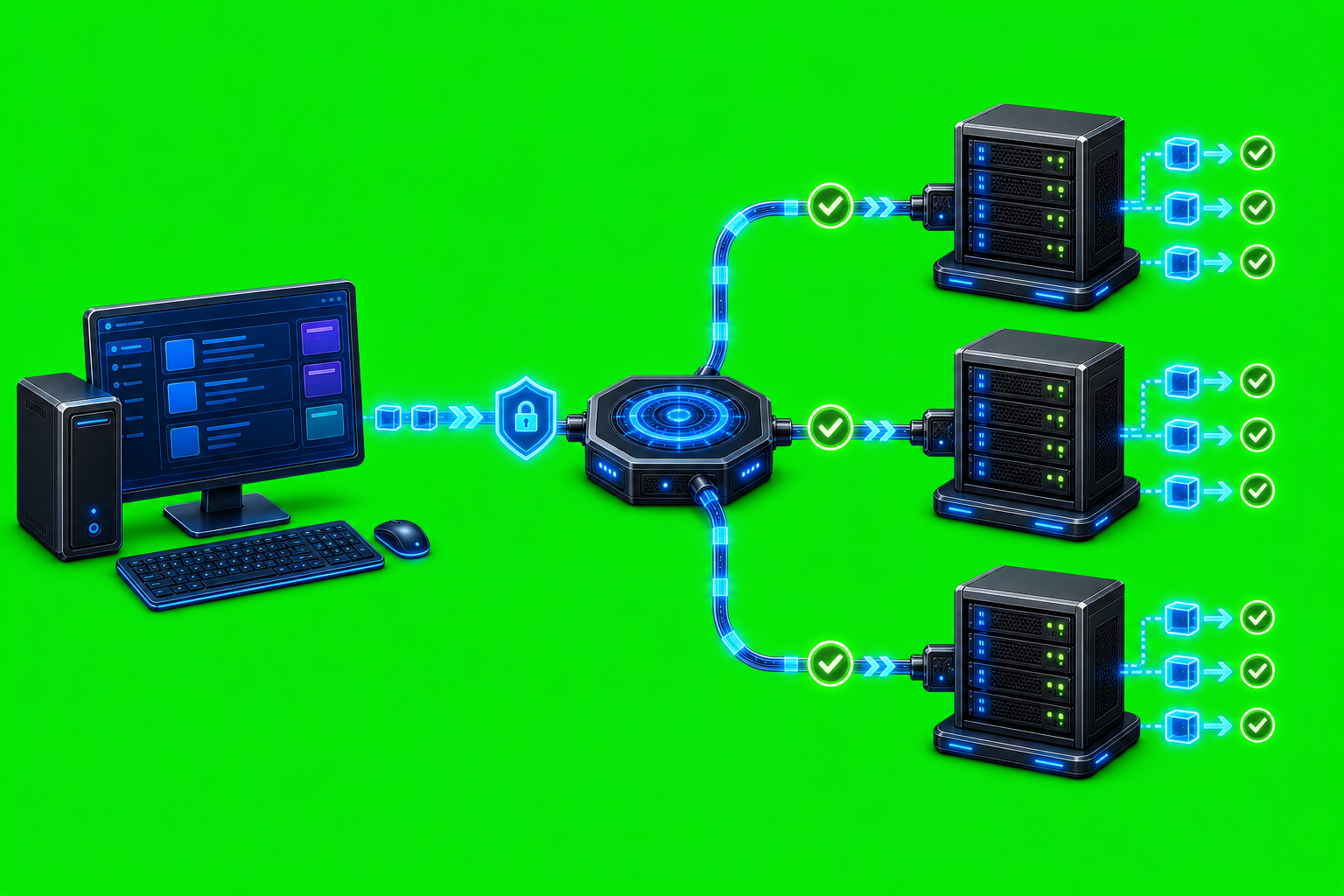
How to Monitor AxiOwl Health
Monitoring AxiOwl health means checking whether the local coordinator can prove what it knows, what it can reach, and what happened to recent messages. The current C++ implementation is built around a CLI, an MCP server, provider-specific delivery edges, a durable registry, provider discovery, and JSONL evidence logs. A healthy AxiOwl install is not just an executable that starts. It is an executable with a current registry, selected provider integrations, usable sender metadata, delivery logs, and provider paths that can pass response-backed tests.
That distinction matters because AxiOwl is a router between AI provider sessions. It may accept a message before the provider has proved receipt. Good monitoring separates those layers instead of treating every command exit code as full delivery proof.
Start with axiowl status
The fastest health snapshot is:
axiowl status
In the Windows coordinator build, this command prints the AxiOwl version, state root, registry path, node registry path, evidence log path, delivery log path, create lifecycle log path, artifact manifest information, installed executable hash, license status, configured activation endpoint, local service endpoint, runtime role, registered agent count, and registered node count.
Those fields are useful because they answer several operational questions at once:
- Is the CLI resolving the same state directory you expect?
- Is the registry file in the expected place?
- Is there a manifest from the installed package?
- Does the installed
axiowl.exematch the manifest hash? - Is the local activation state valid?
- Are there any registered agents or remote nodes?
On Windows, AxiOwl state is under %LOCALAPPDATA%\AxiOwl. On Linux-style state roots, the implementation uses $XDG_STATE_HOME/axiowl when set, otherwise ~/.axiowl. The important subpaths are stable: registry\agents.tsv, registry\nodes.tsv, and the logs directory.
Check the registry, not just the process
AxiOwl's registry is durable local state, not a throwaway cache. It maps names and aliases to provider sessions, including provider, provider session ID, node ID, enabled state, sendable state, source, timestamps, and last error. If that registry is stale or empty, the router may be installed but unable to route.
Use:
axiowl list agents
This prints only rows that are enabled and sendable. A line includes the visible display name, provider, and node:
Some Agent Name | provider=codex | node=local
If no agents are registered, the command reports that and prints the registry path. That is a health signal: AxiOwl might be installed correctly, but discovery or enrollment has not produced usable targets.
For a broader local inventory check, use:
axiowl doctor inventory
The implementation checks local provider surfaces from the current smoke-provider list and reports row counts plus local sendable counts. It marks a provider as failed when there is no local sendable target. Remote rows are explicitly excluded from that local provider inventory check, which prevents remote state from hiding a local provider problem.
Refresh provider discovery
Provider discovery is one of AxiOwl's main health mechanisms. It finds provider sessions and merges them into the registry, but it is deliberately not the same as delivery proof. Discovery can find candidate sessions, refresh last-seen fields, enrich existing rows, and repair a missing target once during send. It should not silently turn stale evidence into a sendable target.
The CLI supports provider-specific discovery:
axiowl discover codex
axiowl discover codex-cli
axiowl discover vscode-native
axiowl discover vscode-copilot
axiowl discover copilot-cli
axiowl discover antigravity
axiowl discover antigravity-cli
axiowl discover cursor
axiowl discover cursor-cli
axiowl discover claude-code-cli
axiowl discover opencode-cli
axiowl discover all
Add --json when you want machine-readable discovery output:
axiowl discover all --json
For targeted checks, pass a target name:
axiowl discover codex --target "Build Helper"
The evidence log records discovery enrollment decisions, including provider, node, provider session ID, display name, source, evidence, matched fields, trust level, action, and reason. That is the right place to look when a provider appears in the app but does not become a sendable AxiOwl target.
Watch the delivery boundary
AxiOwl's architecture has an explicit receipt boundary. A send can be accepted by AxiOwl after target resolution and before full provider proof. The CLI says this plainly: provider delivery, provider wake-up, and provider reply are not implied by an accepted_by_axiowl receipt.
A basic send check looks like this:
axiowl send --to "Target Agent" --body "Health check message" --from "Sender Agent" --strict --run-id <run-id>
For multiline checks, use stdin:
Get-Content .\health-message.txt | axiowl send --to "Target Agent" --stdin --from "Sender Agent" --strict --run-id <run-id>
The important health fields are the message ID, delivery state, provider, and delivery log path. In the implementation, message_pipeline.cpp records staged delivery evidence such as request accepted, target resolved, route resolved, delivery worker handoff started or failed, and provider-specific details. The delivery log is:
<state-root>\logs\delivery.jsonl
The evidence log is:
<state-root>\logs\events.jsonl
Treat those JSONL logs as the operational truth. They show whether a failure came from missing sender identity, target discovery, a non-sendable registry row, delivery worker handoff, provider edge behavior, activation warning policy, or another concrete stage.
Run local provider smoke tests
For a stronger check than inventory, AxiOwl includes a local provider smoke-test command:
axiowl provider smoke-test --all-local --run-id <run-id> --wait-seconds 120 --report
The smoke test chooses the newest local sendable target for each local provider in the smoke-provider list. It sends a provider-specific contract message and waits for an exact reply contract to appear in Codex session logs. The command writes a Markdown report and JSONL results under the AxiOwl logs directory, with filenames based on the run ID.
This is a better health check than simply confirming that providers are installed. The provider support bar in the source docs requires discovery, selected install behavior, sendability, provider receipt, MCP reply, and correct provider-owned sender identity. A provider is not considered supported merely because AxiOwl can write a config file or start a process.
Monitor remote node records separately
Remote support is not a fallback for local provider health. The current provider matrix marks remote as unsupported for local-provider remediation builds, and local discovery explicitly excludes remote from all provider health.
Still, node registry health matters when a workflow intentionally uses registered nodes:
axiowl node list
axiowl node verify --id <node-id>
The verify command runs an SSH identity check on the registered node:
hostname; whoami; pwd; hostname -I
On success, AxiOwl updates last_verified_at. On failure, it records last_error in the node registry. That makes node list useful for spotting broken SSH keys, stale hosts, or unreachable remote machines without confusing those issues with local provider state.
Check activation health
Local activation state is part of axiowl status, and it can be checked directly:
axiowl license status
That command prints the activation file path, activation source, activation reason, machine hash, activation endpoint, and activation details when activated. If activation is missing or invalid, it exits with a nonzero health signal.
The activation service implementation also exposes HTTP health endpoints for the activation worker itself:
GET /v1/health
GET /v1/diagnostics
/v1/health returns service name, version, current time, counters, custom logging status, and recent custom-log error state. /v1/diagnostics returns counters and recent activation worker events. Those endpoints monitor the licensing service, not the local message router, but they are useful when activation failures are part of an AxiOwl incident.
A practical health routine
A compact routine for an operator is:
- Run
axiowl statusand confirm paths, manifest state, license status, executable hash state, and registered counts. - Run
axiowl list agentsto confirm sendable targets exist. - Run
axiowl doctor inventoryto find providers with no local sendable targets. - Run
axiowl discover all --jsonafter provider app changes or install changes. - Send a strict test message with a unique run ID.
- Inspect
logs\delivery.jsonlandlogs\events.jsonlfor the run ID and message ID. - Use
axiowl provider smoke-test --all-localwhen you need response-backed proof across provider surfaces. - Use
axiowl node verify --id <node-id>only for workflows that intentionally depend on remote nodes. - Use
axiowl license statuswhen activation state or message warnings look suspicious.
This keeps the monitoring model honest. AxiOwl health is not one status light. It is a chain: installed binary, known state root, valid registry, fresh discovery, resolved sender identity, sendable target, delivery handoff, provider-specific acceptance, and finally a response with provider-owned identity. The logs and commands above let you see which link in that chain is healthy and which one needs attention.
Closing
AxiOwl is designed to fail loudly when it lacks the facts needed to route safely. That design makes monitoring practical: check the registry, refresh discovery, watch the delivery boundary, read the JSONL evidence, and use smoke tests when you need proof beyond configuration. The healthiest AxiOwl install is not the quietest one. It is the one that can show exactly what it knows, what it tried, and where each message went.