How to Think About SSH Keys With AxiOwl
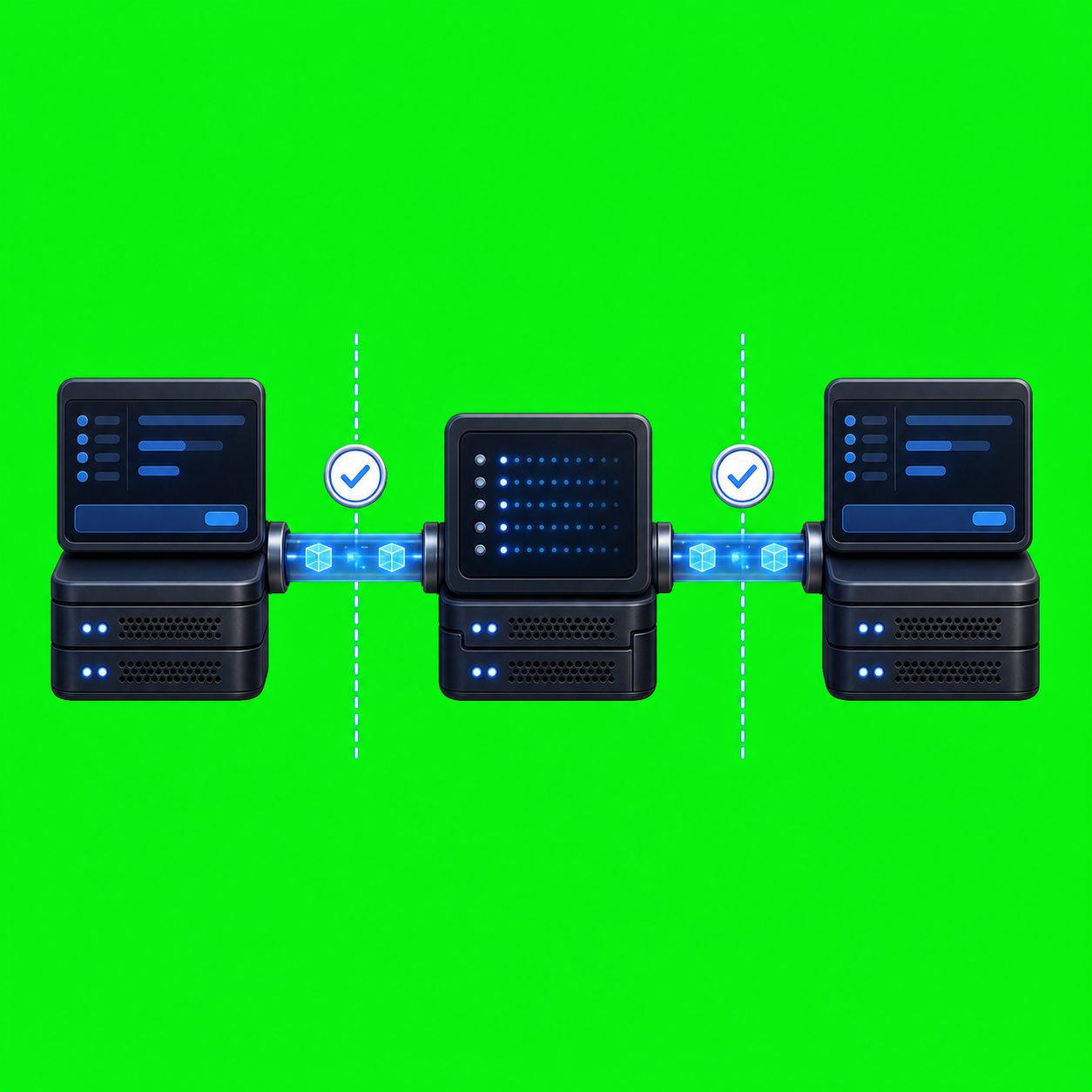
SSH keys in AxiOwl are best understood as remote node access material. They are not agent identities, not provider sessions, and not a hidden shortcut around the normal delivery pipeline. When AxiOwl needs to reach another machine, the key tells OpenSSH which credential to use for that machine. After the connection is established, AxiOwl still relies on its node registry, agent registry, relay protocol, and provider delivery checks to decide what can actually happen.
That distinction matters because AxiOwl is built around named agents and provider sessions. A local Codex chat, a VS Code session, a Cursor agent, an Antigravity session, and a remote Linux Codex target are all different delivery surfaces. An SSH key only helps with one part of the remote path: opening an outbound SSH connection from the local AxiOwl side to a registered remote node.
What the key represents
In the current Windows implementation, a remote node is stored as a NodeRecord with these fields: node_id, display_name, aliases, host, ssh_user, ssh_key_path, enabled, timestamps, and last_error. The node registry is written as nodes.tsv, and the serialized header includes ssh_key_path as a normal node field.
That means the key path is part of node configuration, not part of the message body and not part of an agent row. A remote target agent is still registered separately. The Windows README shows the operator shape:
axiowl registry add-node --id "front" --host "<host>" --user "<ssh-user>" --key "<ssh-key-path>"
axiowl registry add-agent --name "Remote Test" --provider remote --node "front" --session "<remote agent name>"
axiowl send --to "Remote Test" --body "hello"
The newer node command surface also supports:
axiowl node add --id <node-id> --host <host> --ssh-user <ssh-user> --key <ssh-key-path>
axiowl node verify --id <node-id>
So the useful mental model is: the SSH key belongs to the node, while the agent name and provider session belong to the delivery target.
How AxiOwl uses SSH during remote delivery
The remote provider opens an outbound SSH command from Windows to the configured Linux node. In provider_remote.cpp, delivery builds an OpenSSH invocation with BatchMode=yes and ConnectTimeout=10. If the node has an ssh_key_path, AxiOwl appends -i <key path>.
The remote command is:
axiowl relay-session --stdio
AxiOwl then sends newline-delimited JSON frames over standard input and reads results from standard output. The relay protocol includes hello, deliver, deliver_result, and error frames. On the Linux side, remote_relay.cpp receives the deliver frame, runs the normal local send pipeline, and returns a deliver_result.
This is intentionally different from exposing a public AxiOwl listener. The plan for the remote provider describes the local side as the owner of the outbound connection. The remote node runs a command over SSH; it does not need to accept arbitrary public AxiOwl API traffic.
Verification is part of the workflow
AxiOwl includes direct verification behavior for remote nodes. The node verify path runs an SSH probe against the registered node and executes:
hostname; whoami; pwd; hostname -I
If the command succeeds, AxiOwl updates last_verified_at and clears last_error. If it fails, the node row records an SSH verification failure and prints the SSH output.
The installer helper has an additional key-verification path for remote enrollment. It tries the configured key path first, then the AXIOWL_REMOTE_SSH_KEY environment variable if present, then the default SSH identity. When it has a key path, it uses -i, IdentitiesOnly=yes, BatchMode=yes, and a connection timeout. Missing configured key files are logged as missing key candidates.
For operators, this means key handling should be proven before relying on remote delivery. A node that cannot pass node verify is not a healthy remote target, even if the host name and agent name look correct.
What the key does not do
An SSH key does not prove that a remote agent exists. Remote discovery still has to ask the remote AxiOwl installation about its local agents. In discovery_remote.cpp, targeted remote discovery connects over SSH and runs a remote axiowl discover codex --json --target ... command. A discovered row becomes a remote target only when the returned provider and provider session are usable.
An SSH key also does not make every provider remote-capable. The current Linux remote app is described as Codex CLI delivery only. The Windows README says the Linux remote app does not support VS Code, Antigravity, desktop IPC, GUI, tray behavior, or remote relay chaining. The provider support matrix also marks remote as unsupported for local-provider remediation builds and warns that remote must not be used as a fallback for local provider failures.
That is an important security and operations rule. If local VS Code delivery is broken, routing through SSH to some other node should not hide the failure. Remote delivery is its own explicit provider edge with its own contract.
Separate registries keep the design understandable
The remote-provider plan says registries should stay separate. The remote AxiOwl node owns its local registry. The local AxiOwl side may import remote discovery facts as remote targets, but it should not blindly synchronize every row in both directions.
That separation is where SSH keys fit cleanly. The local node registry answers, "How do I reach that machine?" The local agent registry answers, "Which named remote target should this message go to?" The remote registry answers, "Which local provider session exists on that machine?"
When a message crosses the boundary, AxiOwl preserves sender details in the relay frame, including whether the sender was resolved, the sender agent, the sender node, and the sender source. The key opens the tunnel, but AxiOwl still carries identity and routing evidence through the application protocol.
Practical operator rules
Use stable node IDs. A node can have display aliases, but the remote plan is explicit that node identity should be stable and routing should not depend on a display alias when a node ID is required.
Keep key paths machine-local and boring. A Windows AxiOwl install needs a Windows-readable key path. A Linux remote node has its own local files and its own registry. Do not assume a key path that works on one side is meaningful on the other.
Verify before sending. Run axiowl node verify --id <node-id> after adding or changing a remote node. Treat an SSH verification failure as a node access problem, not an agent delivery problem.
Do not treat default SSH identity as invisible magic. The installer can try a default SSH identity when no configured key works, but a production remote setup is easier to reason about when the intended key path is explicit and verification evidence is current.
Read delivery evidence carefully. A successful SSH connection is only the transport step. AxiOwl's acceptance requirement for remote delivery is that the remote AxiOwl node returns a successful deliver_result. If the remote local provider fails, the local side must report provider failure rather than pretending the transport success was enough.
Closing thought
SSH keys give AxiOwl a controlled way to reach remote Linux nodes without turning the local workstation into a public server. They are powerful, but their role is narrow: authenticate the node connection. The rest of the system still depends on explicit node records, explicit remote agent records, targeted discovery, relay evidence, and provider results. Thinking about keys this way keeps remote AxiOwl operations clear, auditable, and less likely to mask the real source of a delivery failure.