How to Use AxiOwl With Multiple Open Chat Sessions
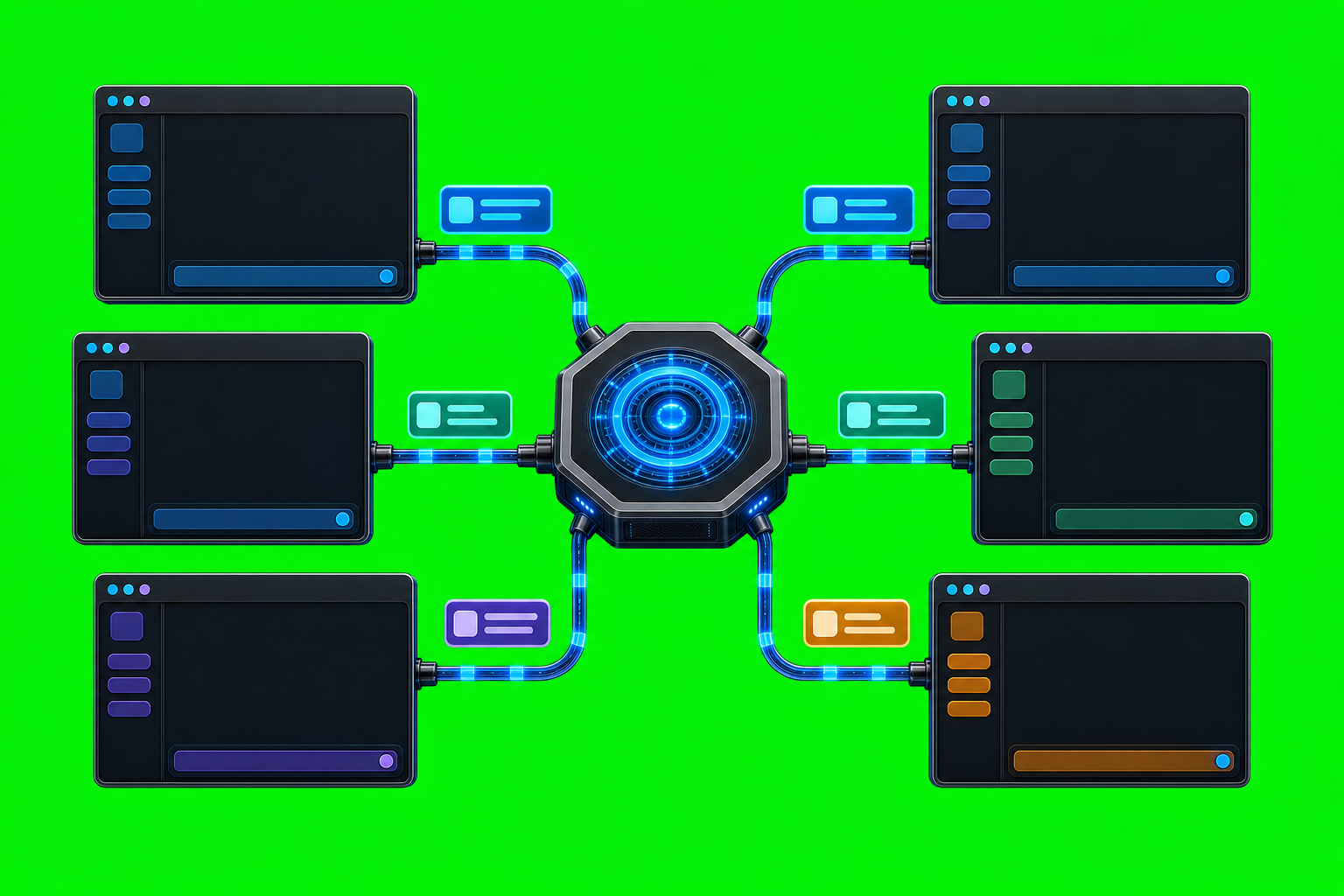
Multiple AI chat windows are useful only if you can address the right one. AxiOwl is built around that problem: it acts as a local Windows coordinator that discovers provider sessions, records them in a durable registry, and routes messages to selected sessions through provider-specific delivery edges.
That means AxiOwl does not treat "the AI app" as one vague target. A Codex thread, a Codex CLI session, a VS Code native chat, a Copilot-backed VS Code chat, a Cursor composer, or an Antigravity agent session can each become a separate registered target when the corresponding provider surface is installed, discovered, and sendable.
The mental model: each open chat is an agent row
AxiOwl's registry model is the key to working with multiple sessions. In the C++ implementation, a registry row is represented as an AgentRecord. It includes a human-readable display_name, optional aliases, the provider, a provider-owned provider_session_id, the node_id, whether the row is enabled, whether it is currently sendable, discovery source, timestamps, and the last known error.
In practical terms, that registry row answers three questions:
- What name should an operator or another agent use?
- Which provider/session should receive the message?
- Is AxiOwl currently willing to send to it?
This is why naming matters. If you have several chats open, give each one a stable, descriptive name instead of relying on a raw UUID or a provider session string. A name such as Frontend review, Backend API helper, or VS Code refactor session is easier to target than a session identifier, and AxiOwl can keep the provider-owned session ID underneath.
Start by discovering what AxiOwl can see
After installing the provider integrations you use, run discovery for the relevant provider or for all local provider surfaces:
axiowl discover all --json
For a narrower pass, use the provider scope:
axiowl discover codex --json
axiowl discover codex-cli --json
axiowl discover vscode-native --json
axiowl discover vscode-copilot --json
axiowl discover cursor --json
axiowl discover antigravity --json
The current implementation supports discover, list, send, create, rename, status, mcp-server, registry operations, and related diagnostic commands from the CLI. Discovery modules merge provider-specific session evidence into the registry, and the message pipeline can do one targeted discovery repair when a requested target is missing or stale.
Discovery is not the same thing as delivery proof. It can find candidate sessions and update registry rows, but the stronger proof is still an actual reply through AxiOwl MCP with the correct sender identity.
List the open sessions before sending
Use the registry as the operator-facing inventory:
axiowl list agents
This shows the sessions AxiOwl knows about. When multiple windows are open, check the display names and providers before sending. The important distinction is that AxiOwl resolves by registry name or alias, then dispatches through the provider edge associated with the matching row.
Under the hood, target lookup prefers exact session matches and sendable rows, but the operator habit should be simple: list first, pick the exact name, then send.
Send from a provider session with MCP when possible
When one AI session is talking to another, use the AxiOwl MCP tool exposed inside the provider session:
axiowl_send_message
The MCP server's own tool instructions are explicit: for sending, use axiowl_send_message; for creating chats, use axiowl_create_agent. The typed MCP tools use the host MCP session ID as the stable sender identity key. AxiOwl then resolves that key to the registered visible sender name before building the final message body and reply instructions.
That is important in a multi-session setup. If two Codex threads or two VS Code chats are open, AxiOwl should not have to guess which one is speaking. Provider-owned metadata, provider session IDs, and registered sender rows keep the route grounded in the actual session.
Use the CLI when you are operating from the shell
From PowerShell, the common send form is:
axiowl send --to "Target chat name" --from "Sender chat name" --body "Message text"
For longer messages, use stdin:
Get-Content .\message.txt | axiowl send --to "Target chat name" --from "Sender chat name" --stdin
The current pipeline requires sender identity. If the body is not already a final-visible relay body, an unresolved sender causes the send to fail instead of silently inventing one. That is deliberate: replies need to route back to a real provider session, not to a guessed display name.
For manual enrollment, AxiOwl also exposes registry commands:
axiowl registry add-agent --name "Target chat name" --provider codex --session "provider-session-id"
Manual rows should be used carefully. A sendable row should represent a real, reachable provider session, not a stale path copied from an old report.
Create or rename sessions when the provider edge supports it
AxiOwl has a create command and an MCP axiowl_create_agent tool for creating a new provider chat through supported provider edges:
axiowl create --provider codex --name "Planning session" --body "Start a planning thread for this task."
When a provider returns a stable session ID, AxiOwl enrolls the created session into the registry. If the provider title is known, the registry can use it; otherwise AxiOwl may use a pending display name and keep requested names as aliases.
There is also a rename path:
axiowl rename --agent "Planning session" --name "Release planning"
Renaming is useful when several sessions are active. It keeps the registry readable and reduces the chance that an operator sends to the wrong chat.
Understand what a receipt proves
AxiOwl is careful about receipt boundaries. accepted_by_axiowl means the request entered AxiOwl, passed validation, resolved a target, and was handed to the delivery layer. It does not by itself prove that the provider displayed, processed, or answered the message.
The stronger proof is a provider reply through AxiOwl MCP with correct provider-owned sender identity. The docs define this as the end-to-end bar because it proves more than local acceptance:
- AxiOwl accepted the request.
- The target provider received the message.
- The provider had AxiOwl MCP available.
- The provider replied through AxiOwl.
- AxiOwl identified the replying provider session.
When multiple sessions are open, this distinction matters. A local receipt tells you routing began; a response-backed proof tells you the right session actually participated.
Provider-specific details matter
AxiOwl uses a provider dispatch table rather than one generic delivery trick. Current provider edges include Codex, Codex CLI, VS Code native, VS Code Copilot-backed, Cursor, Antigravity, and several target CLI surfaces. The provider support matrix is the current source of truth for which surfaces are supported, target, experimental, unsupported, or out of scope.
For Codex agent sessions, replies come back through AxiOwl MCP with sender/session identity. For VS Code native sessions, the bridge targets native chat/session commands, and ownership matters because the bridge must target the correct VS Code window or session. For Cursor, AxiOwl uses a bridge extension, command files, URI fallback, and Cursor patch support; missing required commands must fail loudly. These details are exactly why AxiOwl stores provider and session identity per row.
Do not assume every open window is equally supported. A provider is considered supported only when discovery, install/config, send, receive, MCP reply, and correct sender identity all work.
A practical multi-session workflow
A clean workflow for several open chats looks like this:
- Open the provider sessions you want to use.
- Make sure each provider integration is installed and restarted if needed, especially after MCP or extension changes.
- Run discovery for the relevant providers.
- Run
axiowl list agents. - Rename or manually enroll only when the provider row needs a better operator-facing name.
- Send from MCP when another provider session is the sender.
- Use CLI sends with explicit
--fromwhen operating from PowerShell. - Treat an AxiOwl receipt as a handoff receipt, then look for a provider MCP reply when you need end-to-end proof.
This workflow keeps sessions separate without requiring you to memorize provider-specific storage paths or raw session IDs.
Closing notes
Using AxiOwl with multiple open chat sessions is mostly about discipline around identity. The registry gives each reachable session a name, a provider, a provider-owned session ID, and a sendability state. The MCP server carries sender metadata from the provider session. The message pipeline resolves the sender and target before dispatching through the correct provider edge.
That is the difference between "send this to an AI app somewhere" and "send this from this session to that registered session, with evidence about what happened next." For real multi-agent work, that difference is the product.