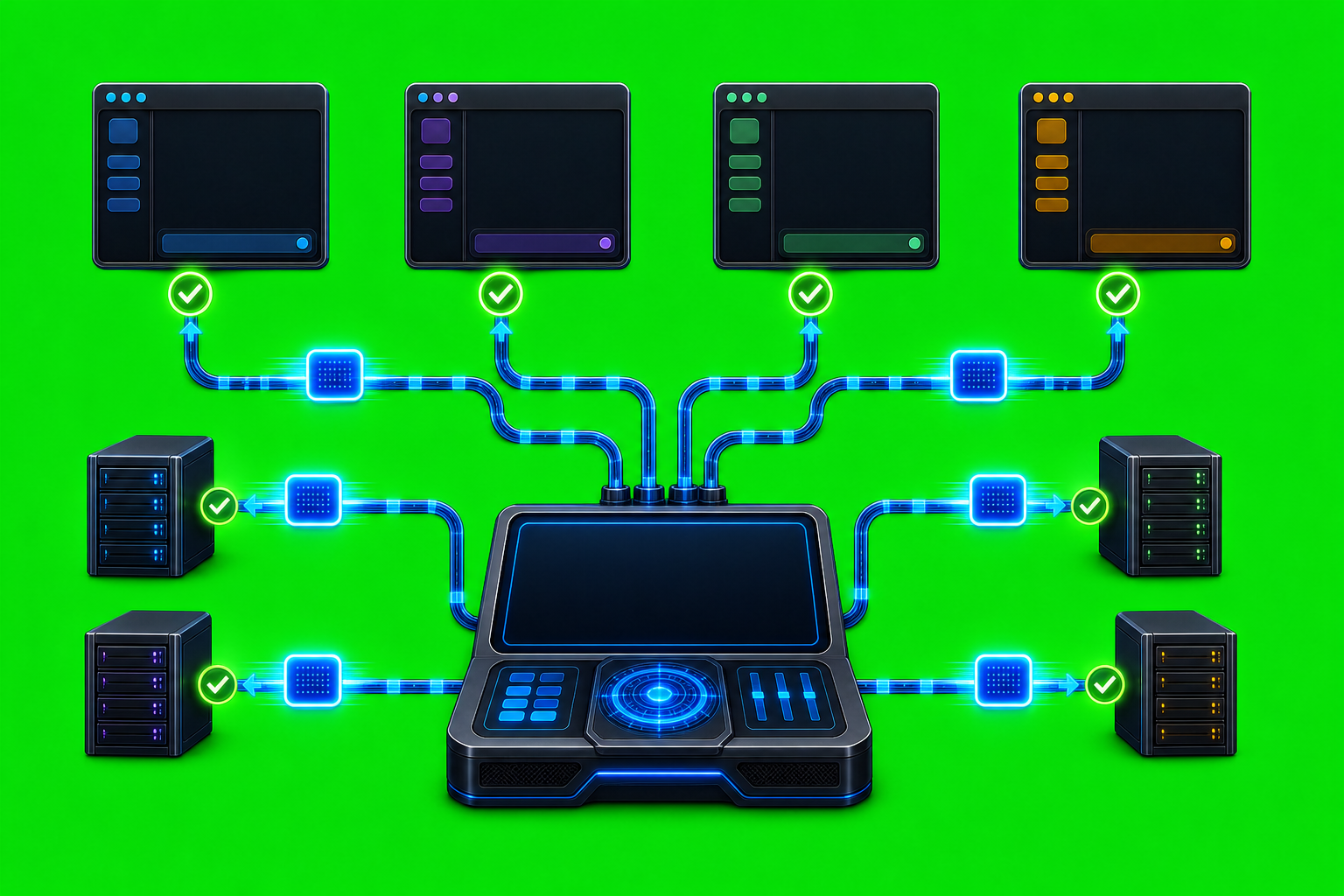
How to Verify an AxiOwl Node
Verifying an AxiOwl node means proving more than "a hostname exists." A remote node has to be reachable over SSH, recorded in AxiOwl's node registry, running the expected AxiOwl binary, and, when it is a Codex remote endpoint, able to expose the AxiOwl MCP tool surface that lets messages move through the system.
That distinction matters because AxiOwl splits responsibilities between Windows and Linux. The Windows build is the local coordinator, registry owner, and outbound SSH remote provider. The Linux remote build is a Codex endpoint and relay-session receiver. The current Linux remote app supports Codex CLI delivery only; it does not provide VS Code, Antigravity, desktop IPC, GUI behavior, tray behavior, or remote relay chaining.
Start With the Local AxiOwl Status
On the coordinator machine, begin with the installed CLI:
axiowl --version
axiowl status
The current implementation reports version axiowl 0.1.0. The status command prints the state root, registry path, node registry path, evidence log, delivery log, create lifecycle log, artifact metadata when present, license state, local service endpoint, runtime role, registered agent count, and registered node count.
Those paths are not incidental. AxiOwl stores the node registry under its state root:
Windows: %LOCALAPPDATA%\AxiOwl\registry\nodes.tsv
Linux:   $XDG_STATE_HOME/axiowl/registry/nodes.tsv, or ~/.axiowl/registry/nodes.tsv
The agent registry lives beside it as agents.tsv, and operational logs live under the state root logs directory.
Register or Inspect the Node
Use the node commands for the current CLI surface:
axiowl node list
axiowl node add --id front --host 203.0.113.10 --ssh-user ubuntu --key C:\path\to\key.pem --name "Frontend Node"
The older registry form is still documented too:
axiowl registry add-node --id front --host 203.0.113.10 --user ubuntu --key C:\path\to\key.pem
The node record stores the node id, display name, aliases, host, SSH user, SSH key path, enabled flag, last seen time, last verified time, and last error. That record is what the remote provider later uses when it opens an SSH relay to the node.
Run the Built-In Verification Command
After the node is in the registry, run:
axiowl node verify --id front
The implementation performs a batch-mode SSH check with a bounded connect timeout. If a key is configured, it uses that key. The remote command it runs is intentionally simple:
hostname; whoami; pwd; hostname -I
A successful result prints Node verified, the node id, the host, and the remote command output. It also updates last_seen_at, sets last_verified_at, clears last_error, and saves the node registry.
A failed result prints Node verify failed, records last_error as an SSH verification failure with the exit code, and preserves the command output for diagnosis. That is useful because authentication failures, wrong users, missing keys, blocked port 22, and DNS mistakes tend to show up directly in the SSH output.
Verify the Linux-Side AxiOwl Install
SSH reachability proves the node can be contacted. It does not prove the AxiOwl remote payload is correctly installed. On a Linux remote endpoint, check the binary and command surface:
axiowl --version
axiowl status
axiowl relay-session --stdio
The remote installer expects /usr/local/bin/axiowl to report axiowl 0.1.0. The Linux-side command surface used by the Windows remote provider is:
axiowl relay-session --stdio
The relay protocol writes a JSON hello frame, accepts hello and deliver frames on stdin, and returns deliver_result or error frames. The Windows remote provider reaches it through SSH with:
axiowl relay-session --stdio
That relay is the important operational boundary: Windows coordinates, Linux receives the relay session, and the Linux endpoint delivers through the supported Codex path.
Confirm Codex Plugin and MCP Exposure
For a Codex remote node, the installer does a deeper check than plain SSH. The remote install script installs the AxiOwl binary, places the bundled Codex plugin under the remote user's local AxiOwl/Codex plugin area, writes a local plugin marketplace, registers that marketplace with Codex, and installs axiowl-codex@axiowl.
It then probes the MCP server directly:
printf '%s\n%s\n' \
  '{"jsonrpc":"2.0","id":1,"method":"initialize","params":{}}' \
  '{"jsonrpc":"2.0","id":2,"method":"tools/list","params":{}}' |
  AXIOWL_MCP_HOST=codex \
  AXIOWL_MCP_PROVIDER=codex \
  /usr/local/bin/axiowl mcp-server --host codex --provider codex
The verification condition is concrete: the MCP tool list must include axiowl_send_message. If that tool is missing, the installer fails rather than pretending the node is ready.
This is the difference between a reachable Linux machine and a usable AxiOwl node. A usable Codex endpoint needs SSH, the AxiOwl binary, Codex plugin registration, and the MCP tool surface.
Check Discovery and Registered Agents
Once the node is reachable, inspect what AxiOwl knows about sendable agents:
axiowl list agents
For manual remote mapping, the documented setup is:
axiowl registry add-agent --name "Remote Test" --provider remote --node front --session "<remote agent name>"
axiowl send --to "Remote Test" --body "hello"
The remote provider requires the target agent row to have provider remote, a node id that matches nodes.tsv, and a provider session id that names the remote target. When it sends, it creates a temporary JSONL relay request, opens SSH to the registered node, runs axiowl relay-session --stdio, and waits for a deliver_result frame.
There is also remote targeted discovery code that can ask a node to run:
axiowl discover codex --json --target <target-name>
When that path returns discovered_agent JSON lines, AxiOwl records remote provider evidence and builds a remote provider session id from the remote provider and remote provider session id.
What a Good Verification Looks Like
A verified node should satisfy these checks:
axiowl node listshows the node with the expected host and SSH user.axiowl node verify --id <node-id>succeeds and prints the remote identity output.last_verified_atis present for the node andlast_erroris empty.- SSH into the same host can run
axiowl --versionand returns the expected version. axiowl statuson the remote reports the Linux remote Codex endpoint role.- For Codex remote use, the MCP probe exposes
axiowl_send_message. - A registered remote agent can receive a test message through
axiowl send.
If any of those fail, keep the failure narrow. An SSH failure is a node reachability problem. A missing binary is an install problem. A missing axiowl_send_message tool is a Codex plugin or MCP registration problem. A failed send after successful SSH and MCP checks is a relay or target-agent problem.
Why This Matters
AxiOwl's remote-node model is intentionally explicit. The node registry says where the machine is. node verify proves the coordinator can reach it. The Linux binary and relay command prove the remote endpoint can participate. The MCP probe proves Codex can see the AxiOwl tool. The final send proves the message path works.
That layered verification is practical for operators because each layer leaves evidence in a different place: node registry fields, command output, status output, MCP tool listings, and delivery results. When something breaks, you can tell whether to fix SSH, installation, plugin registration, or the target agent instead of treating the node as one vague failure.