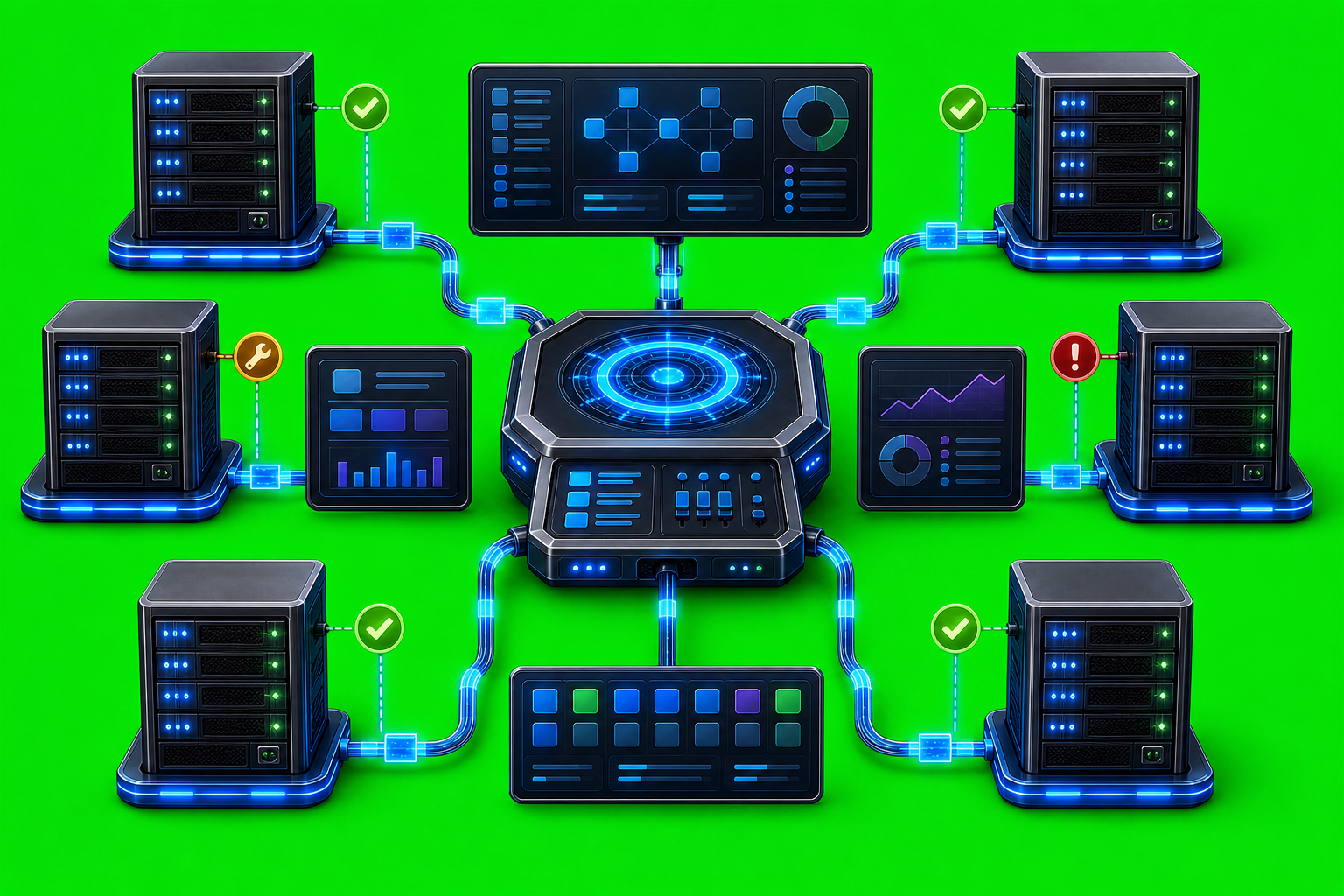
Using AxiOwl for Infrastructure Maintenance
Infrastructure maintenance is mostly coordination: check the current state, assign the right operator or agent, send the exact instruction, keep a receipt, and preserve enough evidence to debug what happened later. AxiOwl is useful in that work because it treats AI provider sessions as named operational endpoints instead of anonymous chat windows.
AxiOwl is a local Windows coordinator for sending messages between AI provider sessions. Its current implementation exposes a CLI and an MCP server, keeps a durable local registry of provider sessions, discovers active sessions, and delivers through provider-specific edges such as Codex, VS Code, Cursor, and Antigravity. The important maintenance value is not that AxiOwl replaces infrastructure tooling. It is that it gives operators a repeatable way to route instructions, verify addressability, and keep receipts while multiple provider sessions are helping with operational work.
Start With Known Targets
Maintenance work gets risky when people send instructions to "that chat from yesterday" or a stale window with the wrong working directory. AxiOwl's registry model is designed to make that less vague.
The registry stores rows for reachable agents or sessions. Important fields include the display name, aliases, provider, provider-owned session id, node id, sendable state, discovery source, last seen time, last verified time, and last error. That gives an operator a concrete question to answer before sending work: is this target known, current, and sendable?
The basic operational command is:
axiowl list agents
For a broader local state check:
axiowl status
The status command reports the AxiOwl state root, registry path, node registry path, evidence log, delivery log, create lifecycle log, artifact manifest, installed executable hash status, activation state, local service endpoint, registered agents, and registered nodes. Current Windows builds reserve 127.0.0.1:37661 as the local service endpoint, but the implementation reports that the always-running local service is not implemented yet and the CLI is running the direct local pipeline. That distinction matters during maintenance: use the current CLI behavior as implemented, not a future service assumption.
Send Instructions Without Damaging Them
Infrastructure instructions often contain quotes, JSON, shell commands, paths, or multi-line checklists. AxiOwl's public command contract supports both short messages and stdin-based messages.
For a short instruction:
axiowl send --to "Backend Maintenance Agent" --body "Check the API health endpoint and report the exact failing layer."
For a multi-line operation plan, stdin is the safer shape:
@'
Run a read-only maintenance check.

1. Confirm current host identity.
2. Check service status.
3. Inspect recent error logs.
4. Report findings only; do not restart anything.
'@ | axiowl send --to "Backend Maintenance Agent" --stdin
That matches the product principle in the architecture docs: one sender, one target, one body, one provider edge, one receipt. AxiOwl builds the final visible body once after sender and target resolution, then dispatches through the selected provider edge.
Treat Receipts Correctly
AxiOwl is careful about receipt boundaries, and infrastructure operators should be just as careful. A successful AxiOwl handoff is not the same as proof that a provider session completed the task.
The current source-of-truth docs separate these states:
accepted_by_axiowlmeans AxiOwl accepted and validated the request and handed it to the delivery layer.accepted_by_providermeans the provider edge reported that the target provider accepted the message.- A response over MCP is stronger end-to-end proof because the target provider received the message, acted on it, and replied with provider-owned sender identity.
That is a good maintenance habit. If you ask an agent to verify a production service, do not treat the send receipt as the operational result. Wait for the actual reply, then compare the reply against logs, service status, or whatever external system is authoritative for the maintenance task.
Use Discovery as Repair, Not Proof
AxiOwl discovery can find local provider sessions and merge them into the registry. It can also perform targeted discovery repair when a target is stale or missing. That is useful when a provider app was restarted, a chat changed, or a session moved.
For maintenance, discovery answers "what can AxiOwl currently address?" It does not prove that a downstream task succeeded. The release checklist makes the same distinction: after install, run discovery and verify registry rows, but provider support still requires send and receive validation.
The current discovery surface includes local provider families such as Codex, VS Code native, VS Code Copilot-backed sessions, Cursor, Antigravity, and several CLI-target surfaces depending on support status. The provider support matrix is explicit about which surfaces are supported, target, experimental, unsupported, or removed. That prevents maintenance workflows from quietly depending on a provider edge that has not met the test bar.
Keep Forensic Evidence Close
AxiOwl writes the files an operator needs when something goes wrong. On Windows, the state root is under:
%LOCALAPPDATA%\AxiOwl
The current implementation uses:
%LOCALAPPDATA%\AxiOwl\registry\agents.tsv
%LOCALAPPDATA%\AxiOwl\registry\nodes.tsv
%LOCALAPPDATA%\AxiOwl\logs\events.jsonl
%LOCALAPPDATA%\AxiOwl\logs\delivery.jsonl
%LOCALAPPDATA%\AxiOwl\logs\create-lifecycle.jsonl
%LOCALAPPDATA%\AxiOwl\runtime
The evidence log is JSONL. Each event includes an event type, timestamp, and fields such as message id, target, provider, sender resolution status, and reason text. The message pipeline records clear rejection reasons when sender identity is missing, a target is not found after discovery, or a known target is not sendable. That is exactly the kind of evidence maintenance teams need when a handoff fails.
The support docs also recommend collecting the MSI verbose log, provider extension output channels, provider CLI stdout and stderr, and relevant provider session files when safe. The practical rule is simple: preserve the AxiOwl logs and the provider-side evidence together, because install success, AxiOwl acceptance, provider acceptance, and MCP reply are different events.
Remote Maintenance Has Boundaries
AxiOwl contains remote-node concepts, including a node registry with host, SSH user, key path, enabled state, last seen time, verification time, and last error. The CLI includes node registration and verification behavior, and the Windows desktop README documents a remote relay shape where Windows can use SSH to a Linux-side axiowl relay-session --stdio.
That does not mean remote should be used as a hidden fallback for failed local provider delivery. The current provider support matrix marks remote as unsupported for local-provider remediation builds, and the installer matrix says remote features should remain unchecked by default. The Linux remote app is described as a remote Codex endpoint with Codex CLI delivery only; it does not support VS Code, Antigravity, desktop IPC, GUI, tray behavior, or remote relay chaining.
For infrastructure maintenance, that boundary is healthy. If a remote node is explicitly enrolled and verified, AxiOwl can help route work to it. If a local provider path fails, remote routing should not mask the failure. Operators need a loud error, a log entry, and a deliberate next step.
Installer Behavior Matters in Maintenance Windows
Maintenance often includes reinstalling tools, refreshing integrations, or validating a new release. AxiOwl's installer docs are written with that risk in mind.
The MSI installs the local runtime under %LOCALAPPDATA%\AxiOwl\bin, installs a manifest, can add the bin directory to PATH, stops existing AxiOwl runtime before replacing the binary, runs local discovery, and writes status or proof logs. Provider integrations are meant to behave like separable install units. Unchecked provider features should not be installed, patched, closed, restarted, or removed as collateral damage.
That is important for infrastructure maintenance because an operator may be working in several provider apps at once. A selected Cursor integration may require Cursor-specific bridge and patch work. A selected VS Code integration may require a bridge extension, MCP server definition, and native patch logic. A Codex integration may install plugin or MCP support. Unselected provider surfaces should be left alone.
The release checklist extends that operational discipline: confirm provider support status, remove stale release artifacts, run CMake tests, run installer safety checks, verify MSI payload hashes and provenance, install on a clean Windows 11 VM, verify selected-only behavior, run discovery, create fresh provider chats, and prove send and receive paths. Those checks are not ceremony. They prevent stale installer artifacts and stale provider sessions from becoming maintenance incidents.
A Practical Maintenance Loop
A useful AxiOwl-assisted maintenance loop looks like this:
- Run
axiowl statusand confirm the state root, logs, registry, installed executable, activation state, and registered node count. - Run
axiowl list agentsand choose a current sendable target by name. - If targets look stale, run discovery for the relevant provider surface and review the registry rows before sending work.
- Send the maintenance instruction with
--stdinwhen it includes commands, JSON, or a checklist. - Treat
accepted_by_axiowlas handoff only; wait for provider acceptance or an MCP reply before calling the task delivered. - Preserve
%LOCALAPPDATA%\AxiOwl\logs, registry files, provider output channels, and any run ids used in the maintenance request. - If a send fails, inspect the exact error and
last_errorfields instead of retrying blindly.
This loop keeps AxiOwl in its proper role: coordinator, registry owner, sender/target resolver, provider-edge dispatcher, and evidence writer.
Closing
AxiOwl helps infrastructure maintenance by making agent coordination explicit. It gives operators named targets, a registry, discovery, direct send commands, MCP reply paths, receipt boundaries, and logs that can be inspected later. It also documents its limits: current Windows builds run the direct CLI pipeline, remote support has strict boundaries, and no receipt should be confused with completed infrastructure work.
That combination is the useful part. In maintenance, the goal is not magic automation. The goal is controlled handoff, clear proof, and enough evidence to know exactly what happened.