Using AxiOwl With Codex
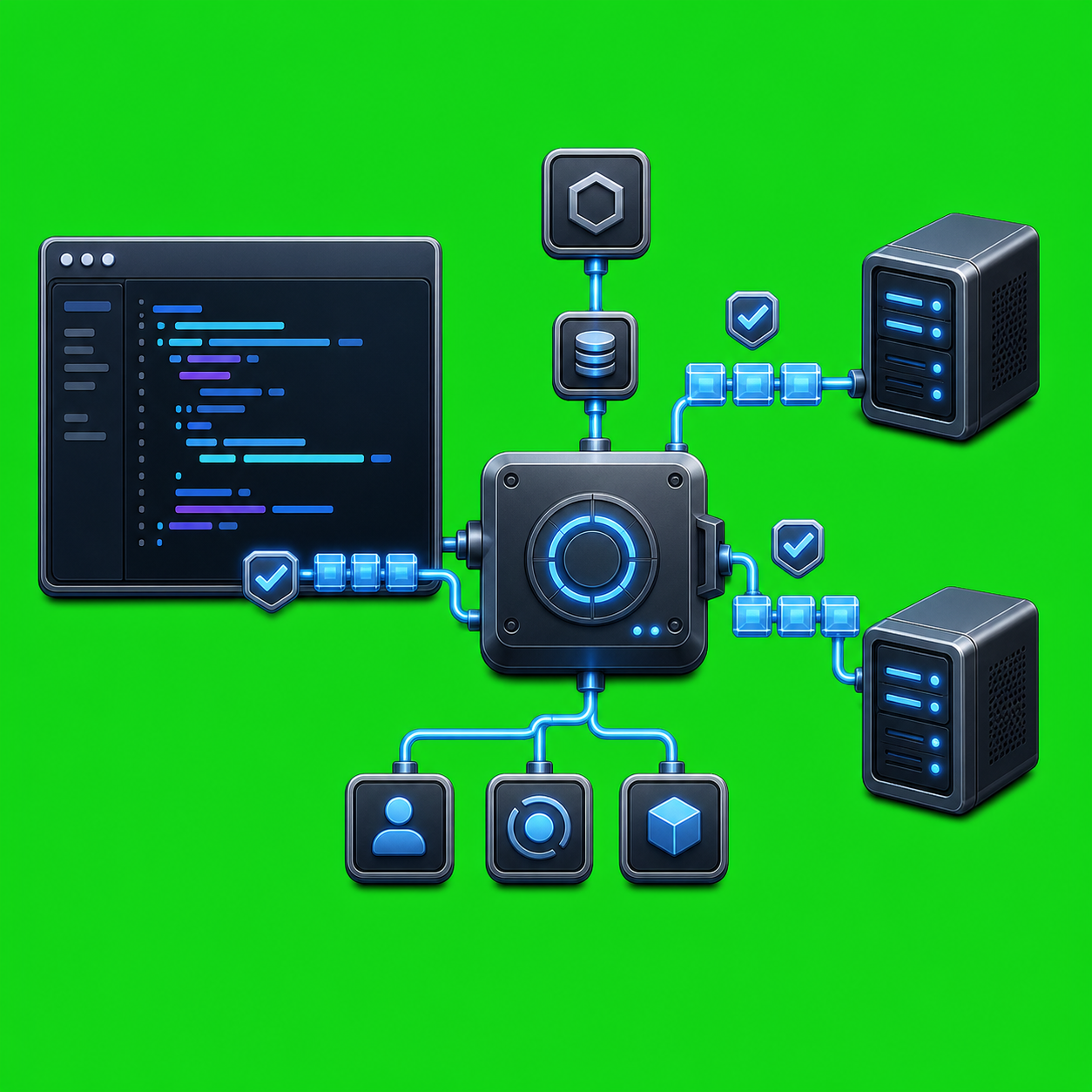
AxiOwl's Codex integration is built around a simple idea: Codex should be able to use AxiOwl as a native tool, not as a pasted shell recipe that asks the model to guess who it is. In the current AxiOwl implementation, the Codex plugin exposes an MCP server named axiowl, and that server gives Codex typed tools for identity, discovery, message sending, agent creation, registry work, node work, status, and version checks.
That matters because agent-to-agent messaging only becomes reliable when identity and routing are handled by software instead of chat convention. A Codex thread can ask AxiOwl to send a message to another registered agent, and AxiOwl can use Codex thread metadata as the stable sender identity key.
What The Codex Plugin Adds
The AxiOwl Codex plugin is packaged as axiowl-codex. Its plugin manifest describes the purpose directly: it exposes AxiOwl as native Codex MCP tools and gives Codex a way to send, create, discover, rename, register, and check AxiOwl agents.
The plugin MCP config launches:
axiowl mcp-server --host codex --provider codex
It also sets AXIOWL_MCP_HOST=codex and AXIOWL_MCP_PROVIDER=codex, so the server knows the host surface is Codex and the provider is Codex. In the Linux remote installer, AxiOwl installs the binary to /usr/local/bin/axiowl, installs the local Codex plugin payload, registers the plugin marketplace, installs axiowl-codex@axiowl through Codex, and probes the MCP server to confirm that axiowl_send_message appears in the tool list.
For a Codex user, the practical result is that AxiOwl becomes a first-class tool surface. Codex can call the MCP tools directly instead of constructing raw axiowl command arguments.
The Core Tools Codex Uses
The Codex skill bundled with the plugin gives the working rules:
- Use
axiowl_whoamito confirm the current Codex thread id and derived AxiOwl sender name. - Use
axiowl_list_agentsto list currently sendable AxiOwl targets. - Use
axiowl_send_messageto send a message.
The MCP server exposes more than those three. The current tool list includes axiowl_create_agent, axiowl_rename_agent, axiowl_discover, axiowl_status, axiowl_version, axiowl_node_list, axiowl_node_add, axiowl_node_verify, axiowl_registry_add_agent, axiowl_registry_add_node, and axiowl_relay_deliver.
The distinction is important. For ordinary Codex-to-agent communication, axiowl_send_message is the right path. For creating a new provider chat, axiowl_create_agent is the typed path. The MCP server instructions explicitly say not to construct raw AxiOwl send, create, or relay arguments manually, and not to ask the chat to invent its own session id.
Why Sender Identity Is Different In Codex
The hard part in agent messaging is not only moving text. It is knowing which live chat or thread sent the text.
AxiOwl's Codex integration treats the host MCP session id as the stable sender identity key. AxiOwl then resolves that key to the registered visible sender name before appending reply instructions. The Codex skill warns against asking a chat agent to know its own Codex session id, because the MCP tool receives Codex thread metadata from the tool call.
The discovery policy reinforces this model. For local Codex rows, AxiOwl recognizes mcp_host_metadata as stronger evidence than ordinary discovered desktop or CLI state, and it creates session aliases in the form:
codex-thread:<session-id>
That gives AxiOwl a concrete bridge between the Codex thread identity and the local registry record. Manual rows are still protected, and weaker evidence-only rows are not treated as enough to make a target sendable by themselves.
How A Send Works
At the product level, AxiOwl sends messages through a local coordinator. The user docs describe the basic CLI form as:
axiowl send --to "Target chat name" --body "Message text"
From Codex, the preferred path is the MCP tool instead. A typical operator workflow is:
- Ask Codex to check its AxiOwl identity with
axiowl_whoami. - Ask Codex to list sendable targets with
axiowl_list_agents. - Ask Codex to send to the chosen target with
axiowl_send_message, passing only the target and body unless a special path override is explicitly needed.
Behind that call, the message flow goes through the MCP handler, the message pipeline, sender validation, target registry resolution, targeted discovery repair if needed, final visible body construction, provider edge dispatch, the provider module, and delivery evidence logging.
The registry is durable local state. It maps display names and aliases to provider sessions, with fields for provider, provider session id, node id, enabled state, sendable state, source, first seen time, last seen time, verification time, and last error. AxiOwl does not treat every discovered string as a valid send target. A registry row has to be enabled and sendable before the pipeline will hand it to the provider delivery path.
Receipts Are Not Replies
One of the most useful details in the implementation is also one of the easiest to misunderstand: a successful axiowl_send_message call is not the same thing as a full roundtrip reply.
The MCP tool description says success is an MCP-to-AxiOwl handoff receipt only. The user docs make the same boundary clear: accepted_by_axiowl means AxiOwl accepted the message and handed it to the delivery layer. It does not prove the target provider displayed or processed the message.
End-to-end proof requires a provider reply through AxiOwl MCP with correct sender identity. In practice, that means a stronger proof chain looks like this:
- AxiOwl accepts the request.
- The provider receives the message.
- The provider has AxiOwl MCP available.
- The provider sends a reply through AxiOwl.
- AxiOwl identifies the replying provider session correctly.
For operations, this boundary is valuable. It keeps status claims honest. A local handoff receipt is useful, but it should not be reported as a completed conversation unless a reply actually comes back through the AxiOwl path.
Creating And Managing Codex Agents
AxiOwl's Codex plugin is not limited to sends. The plugin manifest says Codex can create an AxiOwl agent in Codex, VS Code, Copilot, or Antigravity. The MCP server exposes axiowl_create_agent with fields for provider, name, body, model, and working directory. It also exposes rename, discovery, registry, node, status, and version tools.
That makes Codex useful as an operator console. A human can stay in Codex and ask it to inspect the current AxiOwl identity, list active targets, create a new chat, rename a registered agent, add a registry row, verify a node, or check AxiOwl status. The same integration also keeps the important identity rule in place: typed tools carry host metadata, while raw shell commands do not automatically have that same Codex thread context.
Where The Codex Provider Fits
AxiOwl also has Codex provider delivery code. On Windows, it can use Codex Desktop IPC paths for delivery into Codex Desktop threads when available. On non-Windows paths, the provider code routes through Codex CLI behavior. The provider code distinguishes accepted provider delivery from errors such as unavailable owners, failed sends, or disabled alternate transport.
The point is not that every Codex surface is identical. The point is that AxiOwl treats Codex as a real provider with provider-specific discovery, provider-specific identity, and provider-specific delivery behavior. That is what lets the MCP tools stay simple for the user while the implementation handles the harder routing details.
Practical Value
Using AxiOwl with Codex gives developers and operators a cleaner workflow for multi-agent work:
- Codex can send to registered agents without manually assembling shell commands.
- AxiOwl can identify the sending Codex thread from MCP metadata.
- The registry gives target names and aliases a durable mapping to provider sessions.
- Discovery and targeted repair can refresh missing target information instead of relying on stale snapshots.
- Receipts and logs make it possible to tell the difference between local acceptance, provider handoff, and a true reply.
That combination is useful when multiple agents are running in parallel. Codex can coordinate work, ask another agent for context, create a new agent when needed, and keep messages tied to the real sender instead of a guessed display name.
The Bottom Line
AxiOwl's Codex integration is strongest when it is used through the native MCP plugin. The right pattern is to let Codex call axiowl_whoami, axiowl_list_agents, axiowl_send_message, and the other typed tools instead of falling back to manually built CLI commands.
That keeps Codex messaging grounded in real thread metadata, durable registry records, provider-specific delivery paths, and honest receipt boundaries. In day-to-day use, it turns AxiOwl from a separate coordination utility into something Codex can operate directly.