Using AxiOwl With OpenCode
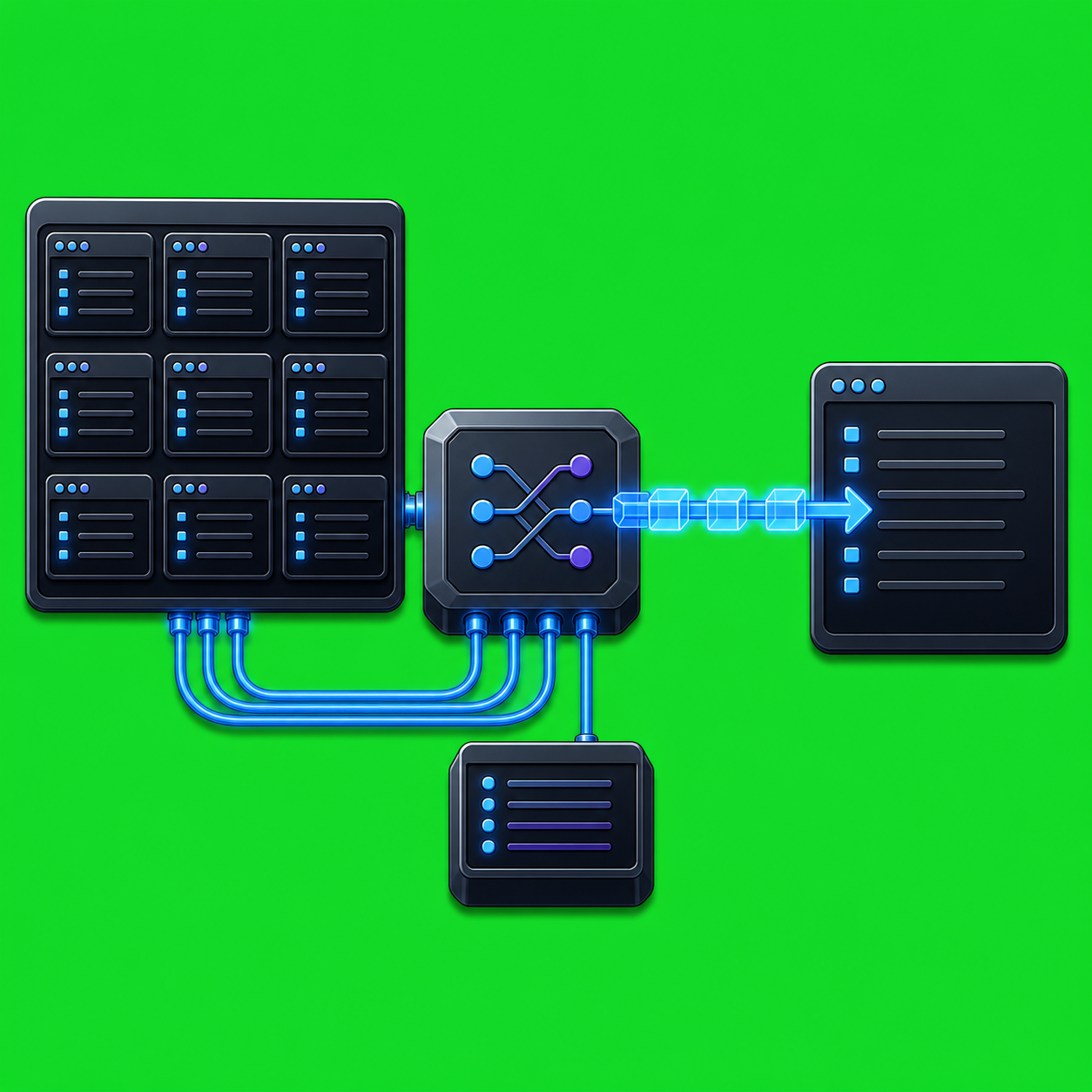
AxiOwl's OpenCode work is about making OpenCode CLI sessions addressable from the same local routing layer used for other AI-provider sessions. Instead of treating OpenCode as a separate manual terminal workflow, AxiOwl can discover OpenCode sessions, add them to its local registry, and route messages to a selected session through the OpenCode CLI.
The current implementation is intentionally conservative. The codebase contains real OpenCode CLI discovery, create, delivery, MCP host mapping, and provider dispatch code. The provider support matrix still marks opencode:cli as target, not fully supported, because AxiOwl's final support bar requires more than launching a process or writing a config file. Full support requires a response path through AxiOwl MCP with provider-owned sender identity. OpenCode has a concrete target path today, but the final metadata proof is still called out as future work.
What AxiOwl Connects To
In AxiOwl's command surface, OpenCode appears as opencode-cli. Internally, the provider is normalized to opencode_cli. The CLI usage text includes OpenCode in create, discover, and MCP server host commands:
axiowl create --provider opencode-cli --name <agent> --body <message> --cwd <workspace>
axiowl discover opencode-cli --json
axiowl send --to <agent> --body <message>
axiowl mcp-server --host opencode-cli --provider opencode_cli
That naming matters because AxiOwl's registry does not store generic "terminal" targets. It stores provider-specific session identities. For OpenCode, a discovered or created target uses this provider session ID shape:
opencode_cli:session:<opencode-session-id>
The provider edge table dispatches OpenCode delivery, create, and rename requests by provider name. Delivery and creation have OpenCode-specific implementation. Rename is deliberately not implemented yet; the code reports that OpenCode direct rename behavior has not been proven, while create supports an explicit title.
How Discovery Works
OpenCode discovery starts by finding the opencode executable. On Windows, AxiOwl checks the common npm locations first:
%APPDATA%\npm\opencode.cmd
%APPDATA%\npm\opencode.exe
It also scans the current PATH for opencode, including Windows command suffixes such as .cmd, .exe, and .bat.
Once the executable is found, AxiOwl asks OpenCode for recent session state:
opencode session list --format json --max-count 100
The discovery module reads JSON objects from that output and extracts the session id, title, and directory. If a session has a title, that becomes the display name. If not, AxiOwl falls back to a generated name such as:
OpenCode CLI 7f3a91c2
Each discovered row is marked with provider opencode_cli, node local, source opencode_cli_session_list_json, and evidence including the session ID, working directory, and executable path. AxiOwl only marks the row sendable when the OpenCode session has a usable directory. If the directory is missing or no longer exists, discovery keeps the evidence but marks the row stale and not sendable.
That is a practical operator guardrail. A session name is not enough. For CLI providers, the working directory is part of the usable context. A stale OpenCode session should show up as stale evidence, not as a target that silently fails later.
Creating An OpenCode Session
AxiOwl can also create an OpenCode CLI-backed registry row. The create path requires an initial message because the implementation uses OpenCode's non-interactive run command. It also requires a valid working directory, either from --cwd or the current process directory.
The effective command shape is:
opencode run --format json --title <agent-name> --dir <cwd> <initial-message>
AxiOwl then parses OpenCode's JSON output for sessionID or sessionId. If OpenCode returns a session ID, AxiOwl records the new target as:
opencode_cli:session:<session-id>
The created agent is enabled, sendable, local, and sourced as created_opencode_cli. If no initial message is provided, if the working directory is invalid, if the OpenCode executable is missing, or if OpenCode succeeds without returning a session ID, the create path fails loudly with a specific correlation state.
This is the same design rule used elsewhere in AxiOwl: do not turn an uncertain provider result into a pretend agent. Either the provider returns enough evidence to address the session, or the operation reports the gap.
Sending To An Existing OpenCode Session
For delivery, AxiOwl resolves the target registry row, extracts the bare OpenCode session ID from opencode_cli:session:<id>, and confirms that the session still appears in opencode session list. It also checks the session directory before sending.
When those checks pass, AxiOwl writes a per-session OpenCode MCP configuration under its local state tree:
%LOCALAPPDATA%\AxiOwl\mcp\opencode-cli-<session-id>\opencode.json
The generated config defines an axiowl MCP server entry that runs the installed AxiOwl executable in OpenCode host mode:
axiowl.exe mcp-server --host opencode-cli --provider opencode_cli
The config also sets:
AXIOWL_MCP_HOST=opencode-cli
AXIOWL_MCP_PROVIDER=opencode_cli
With that config directory prepared, AxiOwl resumes the OpenCode session:
opencode run --format json --session <session-id> --dir <session-directory> <final-visible-body>
The delivery process sets OPENCODE_CONFIG_DIR to the generated config directory and runs from the session directory. If the command exits successfully, AxiOwl reports provider write success and records evidence including the executable path, working directory, config directory, resumed session ID, and a bounded excerpt of OpenCode output.
Why The Support Matrix Still Says Target
The provider support matrix is strict on purpose. It lists opencode:cli as target with delivery through opencode run --session and generated config. It also says the OpenCode path needs a future metadata patch and provider-owned metadata proof.
That distinction is important. AxiOwl can discover OpenCode sessions. It has code to create a new OpenCode run. It has code to resume a session with a generated MCP config. But final provider support requires the reply side to identify the sender session through provider-owned MCP metadata or an equivalent provider-supported mechanism. Environment-only identity injection is not considered enough for final CLI support.
The MCP server already has an OpenCode identity branch. For opencode-cli, it looks for metadata keys such as:
opencode.sessionId
opencode.sessionID
opencode.session_id
sessionID
sessionId
session_id
When that metadata is present, AxiOwl can build sender identity as opencode_cli:session:<id> and label the host as OpenCode CLI. When the metadata is missing, the MCP identity path records a missing OpenCode session ID instead of guessing.
That is the correct failure mode for routing software. Replies should go back to real sessions, not to a display name that happens to look right.
Installer Behavior
The installer behavior matrix treats OpenCode CLI as a separable provider feature. It should be prechecked only when OpenCode CLI is discovered and the support gate allows it. The intended install action is OpenCode MCP config, with a future CLI metadata patch when that path is proven.
The installer is also explicit about what it should not touch. For OpenCode, AxiOwl should not modify OpenCode authentication or unrelated OpenCode configuration. Cleanup should be limited to stale AxiOwl-owned config. That keeps the integration narrow: AxiOwl owns its runtime, registry, MCP config, logs, and proof files; OpenCode owns its own auth and normal user settings.
Practical Workflow
The practical OpenCode workflow is:
- Install AxiOwl and make sure
axiowl.exeis available from the installed local runtime. - Make sure OpenCode CLI is installed and available as
opencode. - Start or use OpenCode sessions in real project directories.
- Run discovery:
axiowl discover opencode-cli --json
- Confirm the session appears in the AxiOwl registry as a sendable
opencode_clitarget. - Send to the chosen target by name:
axiowl send --to "<OpenCode target name>" --body "Review the current implementation and summarize the next safe change."
- Treat the send receipt correctly. AxiOwl acceptance means the message passed AxiOwl validation and entered the delivery layer. Provider write success means the OpenCode CLI command accepted the resumed session command. The strongest proof remains a reply through AxiOwl MCP with correct OpenCode session metadata.
For a new session, use create with an initial prompt and a valid working directory:
axiowl create --provider opencode-cli --name "OpenCode Review" --cwd "C:\path\to\project" --body "Inspect this project and identify the highest-risk area."
Where OpenCode Fits In AxiOwl
OpenCode is a good example of AxiOwl's provider model. The goal is not to flatten every AI tool into one vague chat endpoint. The goal is to preserve the facts that make a session useful: provider, session ID, working directory, display name, sendability, discovery source, and last known evidence.
For OpenCode, the current codebase already has the important routing pieces: executable discovery, session-list parsing, registry rows, create flow, session resume delivery, generated MCP config, and MCP host identity handling. The remaining support-bar issue is the same issue that matters for every CLI provider: replies need durable provider-owned sender identity.
That is the right boundary. AxiOwl can be useful before every provider surface is marked fully supported, but it should be honest about what is proven. With OpenCode, the available path is a concrete CLI target integration, and the next milestone is turning that target path into a fully proven send-and-reply surface.