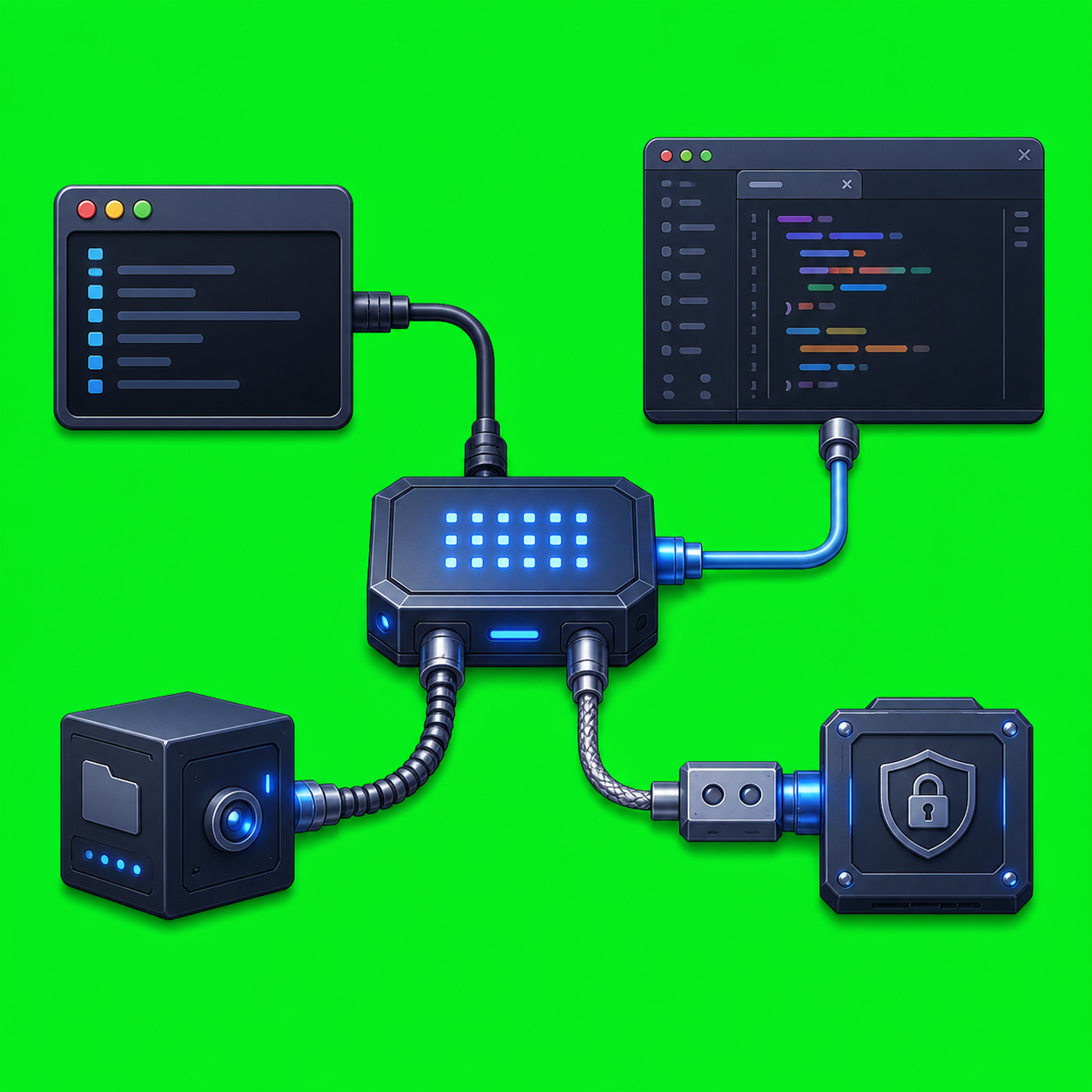
Why AxiOwl Treats Each Provider Differently
AxiOwl does not treat every AI provider as the same kind of endpoint because the providers are not the same kind of endpoint. A Codex CLI thread, a Cursor Agent Window, a VS Code Copilot chat, an Antigravity agent session, and a future CLI target all expose different session metadata, different configuration files, different delivery commands, and different reply paths.
The practical result is simple: AxiOwl has a common coordination layer, but the final delivery step is provider-specific. That is not accidental complexity. It is how AxiOwl avoids pretending that a message was delivered, a reply was identified, or a patch was safe when the provider surface did not actually prove those things.
The Middle Stays Small
The AxiOwl provider edge contract says the middle of the system should not know how to operate every provider. The shared path should resolve the target, build the final visible message body, call the right provider adapter, and interpret a small result. The provider edge is where provider-specific knowledge belongs.
That contract defines a compact provider request with fields such as:
message_id
target_agent_display_name
provider_session_id
node_context
final_visible_body
timeout_policy
strict
It also defines a compact result with fields such as:
provider
state
accepted
degraded
error
evidence
method_used
started_at
finished_at
This split is important. AxiOwl can keep common routing, registry, logging, and receipt behavior consistent while still letting each provider adapter use the delivery method that actually works for that provider.
Provider Support Has A Real Bar
The current provider support matrix is explicit that a provider is not supported just because AxiOwl can write a config file or launch a process. Support requires more:
- Provider/session discovery works.
- The installer installs only the integration pieces required for that provider.
- AxiOwl can send to a named provider session.
- The provider receives the message.
- The provider replies through AxiOwl MCP.
- The reply carries correct provider-owned sender identity.
That support bar explains why AxiOwl distinguishes between supported, target, experimental, unsupported, and removed. Codex agents, Codex CLI, VS Code agents, Copilot through the VS Code extension path, Cursor agents, and Antigravity agents are marked supported in the matrix. Antigravity CLI, Claude Code CLI, OpenCode CLI, Copilot CLI, and Hermes-related paths are marked as targets where additional proof or metadata work is still required. Cursor CLI is explicitly unsupported in the current matrix because a separate Cursor CLI provider surface is not accepted as current support.
Those status terms are not cosmetic. They tell operators whether the whole loop has been proven, not merely whether a possible integration idea exists.
Codex CLI Is A Thread Operation
Codex CLI support uses Codex CLI and thread operations. In the Linux CLI provider implementation, AxiOwl detects the codex executable, checks login state, writes MCP config into the Codex config path, creates sessions with codex exec, resumes sessions with codex exec resume, and records the resulting thread id as the provider session id.
That means Codex CLI has its own shape:
provider_id: codex_cli
session identity: Codex thread id
delivery: codex exec resume
MCP config: Codex config
evidence: CLI output, transcript paths, MCP metadata log
The implementation also records Codex registry rows under the AxiOwl CLI state directory. A row can include the provider id, executable path, version, auth state, MCP server name, provider session id, sender address, chat name, workspace path, transcript path, provider log path, and evidence summary.
That is why AxiOwl cannot treat Codex CLI as just another text box. The Codex path depends on Codex session identity and Codex MCP metadata.
Antigravity CLI Has A Different Identity Model
Antigravity CLI is not the same as Codex CLI. The implementation resolves the agy executable, probes auth by running a print-style prompt, writes Antigravity/Gemini MCP configuration, and stores conversation ids as provider session ids. It looks for conversation ids in Antigravity-specific metadata such as antigravity.google/conversation_id, conversationId, conversation_id, artifact directory paths, and in some cases an environment value.
The create and send commands are provider-specific:
create: agy -p <message>
send: agy --conversation <conversation_id> -p <message>
Antigravity also has a different rename reality. The source shows that programmatic rename is not treated as a real Antigravity CLI rename command; AxiOwl can apply a registry alias while marking rename support false. That is an example of the product being specific instead of overclaiming. AxiOwl can keep a useful local name for routing without pretending the provider itself was renamed.
Cursor Agents Need A Bridge And Patch-Sensitive Behavior
Cursor agent support has another shape entirely. The provider documentation describes the preferred delivery path as:
AxiOwl provider edge
  -> command JSON file
  -> Cursor bridge command watcher
  -> glass.axiowlSubmitToAgent
  -> Cursor agent/composer
That path requires the Cursor bridge extension, Cursor MCP config, a bridge registry/config, and a Cursor Glass/workbench patch. The docs also state that the URI wake-up path is fallback only. If the command watcher path is installed and active, URI wake-up should not be the normal path.
This is exactly the kind of provider that would be unsafe to flatten into a generic "send message" implementation. Cursor support depends on private, patch-sensitive internals. AxiOwl therefore has to verify bridge runtime state, command watcher activity, command receipt, and acceptance evidence instead of assuming that writing a file or opening a URI means the message was delivered.
VS Code And Copilot Depend On The Host MCP Surface
VS Code Copilot support is documented as Copilot-backed chat inside VS Code. AxiOwl uses the VS Code bridge extension and an MCP server definition. The bridge exposes AxiOwl MCP to VS Code and can route messages through VS Code chat commands.
That makes the VS Code path different from both Codex CLI and Cursor agents. It depends on the VS Code host, the AxiOwl VS Code bridge extension, MCP server definition, and the availability of the VS Code MCP APIs in that host. The docs call out stale extension folders and stale workspace state as real risks after rename or refactor work.
AxiOwl treats those as VS Code-specific problems. It should not solve a stale VS Code bridge by sending to Codex, and it should not report a provider reply until the VS Code path actually proves the relevant delivery and reply behavior.
The Installer Mirrors The Provider Boundaries
The Windows installer behavior matrix says the MSI installs AxiOwl once, but each provider feature behaves like a separate install unit. That is the installer version of the same architecture.
Provider features can require different actions:
- Codex agents need Codex plugin or skill support and MCP/plugin config.
- Codex CLI needs CLI integration/config support and MCP config where applicable.
- VS Code/Copilot needs the AxiOwl VS Code bridge extension and MCP server definition, with patch behavior where selected.
- Cursor agents need the Cursor bridge extension, Cursor MCP config, bridge registry/config, and the selected Cursor patch.
- Antigravity agents need Antigravity/Gemini MCP config.
- Target CLI providers may need future metadata patches before they meet the current support bar.
The installer tests reinforce this boundary. They verify that provider contracts exist, that selected provider intent maps to selected features, that unchecked providers do not leak into coordinator action plans, and that unknown providers are validation errors. In other words, provider specificity is not only in prose. It is tested as installer behavior.
Different Providers Also Mean Different Trust Boundaries
The trust-boundary docs explain what AxiOwl may read and write. It may read provider session metadata, provider config files, provider chat/session indexes or databases needed for discovery, AxiOwl registry/log/runtime files, selected provider install paths, and installer manifest/provenance. It may write selected provider MCP config, selected bridge extension files, selected provider patch changes, and AxiOwl-owned config entries.
The same docs also list what AxiOwl should not touch: unrelated provider extensions, user auth tokens, unrelated provider settings, unrelated workspace files, provider chats except by sending user-requested messages, unchecked provider surfaces, or remote configuration unless explicitly selected.
Those boundaries only work if AxiOwl knows which provider is being configured. A Cursor patch is not a Codex plugin. A VS Code extension folder is not an Antigravity MCP config. A Codex thread id is not an Antigravity conversation id. Treating all providers alike would make the trust boundary less clear and make collateral changes more likely.
Fallbacks Must Stay Inside The Provider Family
The provider edge contract allows fallbacks, but only inside the same provider family. A Codex Desktop IPC path can degrade to a Codex app-server fallback if the result reports what property was lost. A failed VS Code target must not silently become a Codex send. A failed local provider path must not silently become a remote send.
This rule protects the operator. If a user sends to a Cursor agent, they need to know whether Cursor accepted the message. Sending the content somewhere else might produce a response, but it would be the wrong proof. AxiOwl is designed to make that distinction visible through state, error, evidence, method used, and degraded status.
The Operator Value
Provider-specific handling gives operators better diagnostics. When a send fails, the failure can say what failed: missing Codex thread id, missing Cursor bridge command, stale VS Code runtime heartbeat, missing Antigravity conversation id, CLI timeout, MCP config problem, or provider login state. Those are actionable failures.
It also makes success more meaningful. AxiOwl can distinguish:
- AxiOwl accepted the local request.
- The provider edge accepted delivery.
- The provider replied through AxiOwl MCP.
- The reply included correct provider-owned sender identity.
That distinction is what keeps routing honest. A local handoff is not the same thing as an end-to-end provider reply.
Closing
AxiOwl treats each provider differently because each provider exposes a different operating surface. The common layer handles routing, registry state, evidence, and receipts. The provider edge handles the provider's actual command, config, session id, patch, bridge, or MCP behavior.
That design is more useful than a universal wrapper that pretends every AI tool works the same way. It lets AxiOwl install only selected integrations, avoid touching unrelated provider state, fail loudly when a provider cannot be proven, and record evidence that matches the real delivery path. For day-to-day use, that means fewer mystery successes, clearer failures, and a routing system that respects the provider you actually chose.