How to Route Work From One Agent to Another
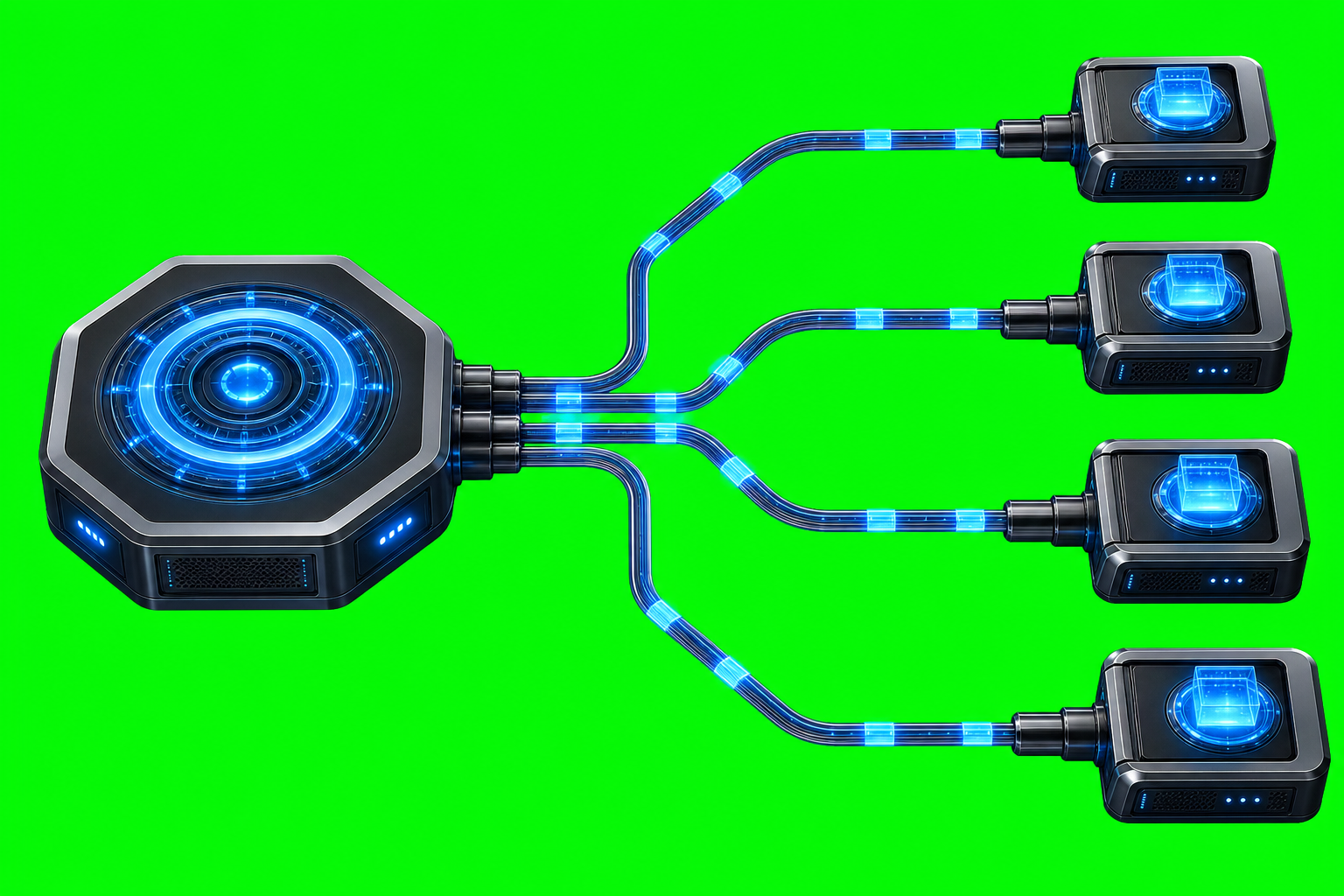
How to Route Work From One Agent to Another Routing work between AI agents is only useful if the handoff lands in the right session and the sender can understand what happened. AxiOwl treats that as a transport problem, not a prompt-writing trick. A named sender sends a text body to a named target, AxiOwl […]
How to Send Messages Between Named Agents

How to Send Messages Between Named Agents AxiOwl's core job is deliberately small: send one text message from one named agent to one named agent, route it through the correct provider edge, and record what happened. Instead of making a user remember provider-specific session identifiers, the operator addresses a human-readable agent name and lets AxiOwl […]
Common First-Time AxiOwl Setup Problems
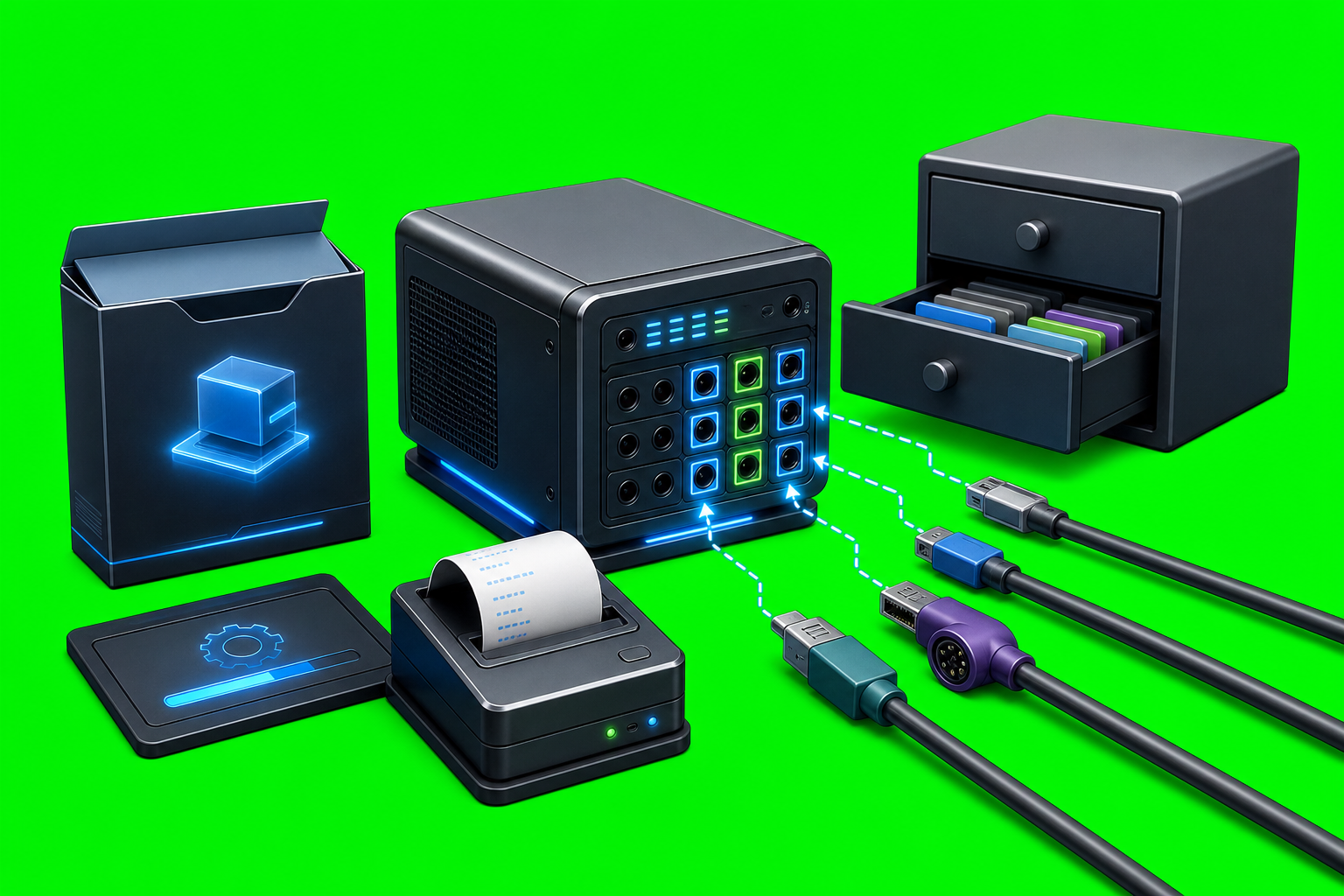
Common First-Time AxiOwl Setup Problems AxiOwl setup is not just "install an app and send a message." The current C++ implementation is a local Windows coordinator that installs axiowl.exe, keeps a durable local registry, discovers supported provider sessions, configures selected provider integrations, and exposes both a CLI and an MCP server. First-time problems usually come […]
How to Add a Remote Node to AxiOwl
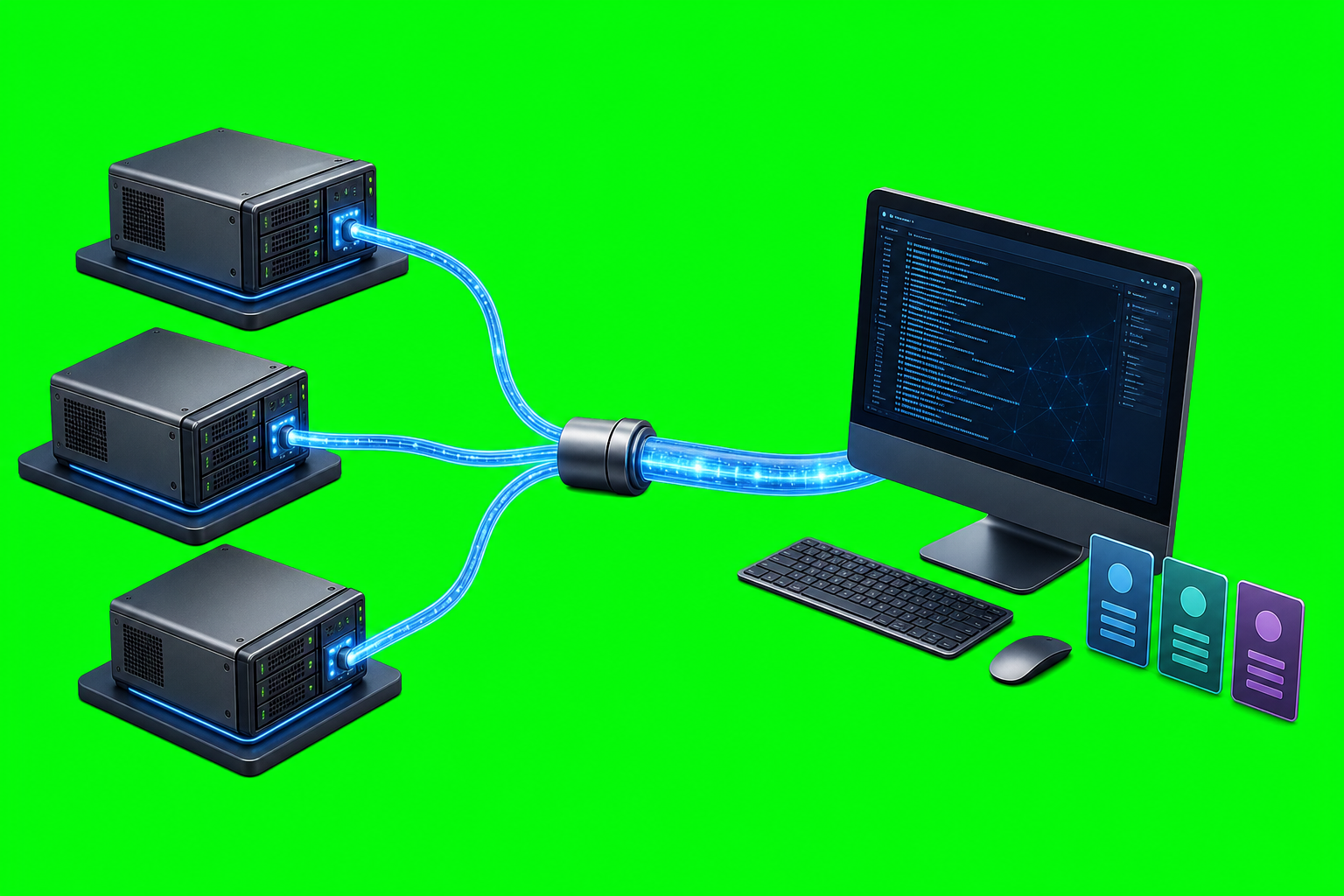
How to Add a Remote Node to AxiOwl A remote node in AxiOwl is a Linux machine that the Windows AxiOwl coordinator can reach over SSH and use as a remote Codex delivery endpoint. The important part is not just that the host exists. AxiOwl needs a registered node row, a verified SSH path, a […]
How to Connect AxiOwl to Your First Provider
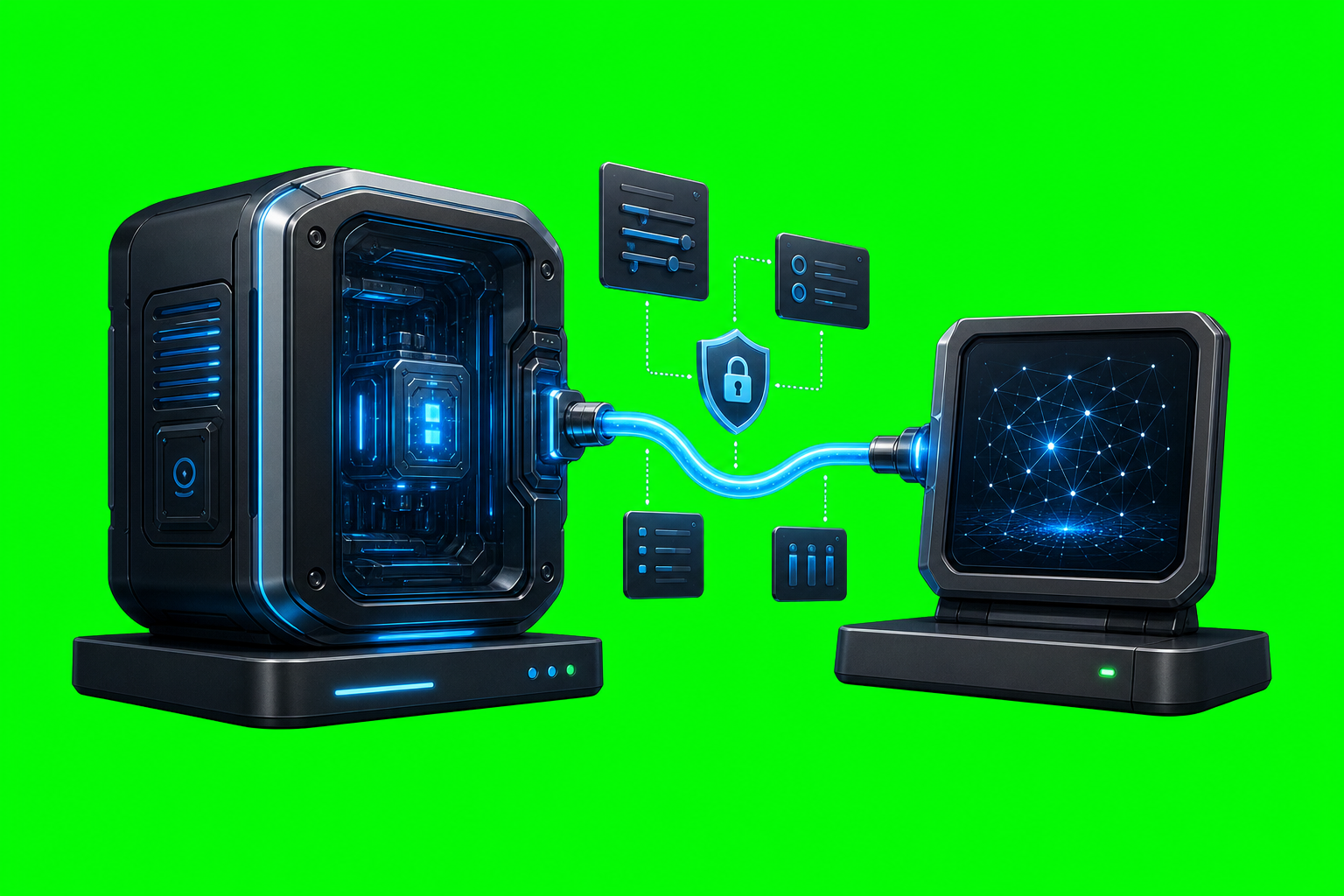
How to Connect AxiOwl to Your First Provider Connecting AxiOwl to a provider means more than adding a shortcut or writing a config file. In the current AxiOwl implementation, the Windows runtime discovers provider sessions, records reachable chats in a local registry, sends messages through provider-specific edges, and expects replies to come back through AxiOwl […]
How to Create Your First Named Agent
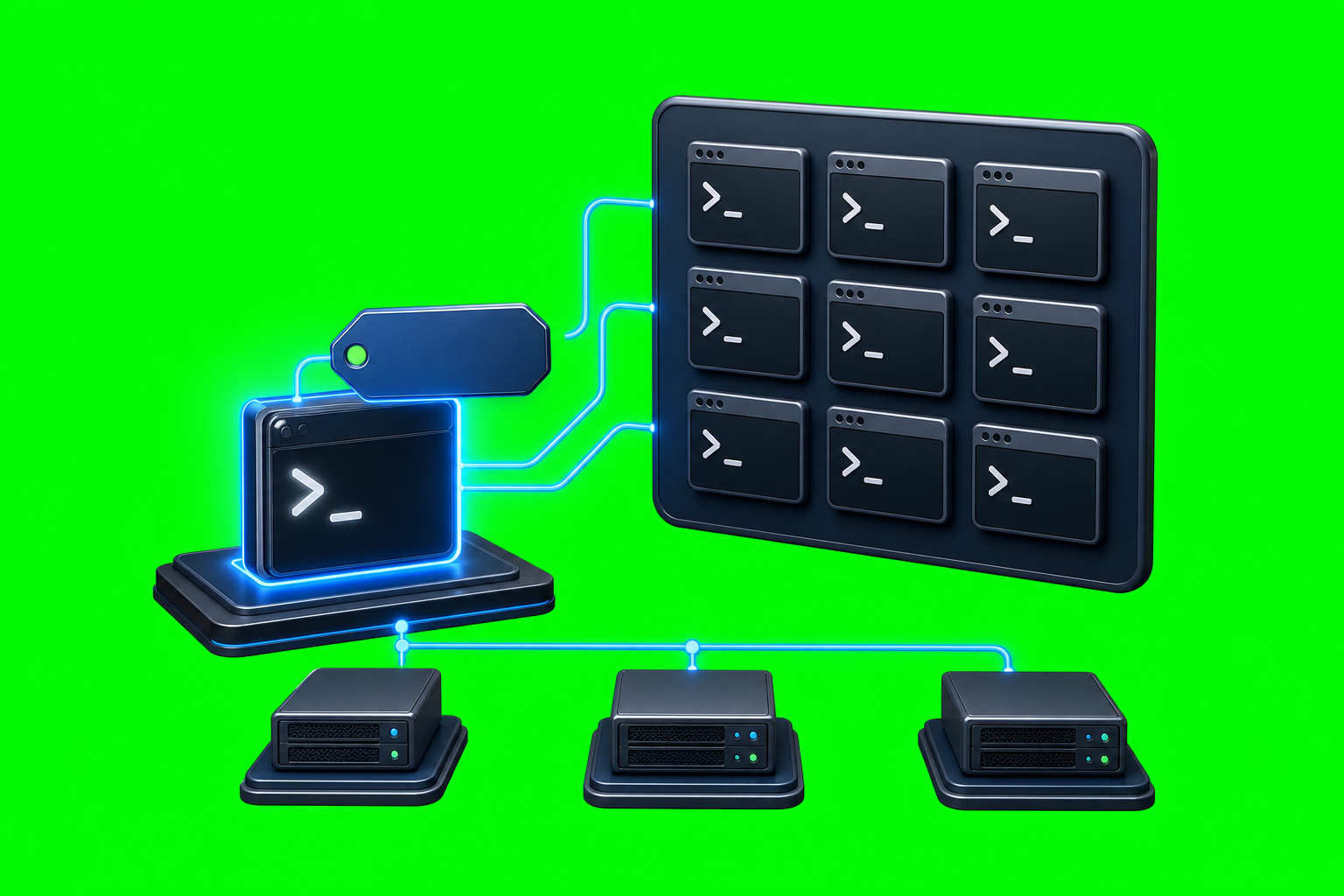
How to Create Your First Named Agent A named agent in AxiOwl is a sendable target you can refer to by a human-readable name instead of by a raw provider session ID. That name is not just cosmetic. AxiOwl stores it in its local registry with the provider, session ID, node, aliases, timestamps, and sendability […]
How to Send Your First Message Through AxiOwl

How to Send Your First Message Through AxiOwl Sending a first AxiOwl message is not just a chat command. In the current C++ implementation, a send goes through a small delivery pipeline: AxiOwl reads the target name, loads the local agent registry, resolves the target to a provider session, builds the visible message body, sends […]
How to Install AxiOwl for the First Time

How to Install AxiOwl for the First Time AxiOwl is installed as a local coordinator for supported AI provider sessions. On Windows, the current first-time install path is the AxiOwl MSI. That installer places the AxiOwl runtime on the machine, adds the command-line tool, writes local state under the user's AxiOwl data directory, and installs […]
How AxiOwl Is Different From a Normal AI Chat App
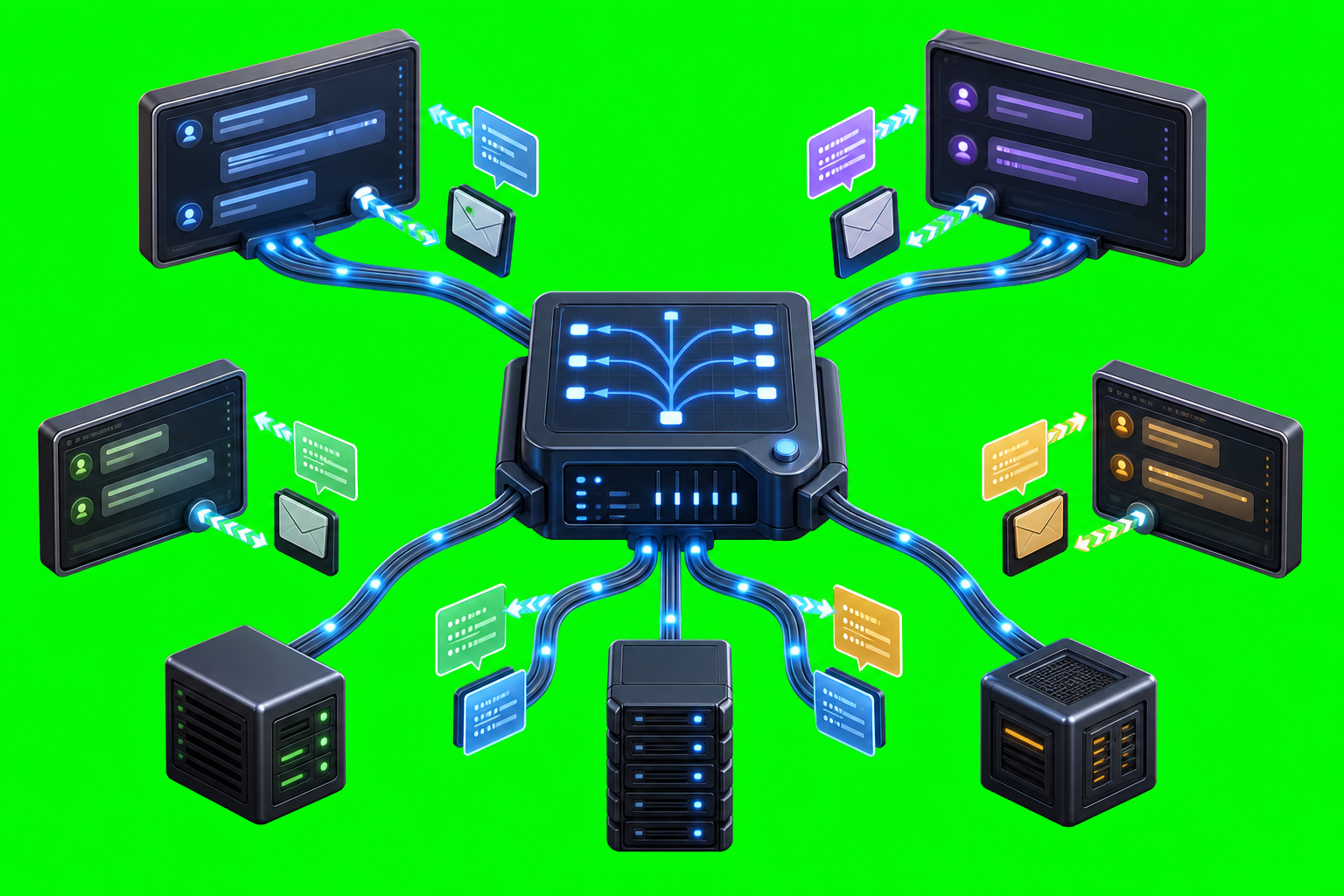
How AxiOwl Is Different From a Normal AI Chat App A normal AI chat app is usually built around one conversation: a person types into a chat window, one assistant answers in that same window, and the app treats that back-and-forth as the product. AxiOwl is built around a different job. It is a local […]
What AxiOwl Does and Does Not Do
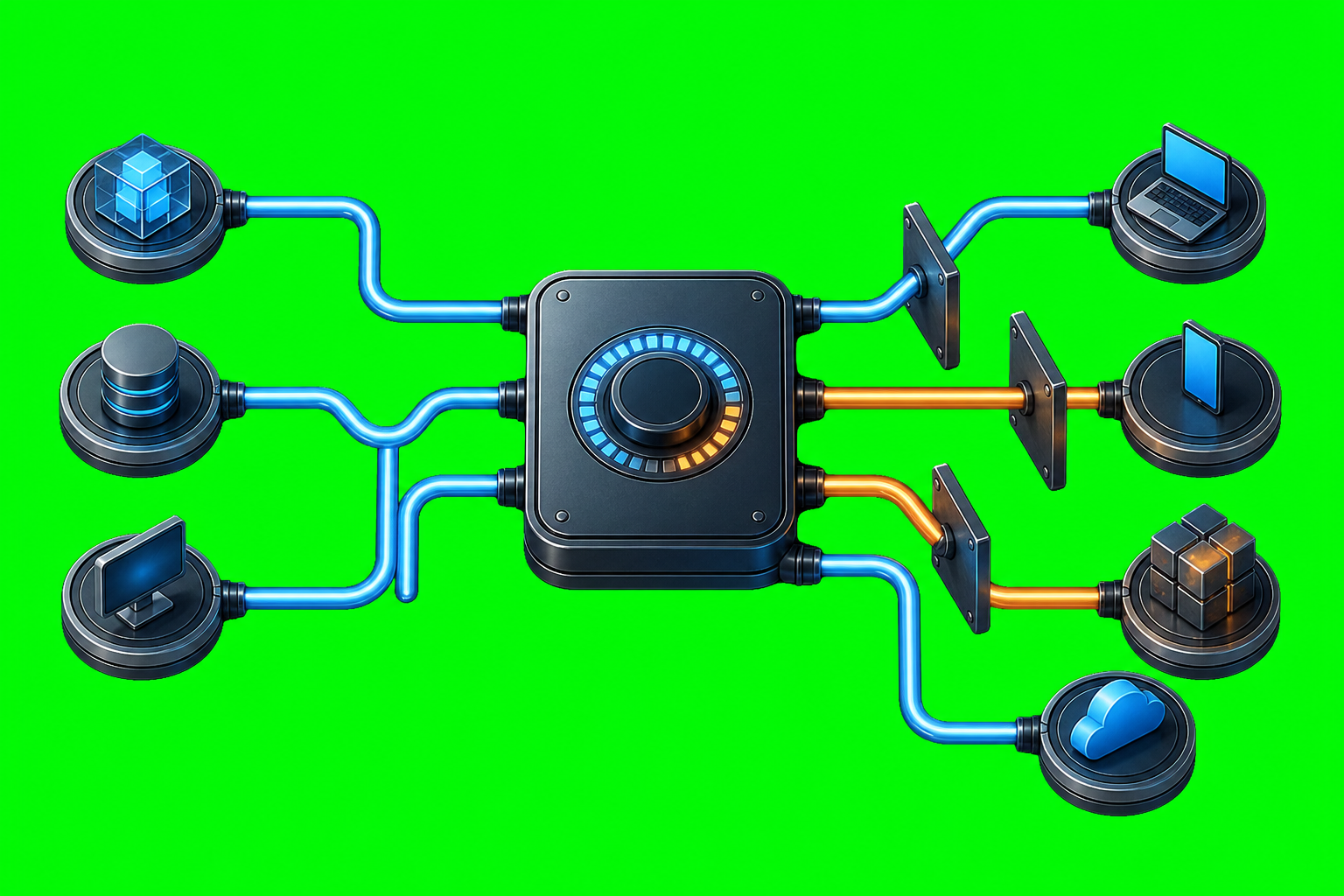
What AxiOwl Does and Does Not Do AxiOwl is a local Windows coordinator for AI provider sessions. Its job is not to replace Codex, Cursor, VS Code, Copilot, Antigravity, or other providers. Its job is to give supported provider sessions a way to discover each other, address each other, send messages, and reply through a […]