How to Send Your First Message Through AxiOwl
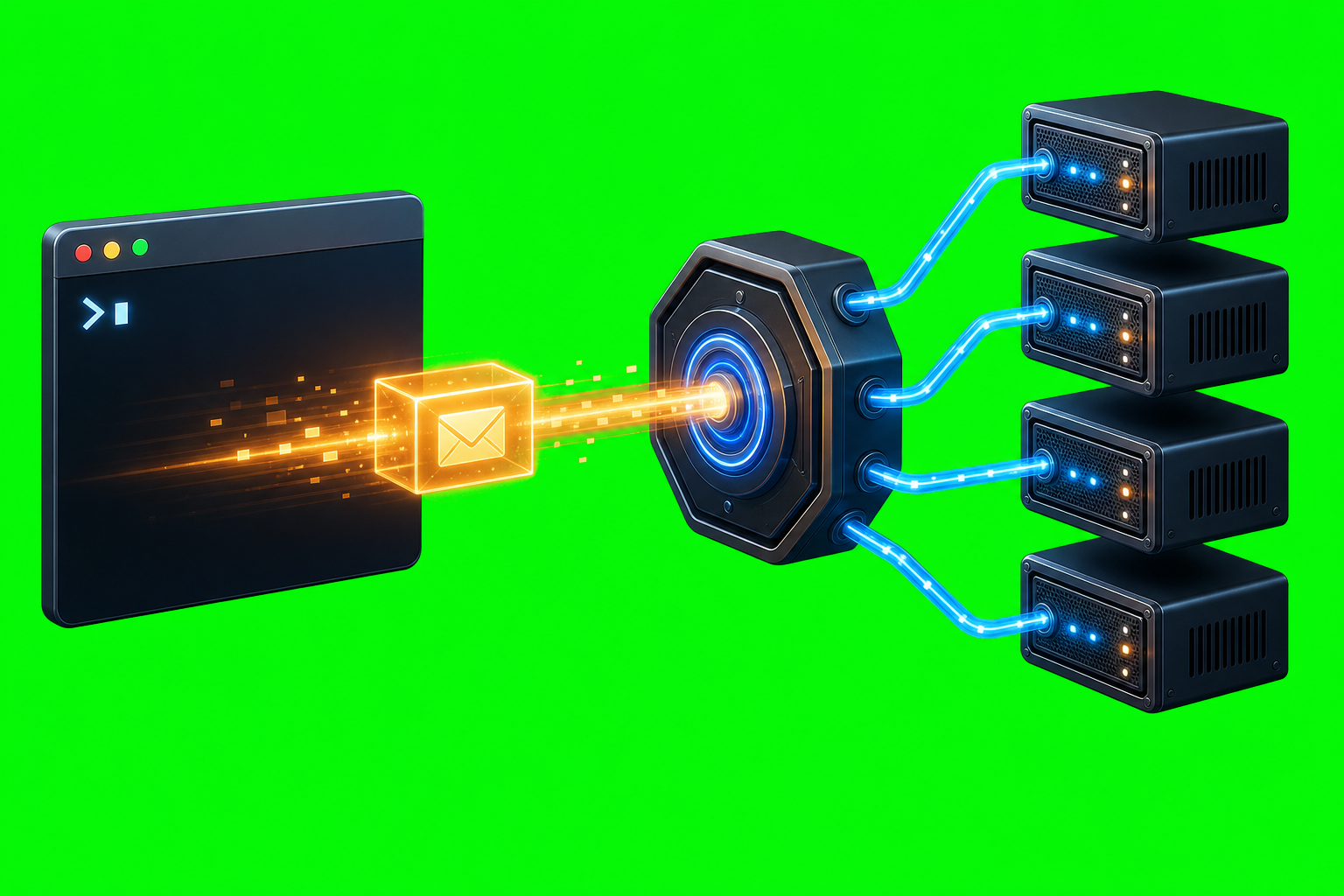
How to Send Your First Message Through AxiOwl Sending a first AxiOwl message is not just a chat command. In the current C++ implementation, a send goes through a small delivery pipeline: AxiOwl reads the target name, loads the local agent registry, resolves the target to a provider session, builds the visible message body, sends […]
How to Install AxiOwl for the First Time

How to Install AxiOwl for the First Time AxiOwl is installed as a local coordinator for supported AI provider sessions. On Windows, the current first-time install path is the AxiOwl MSI. That installer places the AxiOwl runtime on the machine, adds the command-line tool, writes local state under the user's AxiOwl data directory, and installs […]
How AxiOwl Is Different From a Normal AI Chat App
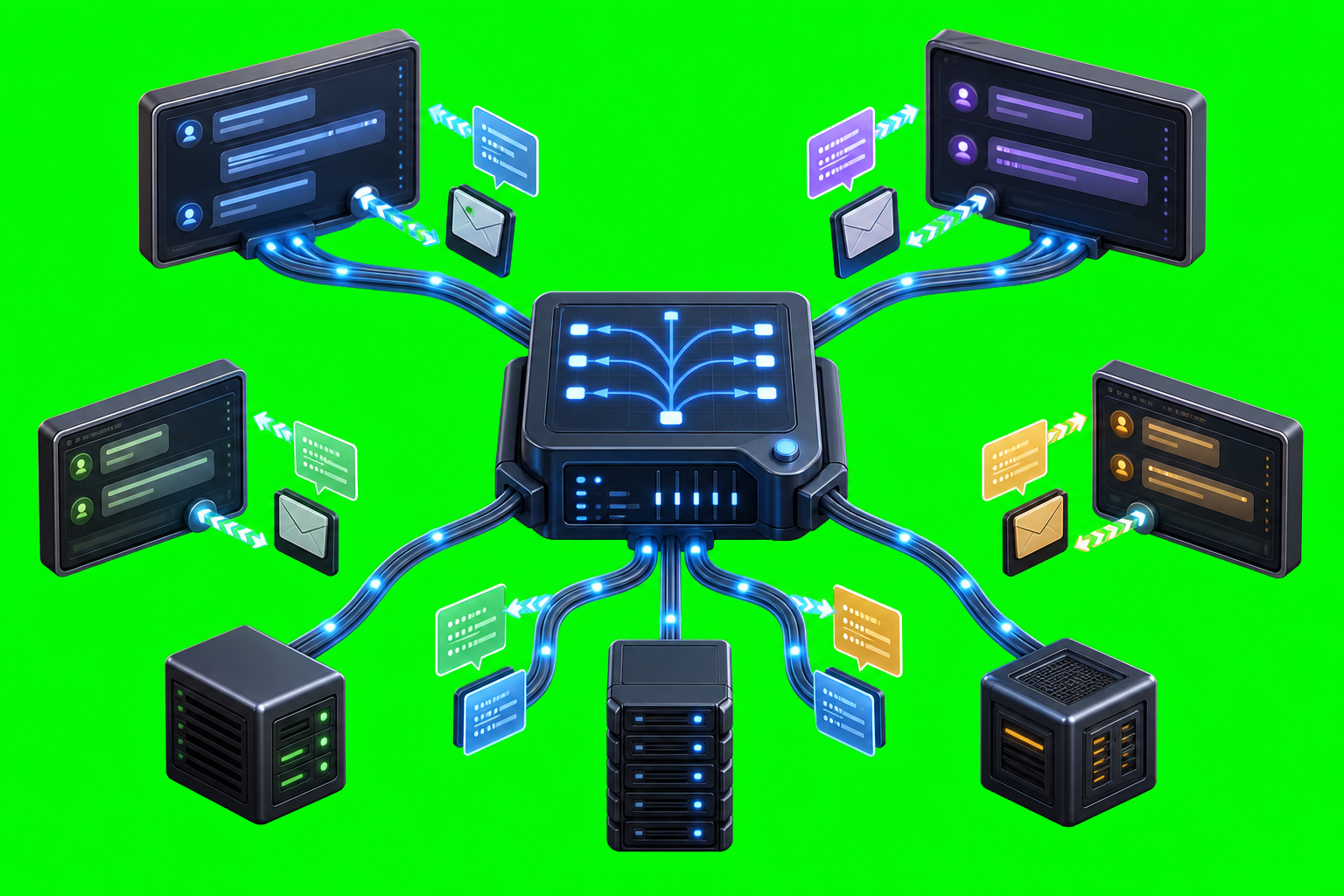
How AxiOwl Is Different From a Normal AI Chat App A normal AI chat app is usually built around one conversation: a person types into a chat window, one assistant answers in that same window, and the app treats that back-and-forth as the product. AxiOwl is built around a different job. It is a local […]
What AxiOwl Does and Does Not Do
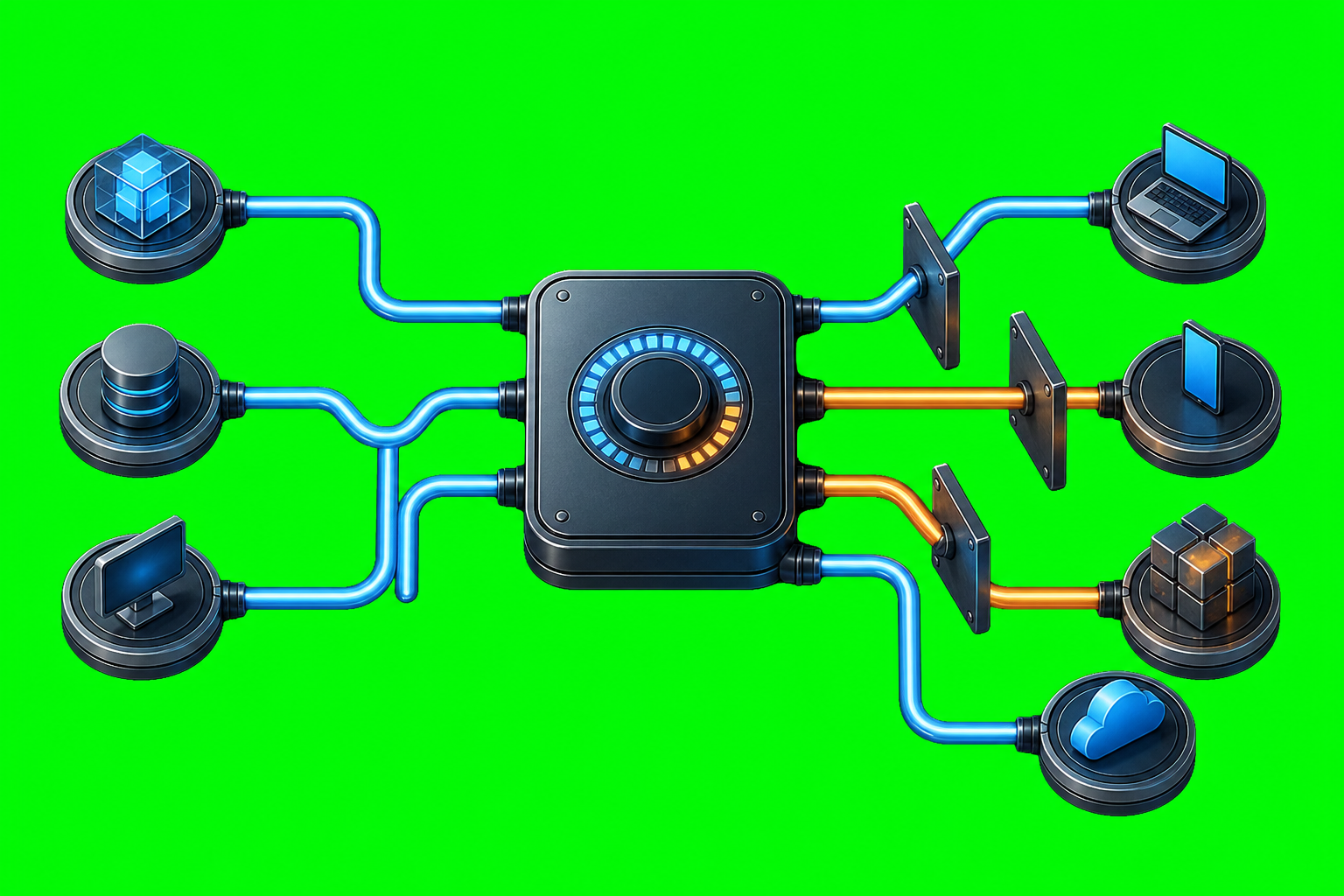
What AxiOwl Does and Does Not Do AxiOwl is a local Windows coordinator for AI provider sessions. Its job is not to replace Codex, Cursor, VS Code, Copilot, Antigravity, or other providers. Its job is to give supported provider sessions a way to discover each other, address each other, send messages, and reply through a […]
What Is AxiOwl?
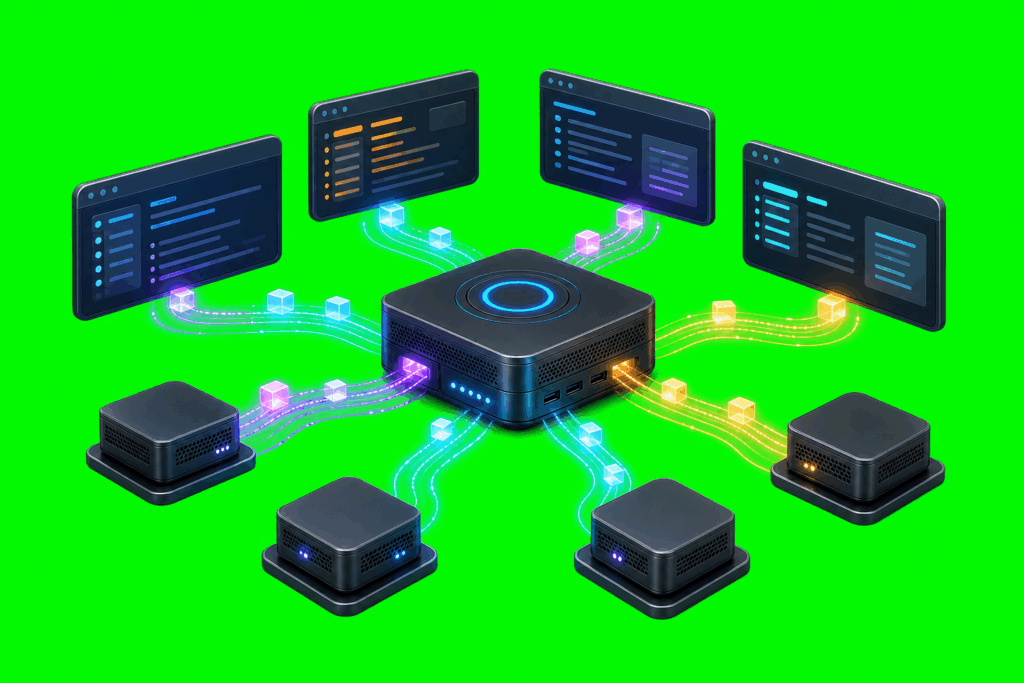
What Is AxiOwl? AxiOwl is a local Windows coordinator for sending messages between supported AI provider sessions. In practical terms, it lets one named agent chat send a text body to another named agent chat, while AxiOwl handles the local registry lookup, provider-specific delivery path, reply instructions, and evidence logging. That definition is intentionally narrow. […]