How to Recover From a Broken Provider Bridge
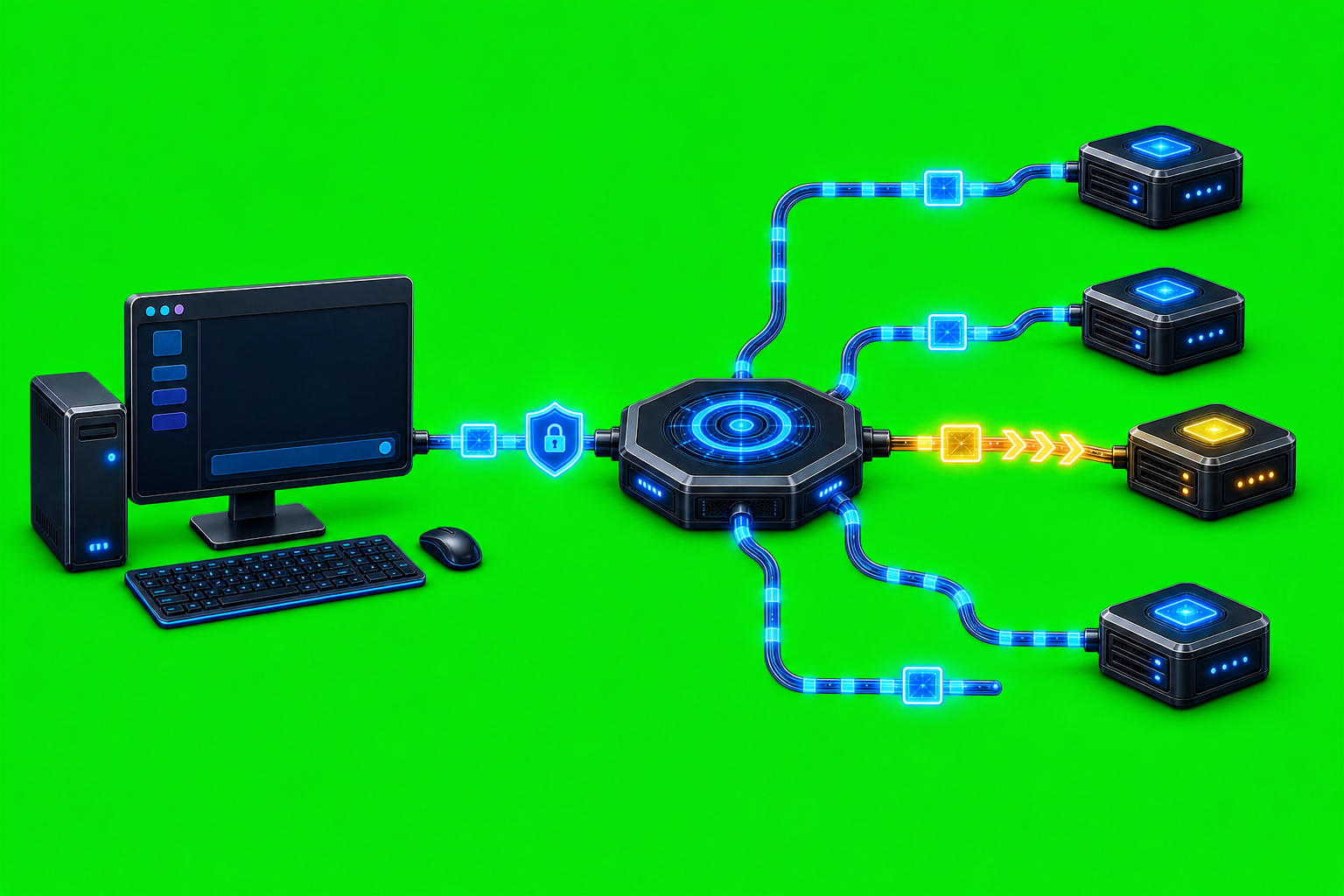
How to Recover From a Broken Provider Bridge A broken provider bridge is not one single failure. In AxiOwl, it can mean the provider extension did not load, the MCP config is stale, a registry row points at the wrong session, a patch is missing, the provider app was not restarted, or the target accepted […]
How to Confirm Which Agents Are Active

How to Confirm Which Agents Are Active When an AxiOwl operator asks which agents are active, the practical question is not just "what names are saved somewhere?" The real question is: which provider sessions does AxiOwl currently consider usable as message targets, and what evidence supports that decision? AxiOwl answers that through a durable local […]
How to Read AxiOwl Evidence Logs
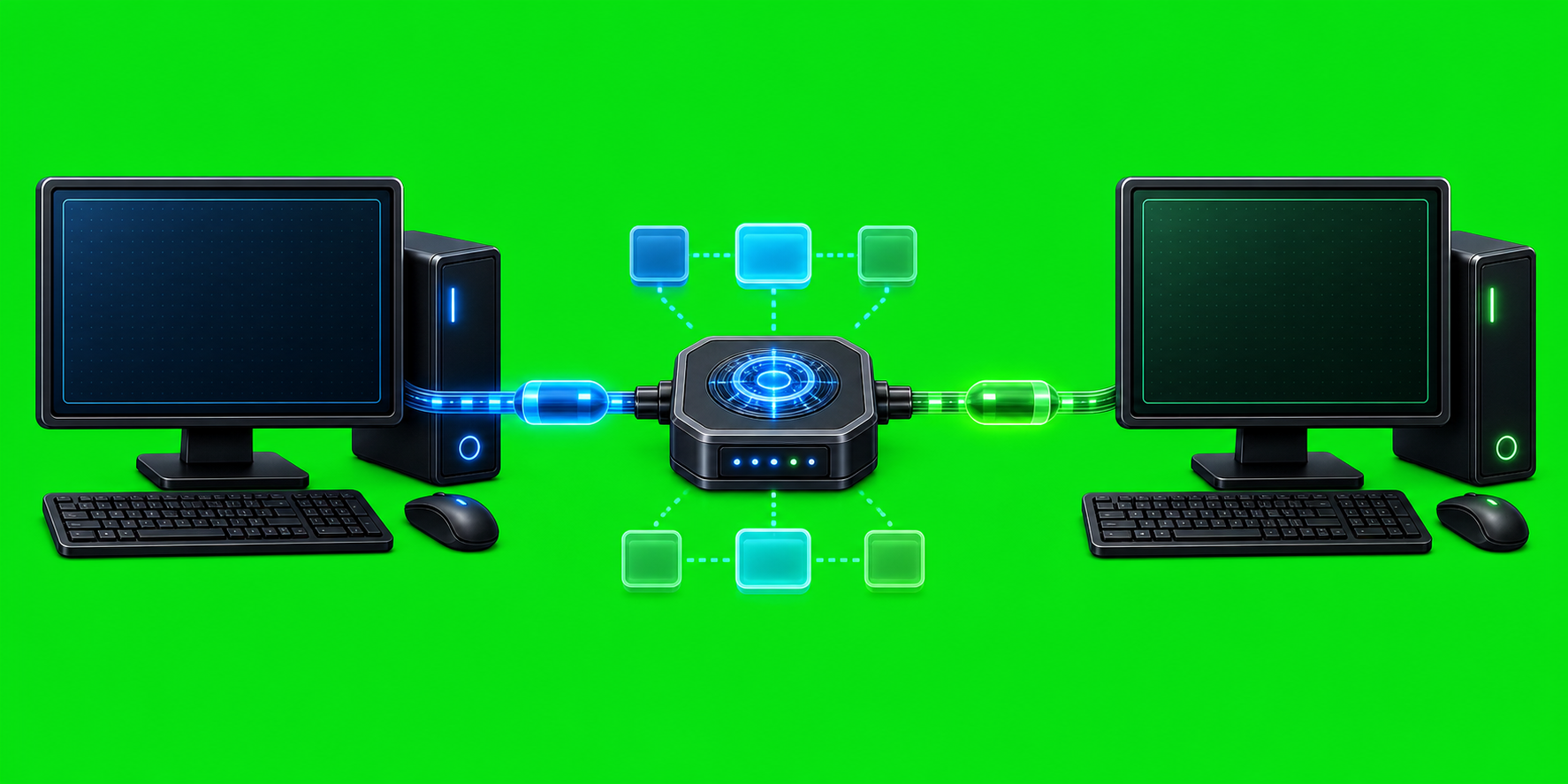
How to Read AxiOwl Evidence Logs AxiOwl evidence logs are the operator's audit trail for what the local coordinator accepted, resolved, rejected, handed off, or proved. They are not generic application noise. They are structured newline-delimited JSON records that let you reconstruct the path of a message or create request across registry resolution, sender identity, […]
How to Troubleshoot AxiOwl Message Delivery
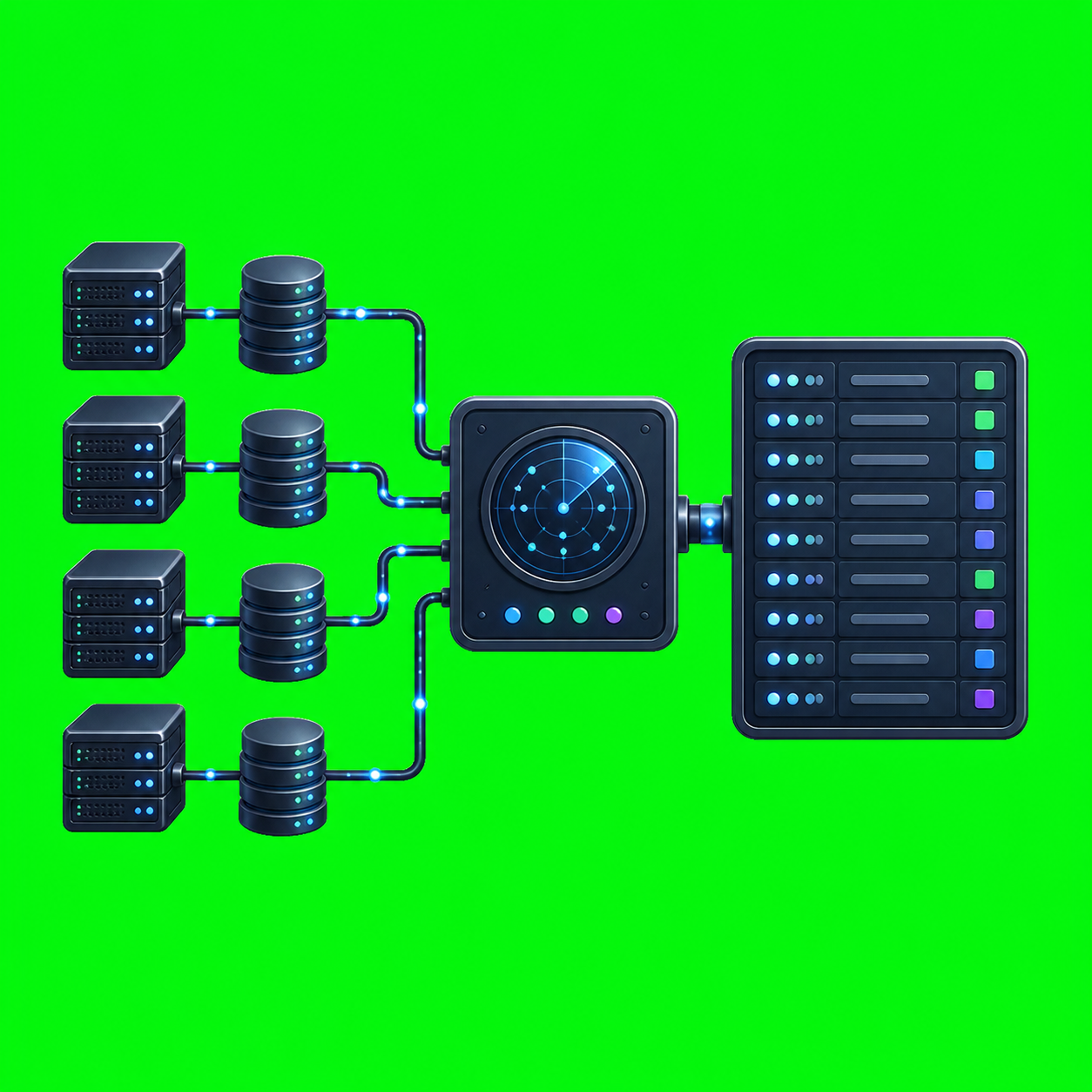
How to Troubleshoot AxiOwl Message Delivery Troubleshooting AxiOwl message delivery starts with one discipline: separate the stages. An install can succeed while discovery is stale. A registry row can exist while the target is not sendable. A command can return accepted_by_axiowl while provider delivery, provider wake-up, and a recipient reply are still unproven. That distinction […]
The AxiOwl Messaging Model
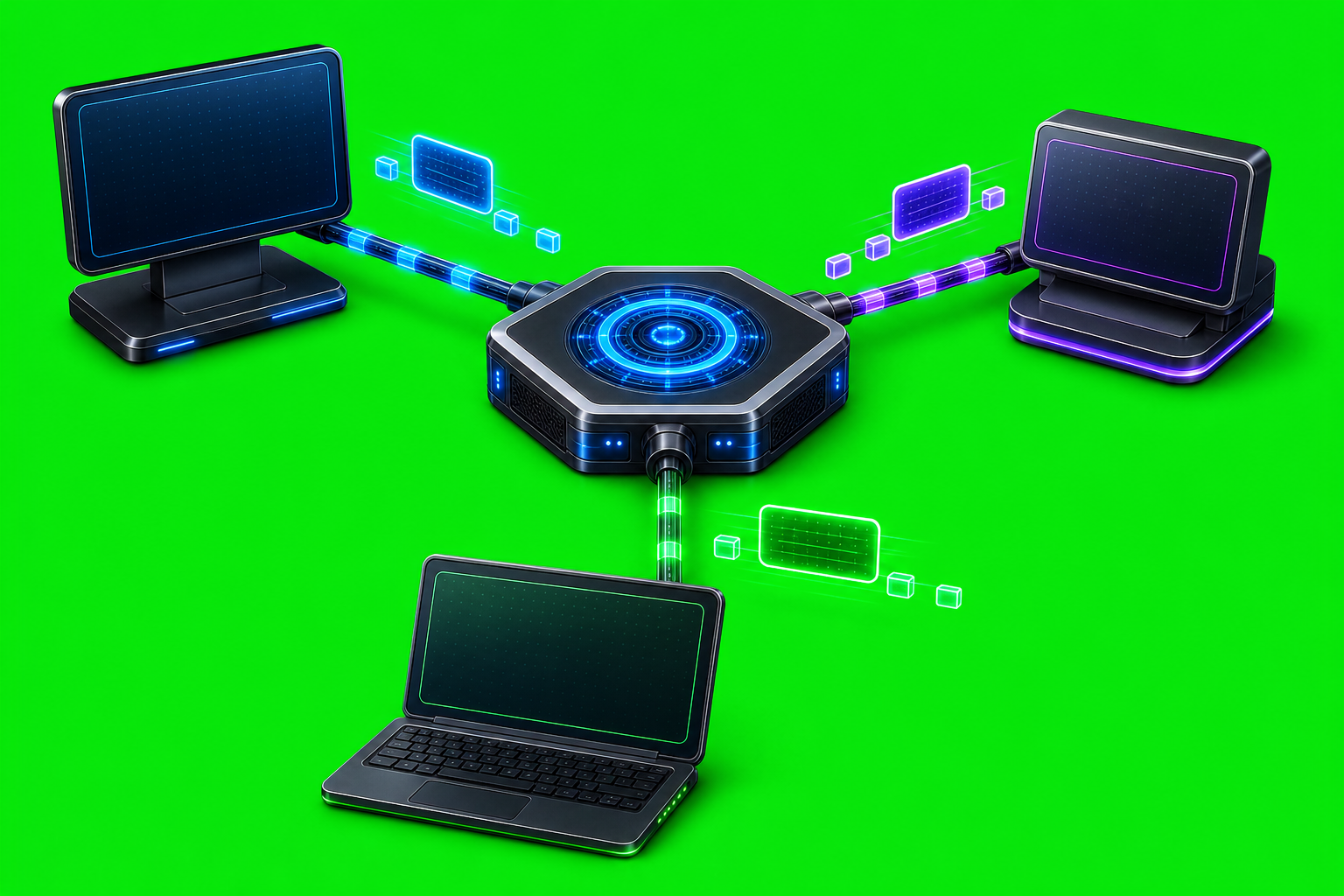
The AxiOwl Messaging Model AxiOwl's messaging model is deliberately small: one sender, one target, one body, one selected provider edge, and one honest receipt. That constraint matters because AxiOwl is not just moving text between two identical chat windows. It is coordinating messages across provider sessions, local and remote nodes, MCP tools, CLI commands, registry […]
How AxiOwl Turns Chat Sessions Into Addressable Work Surfaces
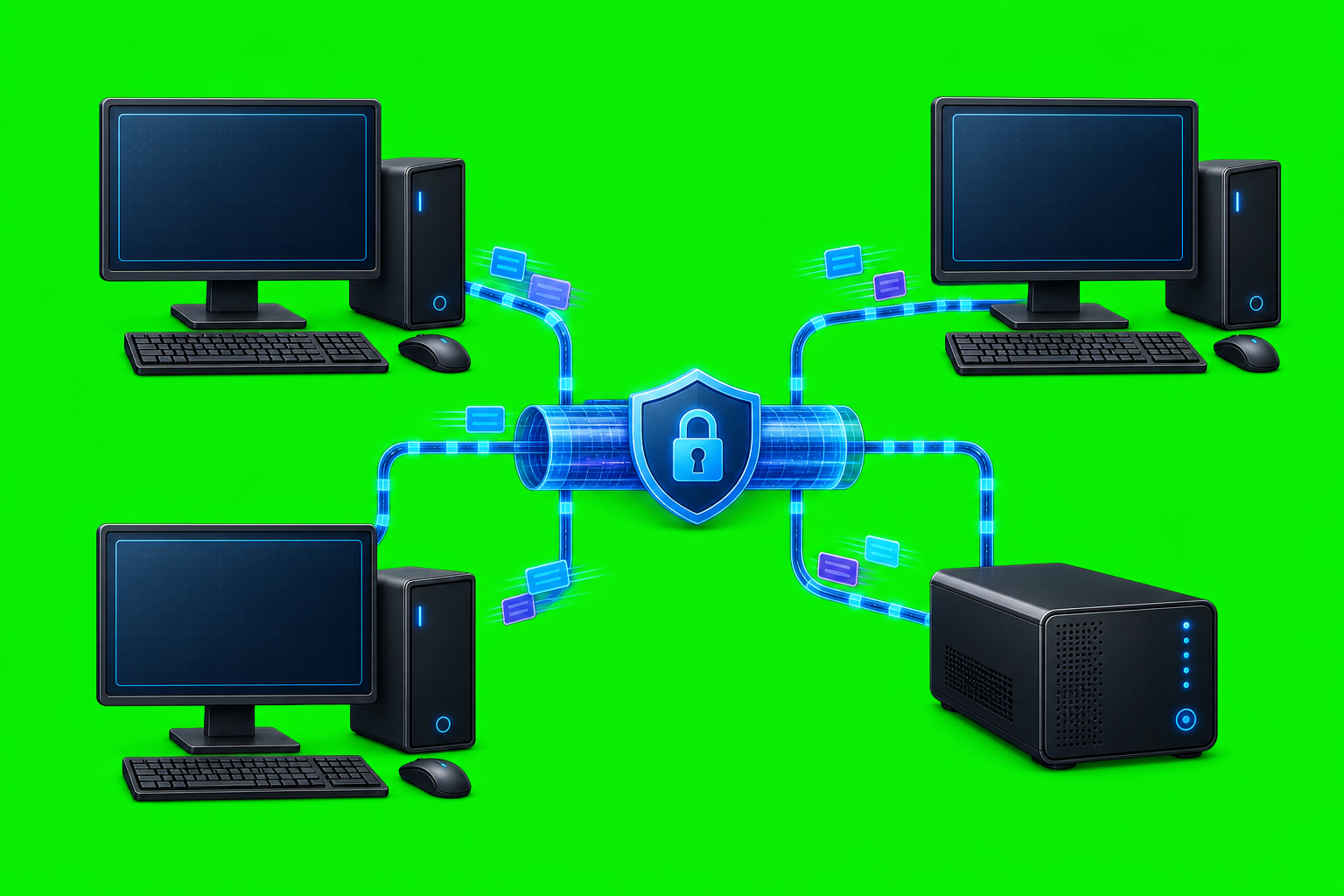
How AxiOwl Turns Chat Sessions Into Addressable Work Surfaces Most AI chat tools treat a conversation as something a human opens, reads, and types into. That is fine for one person working in one window. It is a poor fit when multiple provider sessions need to hand work to each other, reply with identity, and […]
How AxiOwl Makes Agent Workflows Scriptable
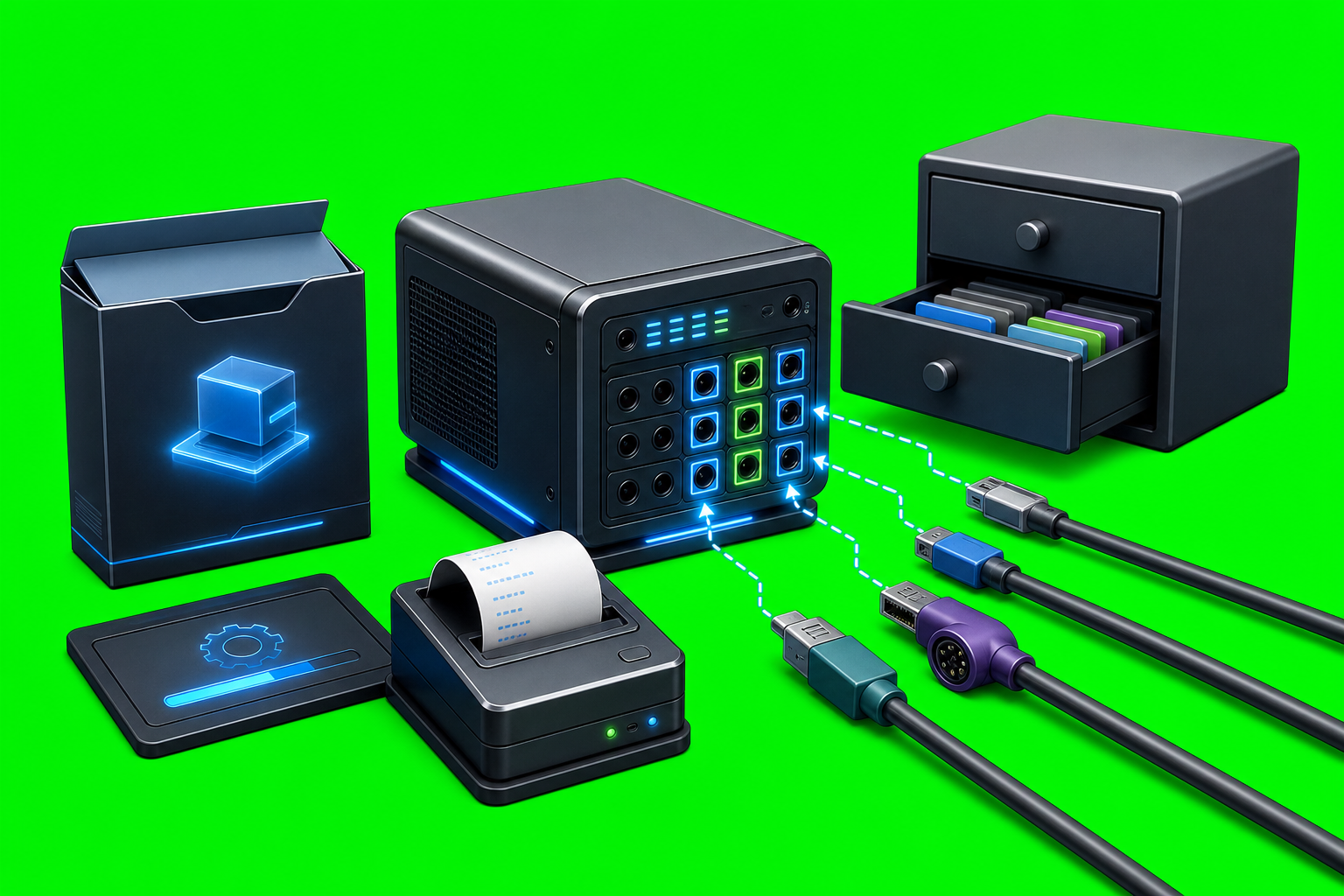
How AxiOwl Makes Agent Workflows Scriptable AxiOwl makes agent workflows scriptable by turning agent-to-agent coordination into explicit commands, registry records, MCP tools, and evidence logs. Instead of treating every provider chat as a manual UI target, AxiOwl gives operators a command surface for discovering sessions, creating chats, sending messages, and checking what was accepted by […]
How AxiOwl Keeps Provider Bugs Isolated
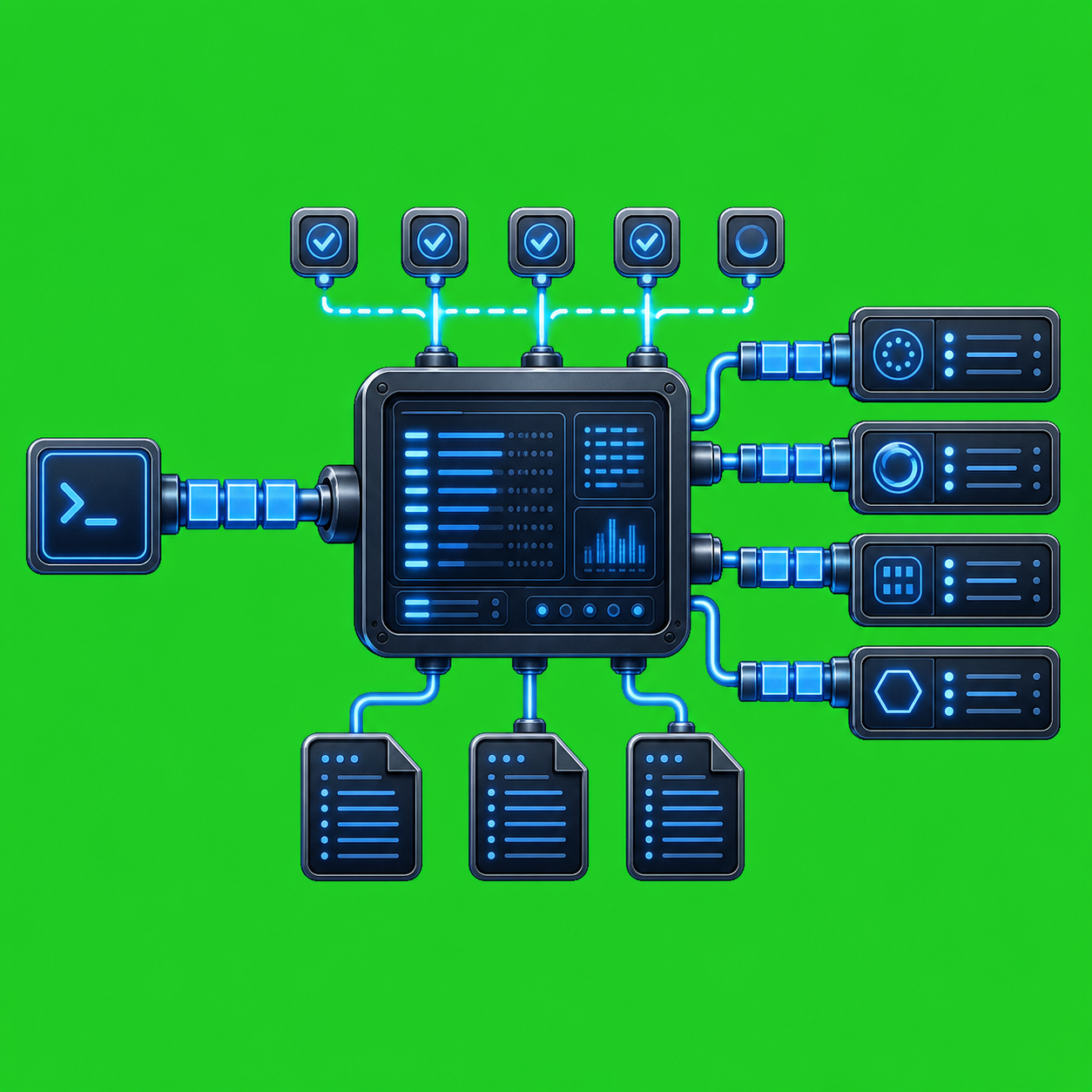
How AxiOwl Keeps Provider Bugs Isolated Provider integrations fail in different ways. A chat app can change a local database shape. A CLI can start returning a new error format. A bridge extension can register the wrong window. A patch-sensitive surface can become unsafe after an update. AxiOwl is built around the assumption that those […]
Why AxiOwl Separates Local Acceptance From Provider Acceptance
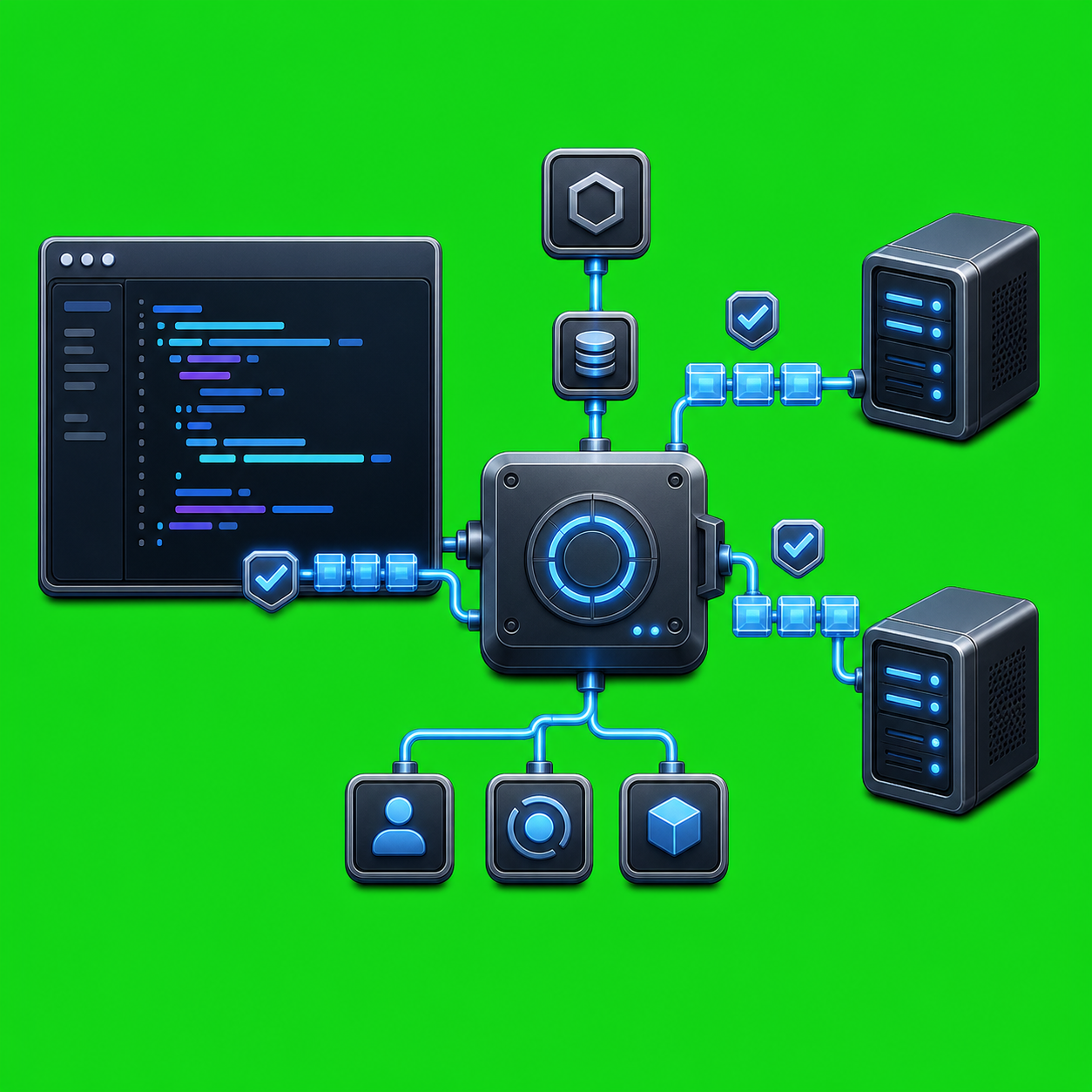
Why AxiOwl Separates Local Acceptance From Provider Acceptance When one AI agent sends a message to another, "sent" is not one event. A local router can accept a request, validate it, resolve the target, and create a receipt before the target provider has actually accepted the message. AxiOwl keeps those facts separate because collapsing them […]
Why AxiOwl Uses Named Agents
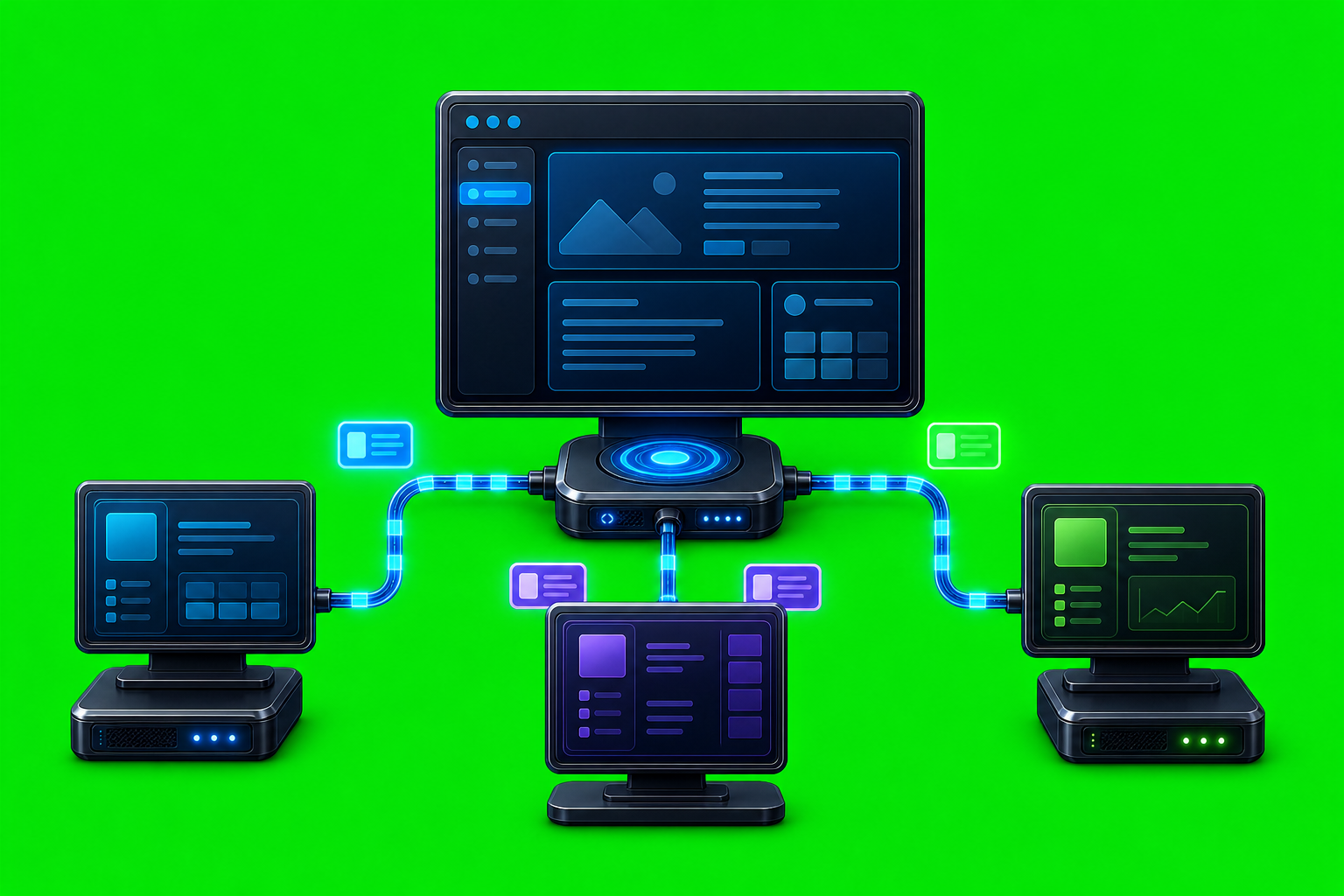
Why AxiOwl Uses Named Agents AxiOwl uses named agents because agent-to-agent messaging needs a human handle that can be resolved to a real provider session. A raw provider session ID may be useful to an adapter, but it is the wrong interface for an operator trying to send a message, read a receipt, or understand […]