Using AxiOwl for Documentation Maintenance
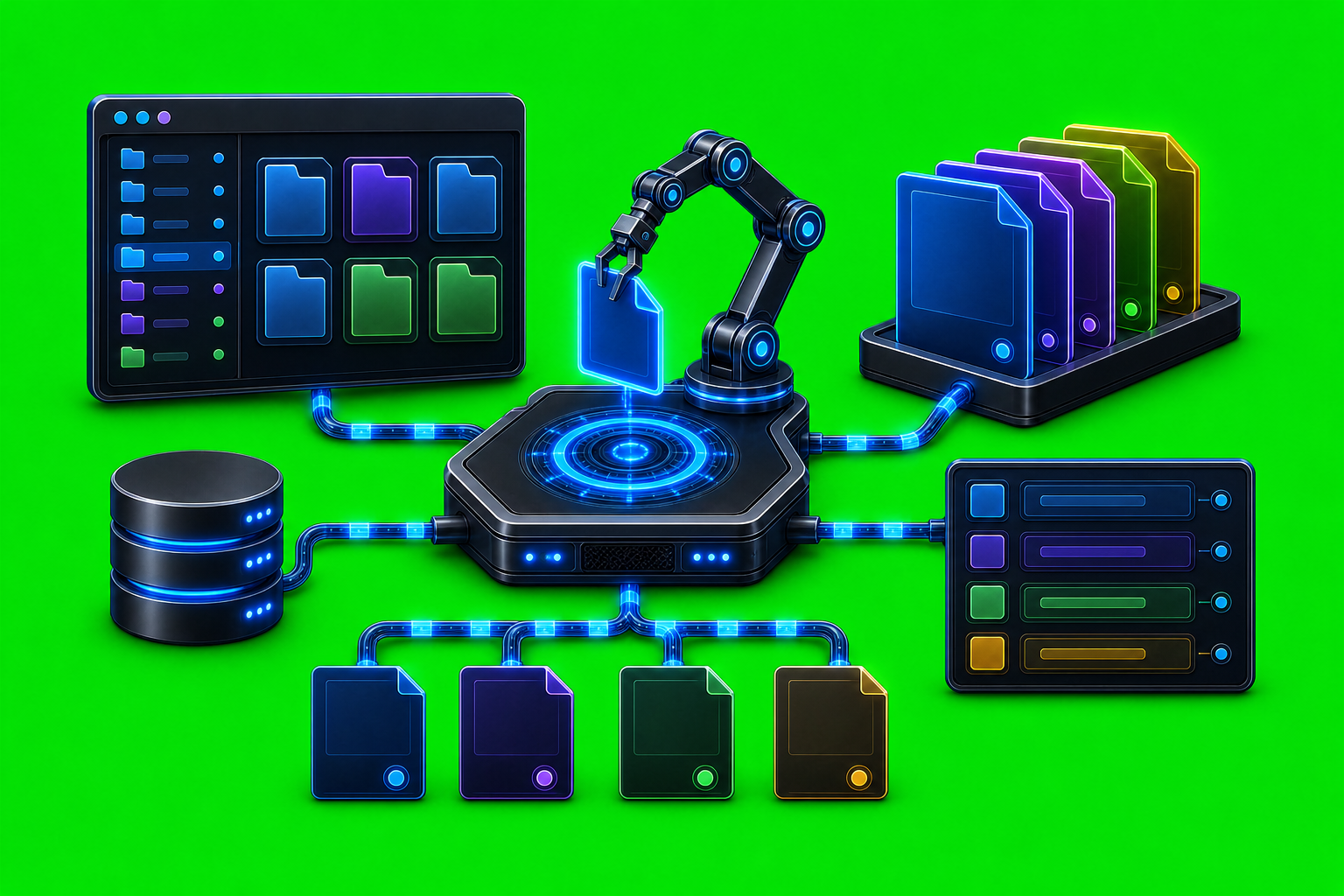
Using AxiOwl for Documentation Maintenance Documentation maintenance is not just a writing task. For a system like AxiOwl, it is an operating discipline: current behavior, supported provider status, installer expectations, logs, registry evidence, and release proof all have to stay aligned. If those pieces drift apart, operators start debugging yesterday's product instead of the one […]
Using AxiOwl for QA and Browser Testing
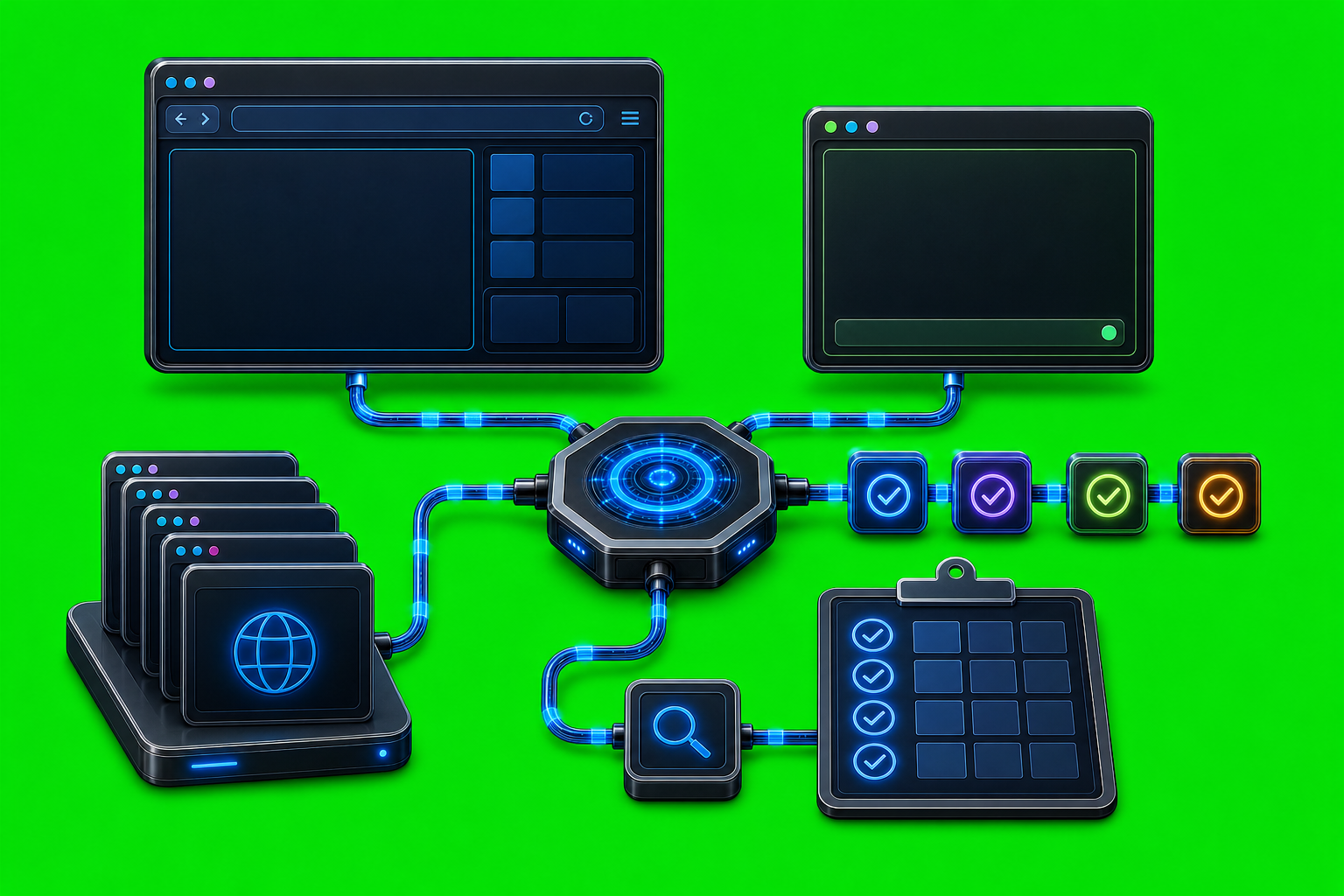
Using AxiOwl for QA and Browser Testing QA for agent software is difficult because a successful command is not the same thing as a successful user-visible result. A tool can accept a request, a provider can return exit code 0, and the actual target chat can still fail to receive, display, or act on the […]
Using AxiOwl to Keep Codex, Cursor, and Claude Working Together

Using AxiOwl to Keep Codex, Cursor, and Claude Working Together Modern AI coding work rarely lives in one chat. A developer may have Codex handling a repository task, Cursor open in an editor agent window, and Claude Code useful for a separate command-line investigation. The hard part is not asking each assistant a question. The […]
How to Check Whether a Message Was Delivered
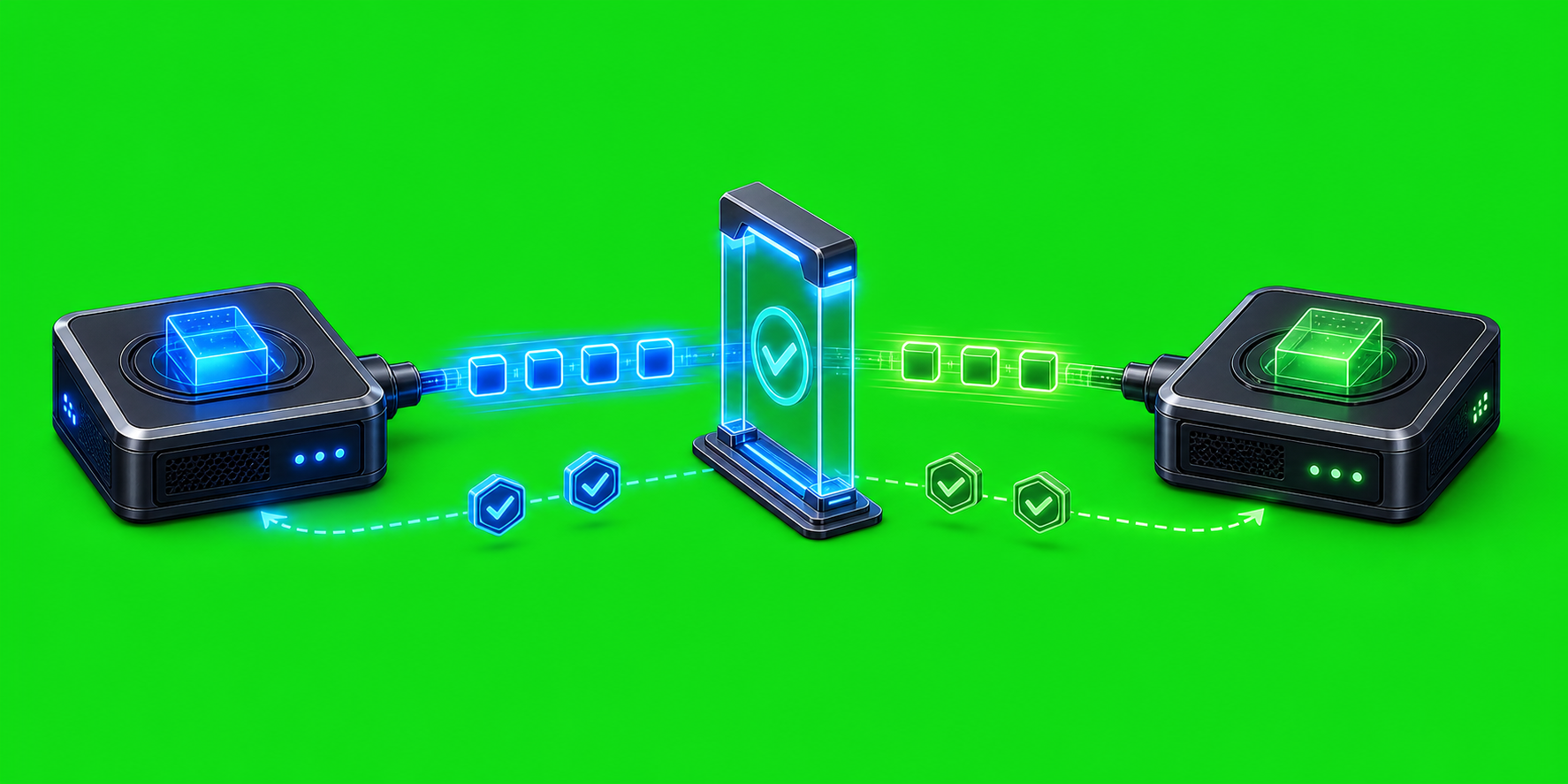
How to Check Whether a Message Was Delivered Message delivery in an agent system is not a single yes-or-no event. A message can be accepted by the local coordinator, handed to a provider-specific delivery path, accepted by that provider, and then answered by the target session. Those are different checkpoints, and AxiOwl is deliberately designed […]
How to Hand Off Work Between Agents
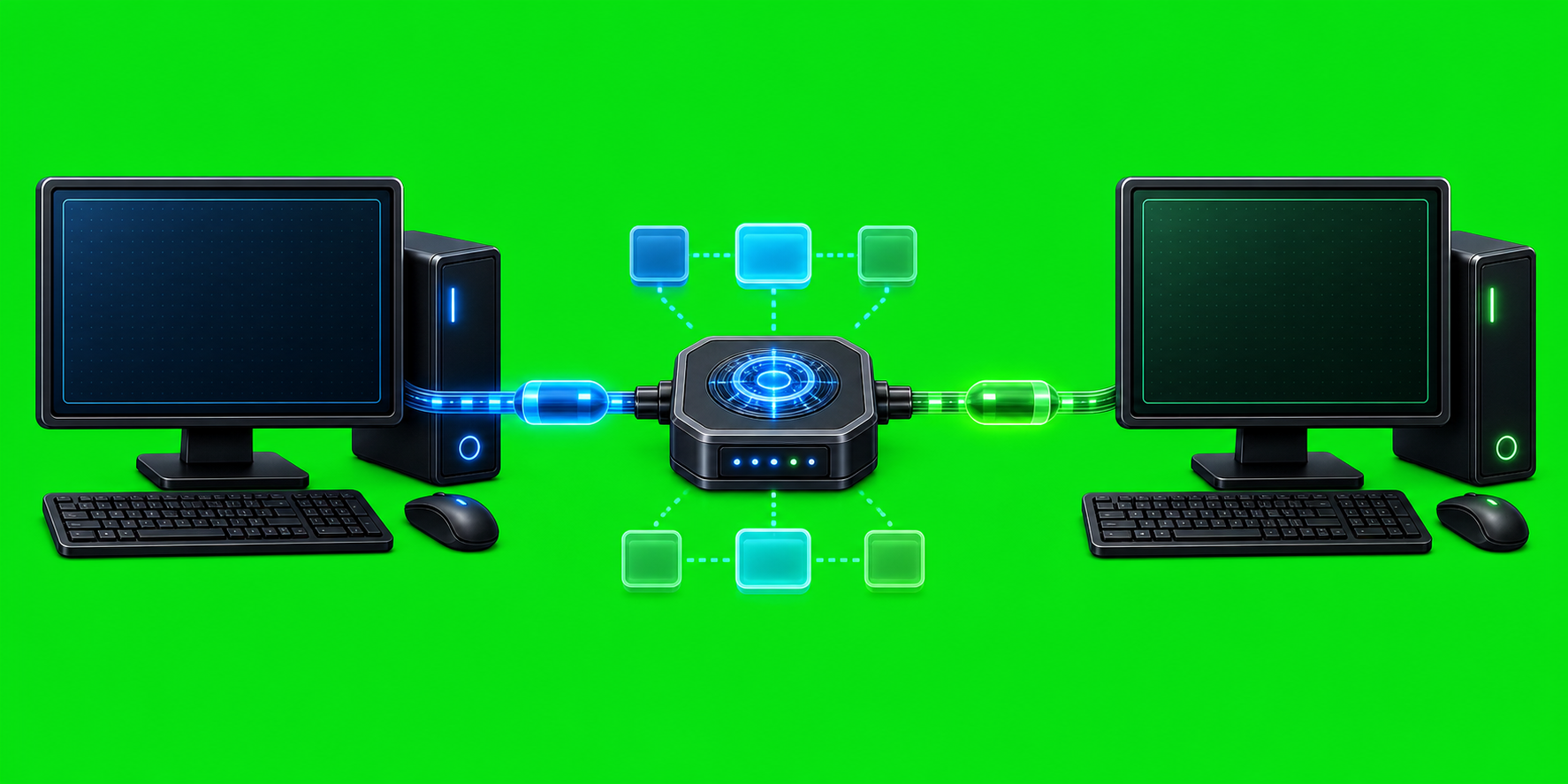
How to Hand Off Work Between Agents Handing off work between agents should not depend on copying a paragraph into the right chat window and hoping the receiving model understands where it came from. A useful handoff needs an addressed recipient, a real sender identity, a visible task body, and a return path that the […]
How to Ask One Agent to Report Back to Another Agent

How to Ask One Agent to Report Back to Another Agent The useful version of agent-to-agent messaging is not just "send this prompt over there." It is "send this prompt to that specific agent, and make the answer come back through the same routing system with a sender identity AxiOwl can verify." AxiOwl is built […]
How to Use AxiOwl Without Losing Track of Which Agent Is Which
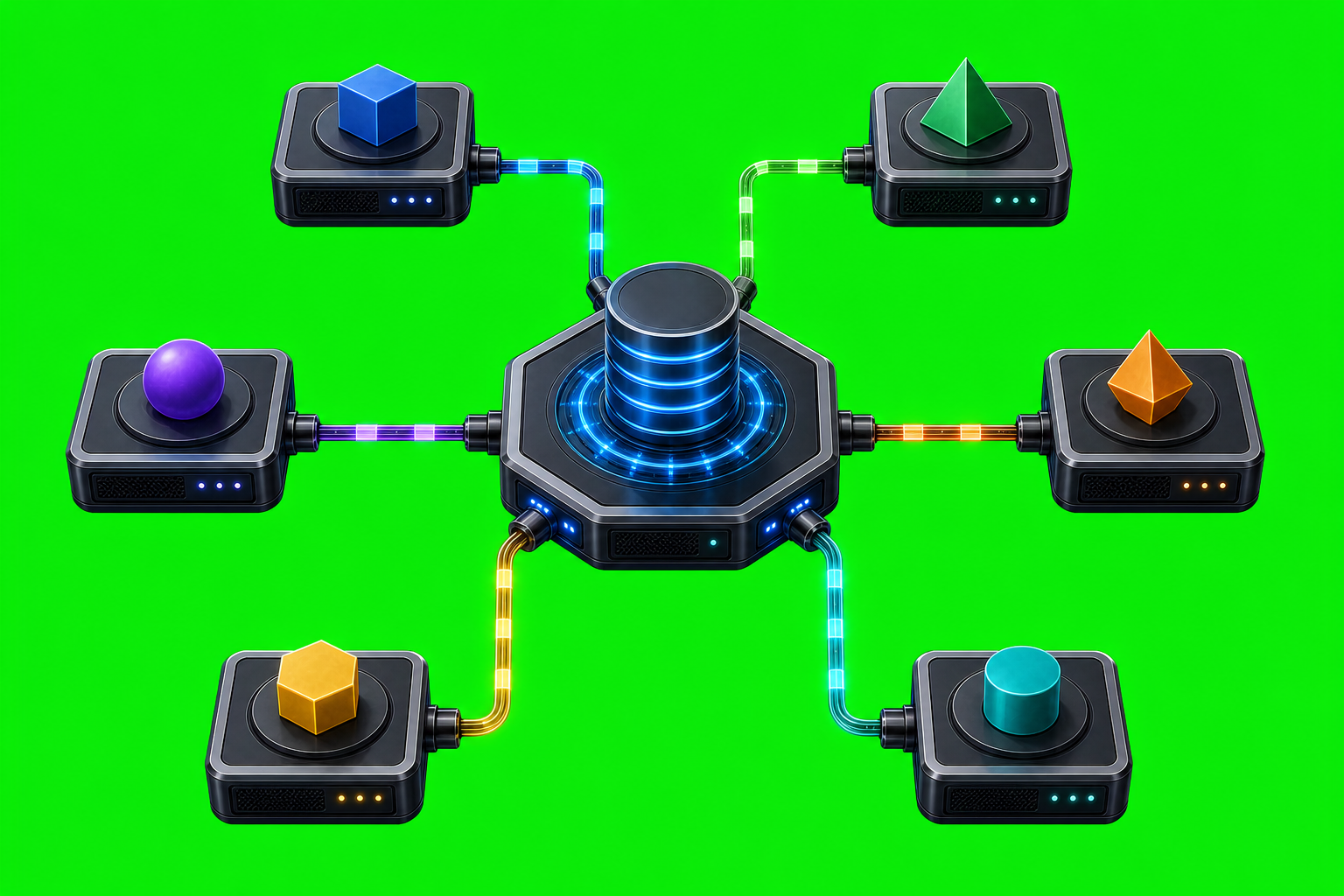
How to Use AxiOwl Without Losing Track of Which Agent Is Which When several AI coding tools are open at once, names stop being enough. A chat title can be reused. A provider can expose more than one session. A stale session can still look familiar in a list. AxiOwl is built around that reality: […]
How to Use AxiOwl With Multiple Open Chat Sessions
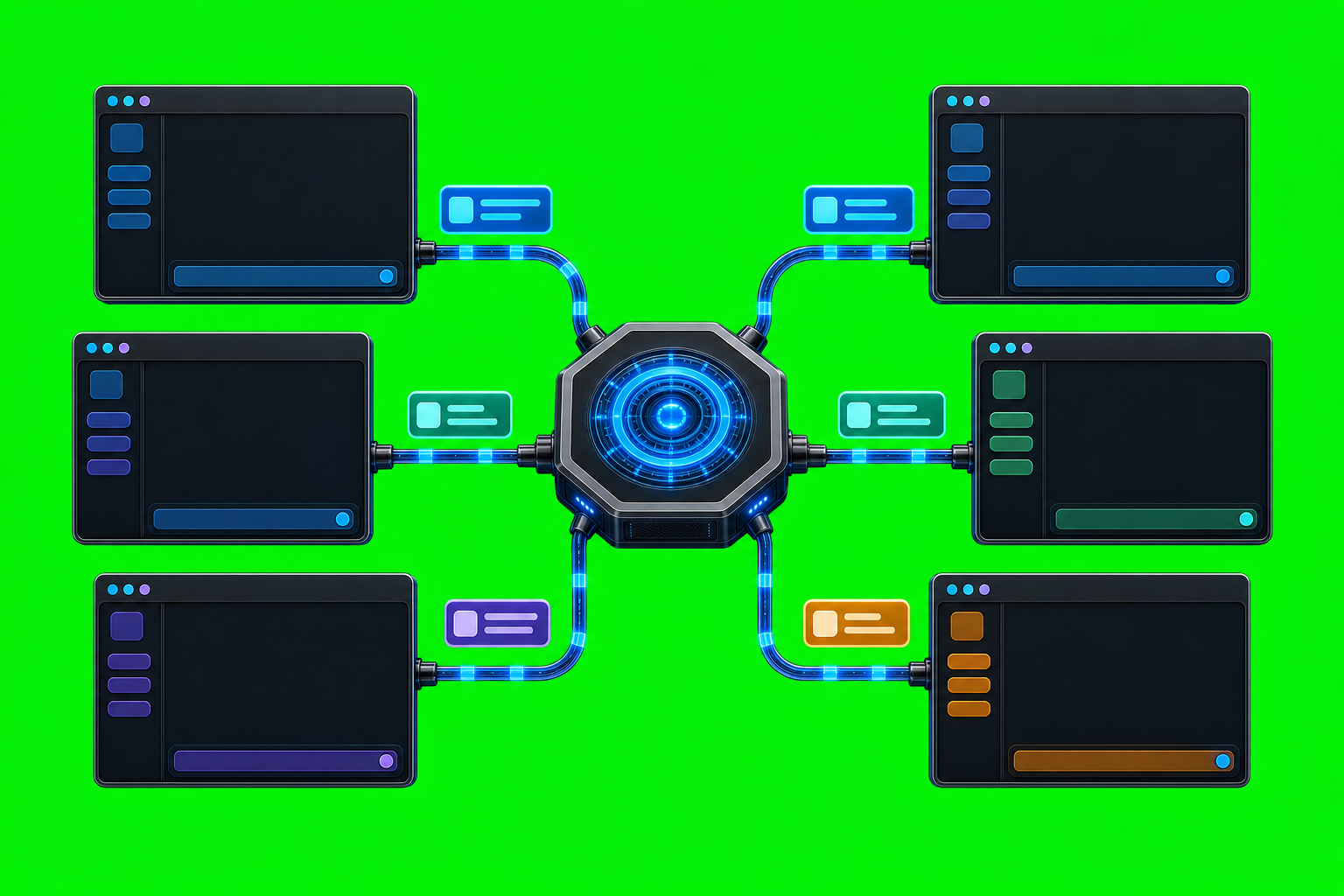
How to Use AxiOwl With Multiple Open Chat Sessions Multiple AI chat windows are useful only if you can address the right one. AxiOwl is built around that problem: it acts as a local Windows coordinator that discovers provider sessions, records them in a durable registry, and routes messages to selected sessions through provider-specific delivery […]
How to Send Messages Between Named Agents

How to Send Messages Between Named Agents AxiOwl's core job is deliberately small: send one text message from one named agent to one named agent, route it through the correct provider edge, and record what happened. Instead of making a user remember provider-specific session identifiers, the operator addresses a human-readable agent name and lets AxiOwl […]
Common First-Time AxiOwl Setup Problems
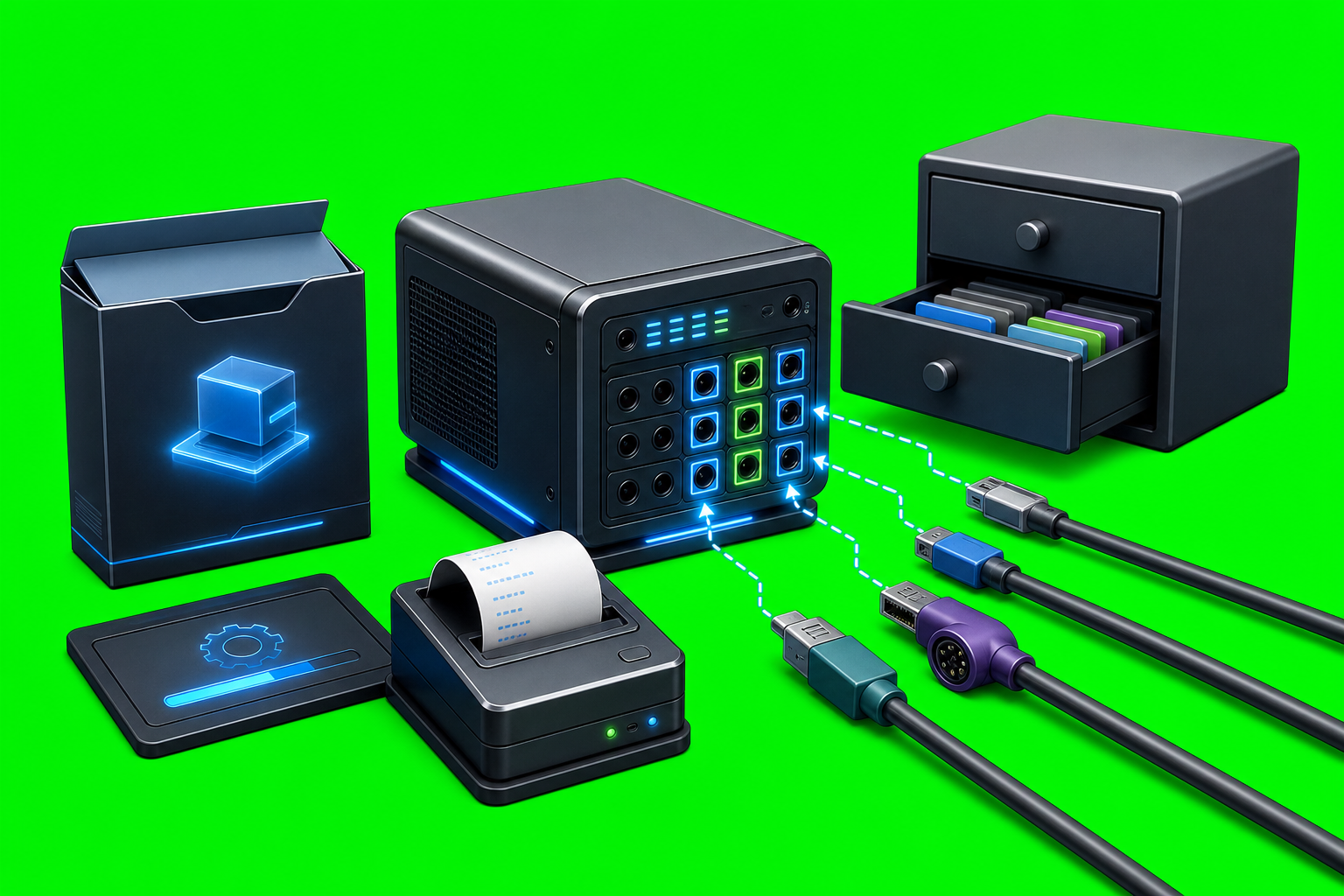
Common First-Time AxiOwl Setup Problems AxiOwl setup is not just "install an app and send a message." The current C++ implementation is a local Windows coordinator that installs axiowl.exe, keeps a durable local registry, discovers supported provider sessions, configures selected provider integrations, and exposes both a CLI and an MCP server. First-time problems usually come […]