AxiOwl Delivery Receipts Explained
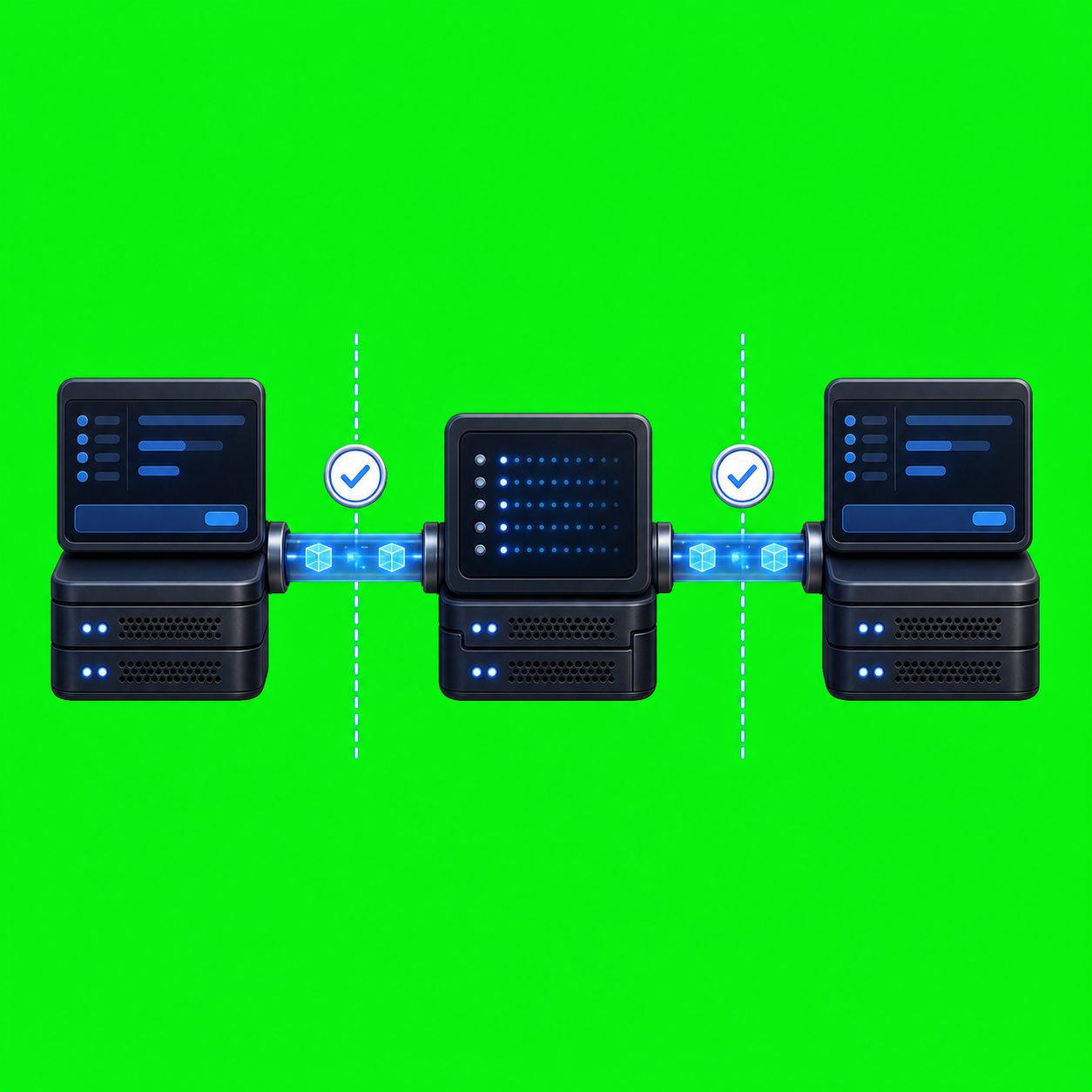
AxiOwl Delivery Receipts Explained A delivery receipt in AxiOwl is not a vague success message. It is a boundary marker. It tells the operator which part of the AxiOwl send pipeline has accepted the work, which provider route was selected, and where to look for evidence. Just as importantly, it avoids promising facts that AxiOwl […]
AxiOwl Message Routing Explained

AxiOwl Message Routing Explained AxiOwl message routing is the part of AxiOwl that turns a human target name, such as a known Codex thread or VS Code chat, into a provider-specific delivery attempt. It is not just a text forwarder. The current AxiOwl C++ implementation keeps a local registry of sessions, resolves sender identity, checks […]
AxiOwl Agent Registry Explained
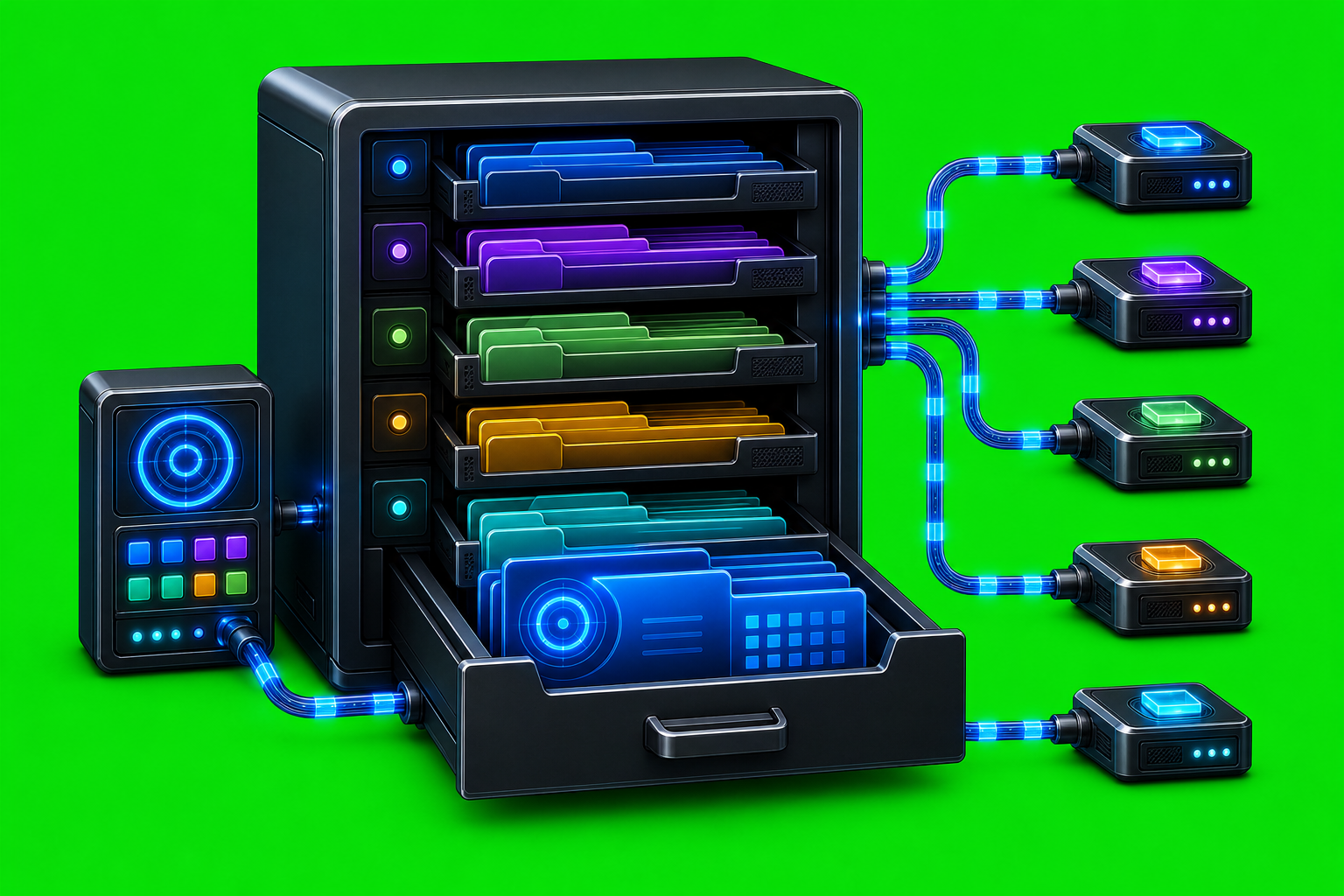
AxiOwl Agent Registry Explained The AxiOwl agent registry is the local source of truth that tells AxiOwl which AI sessions exist, what they are called, which provider owns them, and whether AxiOwl has enough proof to send to them. It is not just a display list. In the current C++ implementation, the registry is durable […]
Using AxiOwl for Multi-Agent WordPress Operations
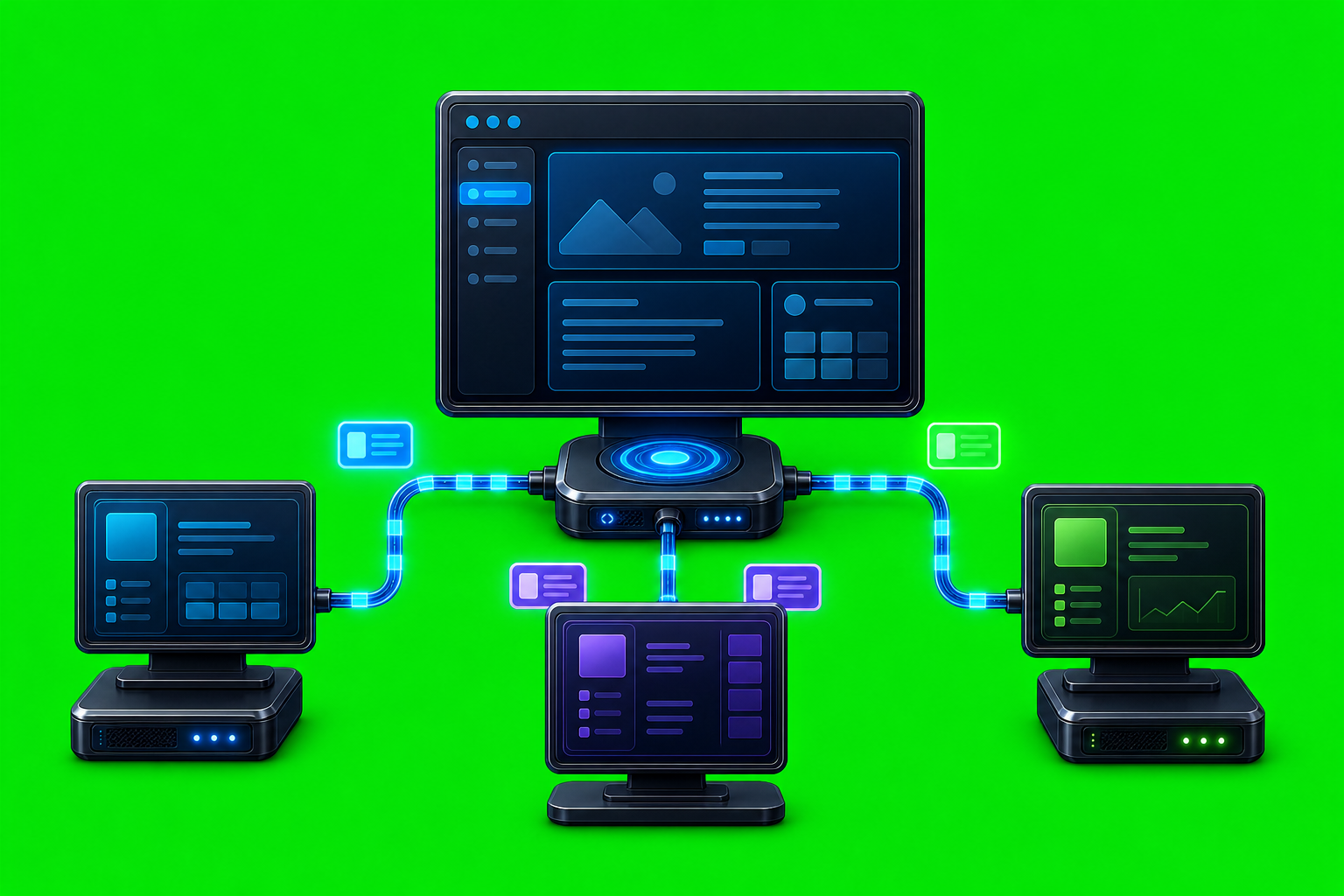
Using AxiOwl for Multi-Agent WordPress Operations WordPress operations often involve more than one kind of work at the same time. One agent may inspect a plugin build, another may check content or routing, another may review deployment notes, and another may verify behavior in a browser. The hard part is not just giving agents tasks. […]
How to Debug a Failed Agent Message
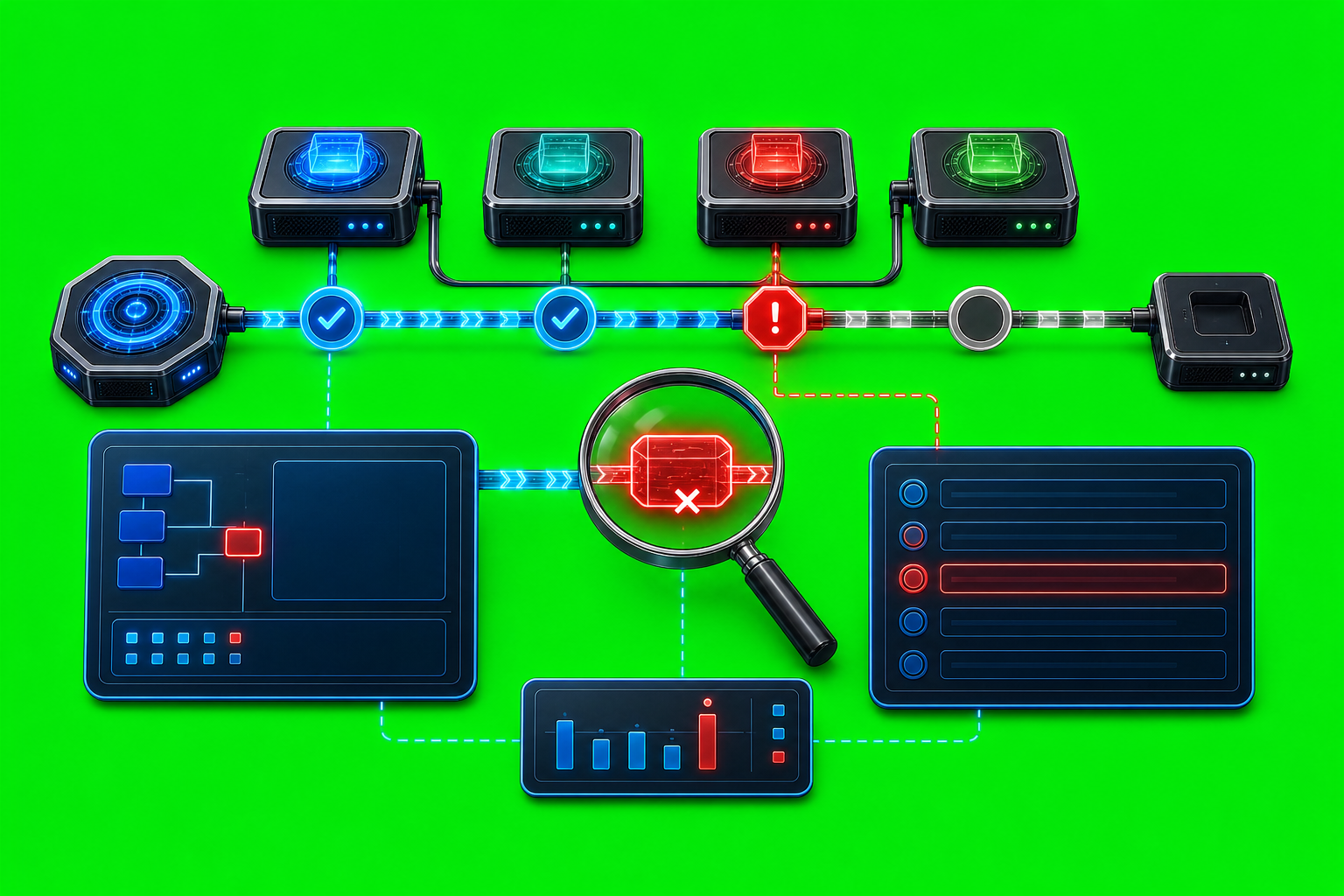
How to Debug a Failed Agent Message A failed agent message is not one problem. It can be a bad command, a missing sender identity, a stale target row, a provider edge that rejected the handoff, or a delivery path that AxiOwl accepted but has not proven inside the provider yet. The fastest way to […]
How to Check Whether a Message Was Delivered
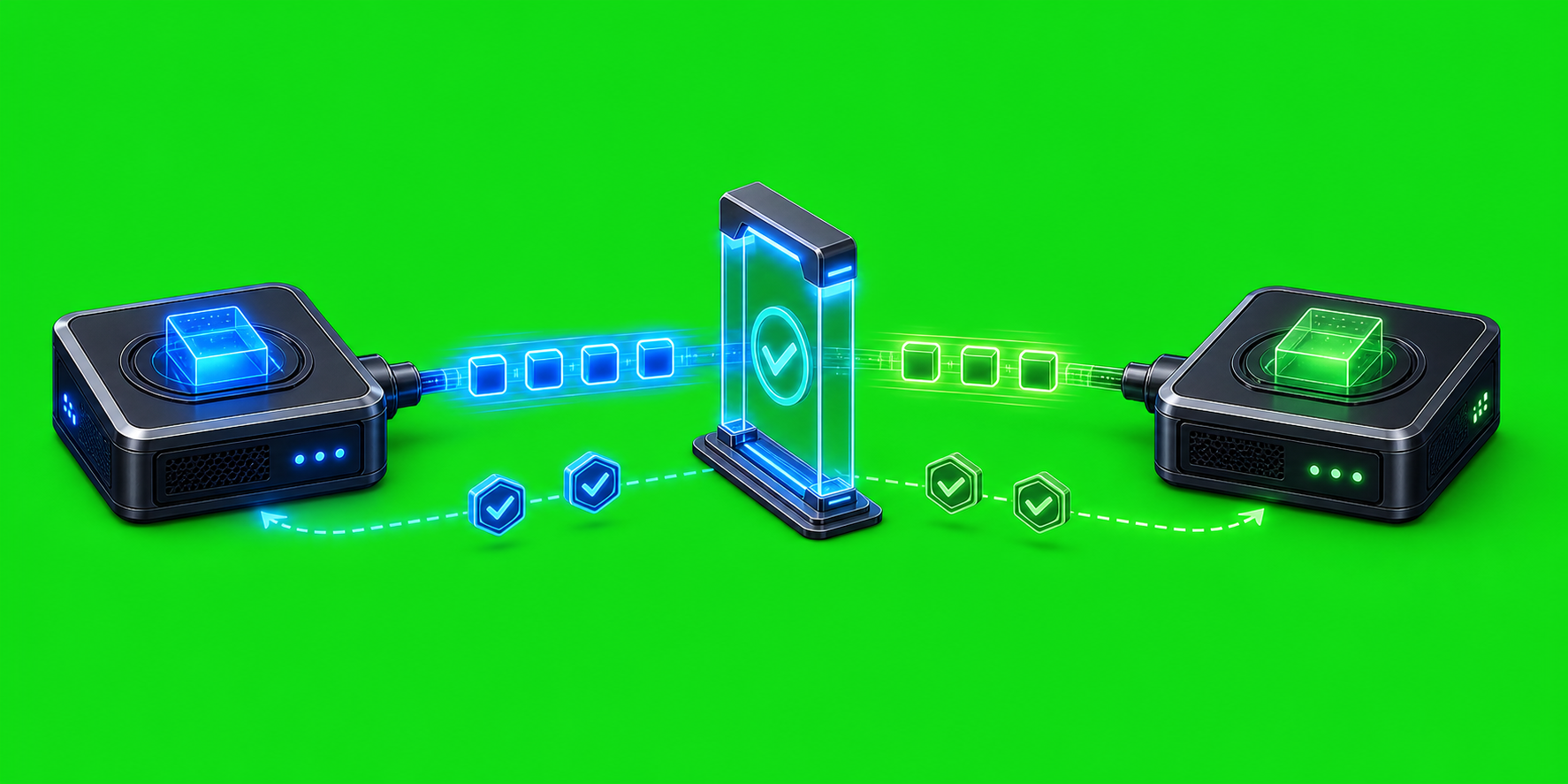
How to Check Whether a Message Was Delivered Message delivery in an agent system is not a single yes-or-no event. A message can be accepted by the local coordinator, handed to a provider-specific delivery path, accepted by that provider, and then answered by the target session. Those are different checkpoints, and AxiOwl is deliberately designed […]
How to Use AxiOwl for Long-Running Work

How to Use AxiOwl for Long-Running Work Long-running agent work is different from a quick prompt. A short request can live in one chat window. A longer job often needs a named worker, a clear handoff, a way to send follow-up instructions, and a record of what happened after the first message left your hands. […]
How to Use AxiOwl Without Losing Track of Which Agent Is Which
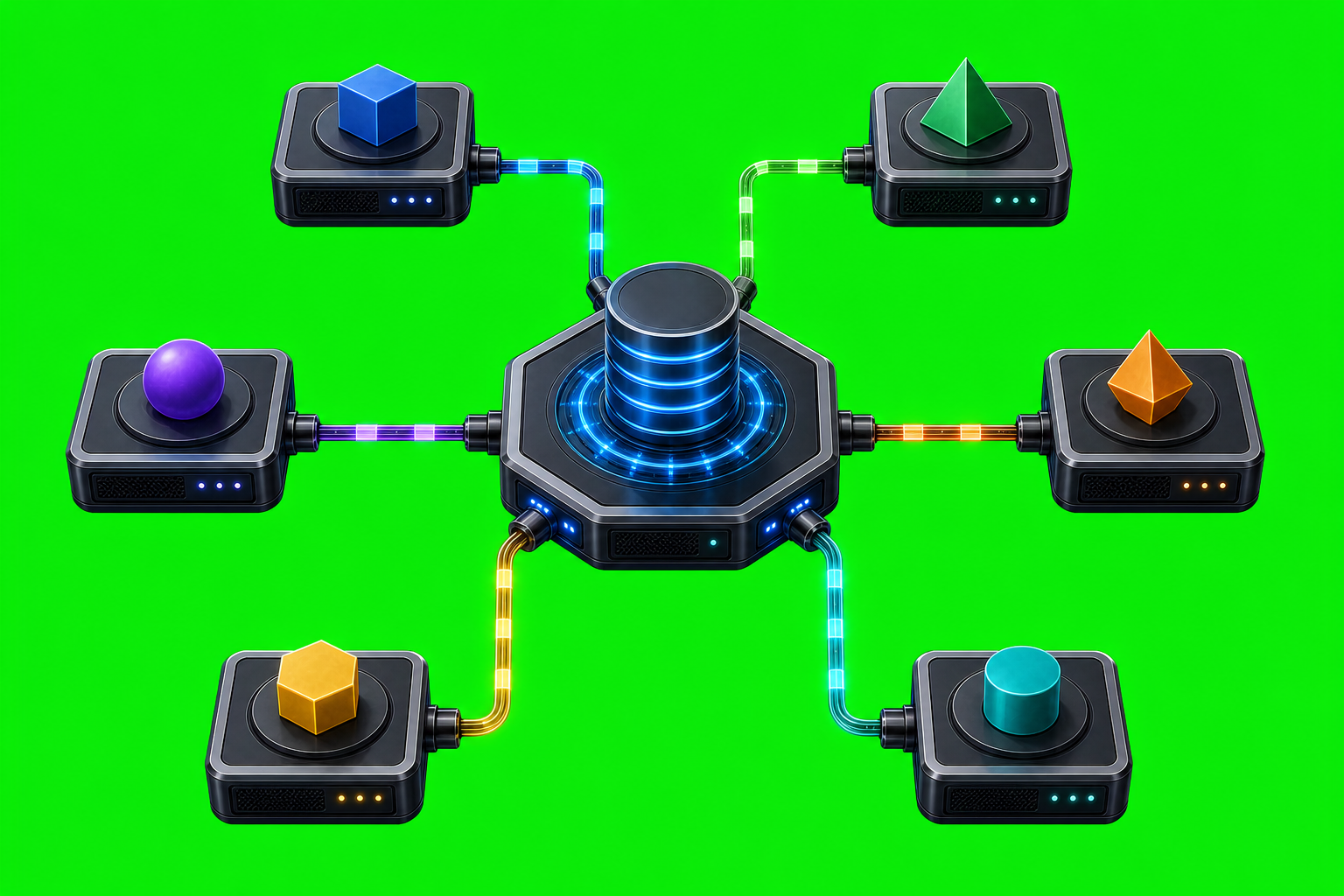
How to Use AxiOwl Without Losing Track of Which Agent Is Which When several AI coding tools are open at once, names stop being enough. A chat title can be reused. A provider can expose more than one session. A stale session can still look familiar in a list. AxiOwl is built around that reality: […]
What AxiOwl Does and Does Not Do

What AxiOwl Does and Does Not Do AxiOwl is a local Windows coordinator for AI provider sessions. Its job is not to replace Codex, Cursor, VS Code, Copilot, Antigravity, or other providers. Its job is to give supported provider sessions a way to discover each other, address each other, send messages, and reply through a […]