Using AxiOwl With Claude Code
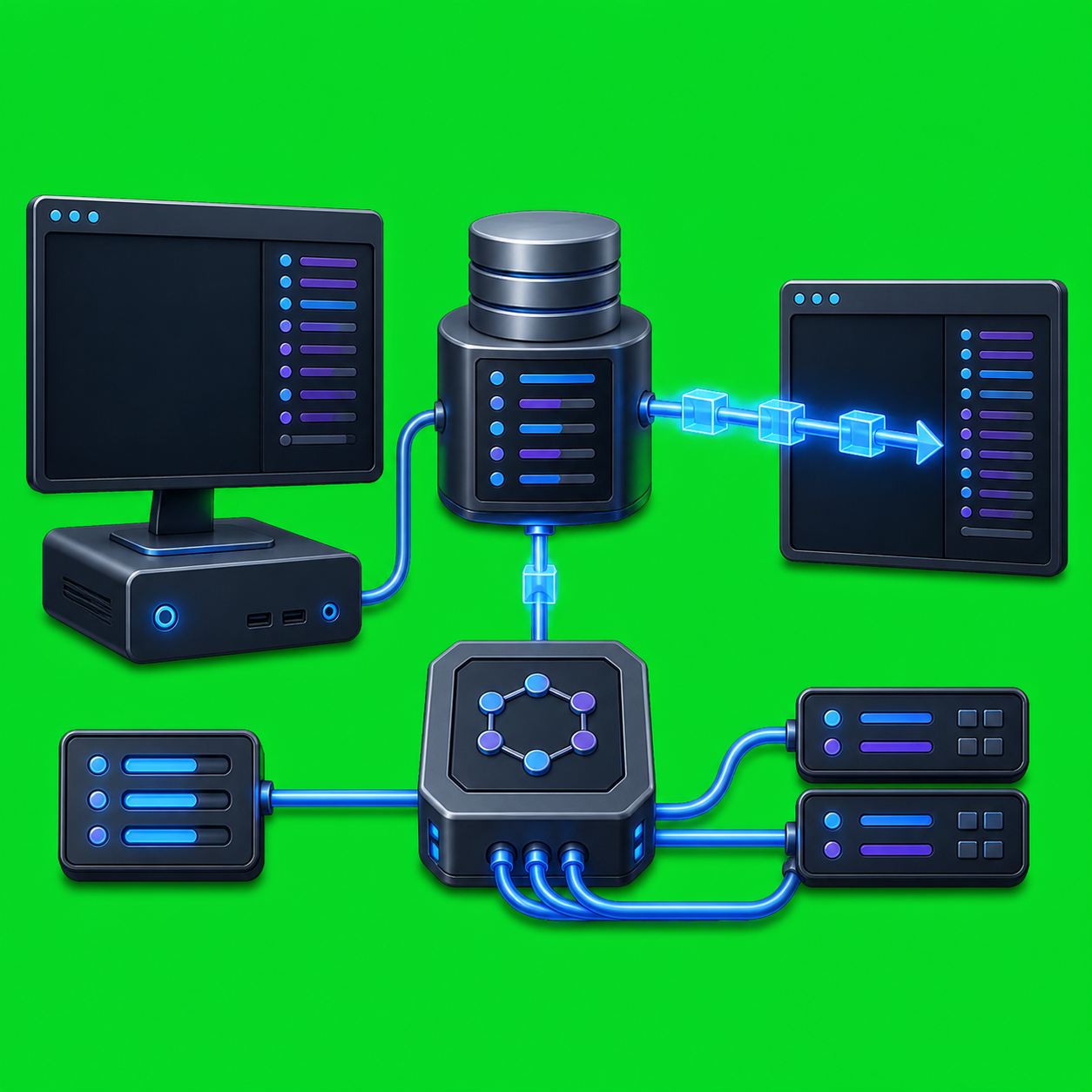
Using AxiOwl With Claude Code AxiOwl can treat Claude Code CLI sessions as named provider targets instead of forcing every handoff through one generic terminal. The idea is simple: AxiOwl discovers real Claude session state, records sendable sessions in its registry, and uses Claude's documented CLI resume flow to deliver a message into the right […]
Using AxiOwl With VS Code Copilot

Using AxiOwl With VS Code Copilot VS Code Copilot is one of the local provider surfaces AxiOwl is designed to coordinate. In the current Windows desktop implementation, AxiOwl does not treat VS Code as a generic chat box. It has a first-party VS Code Copilot-backed bridge extension, installer features for that bridge, local discovery for […]
Using AxiOwl With Cursor
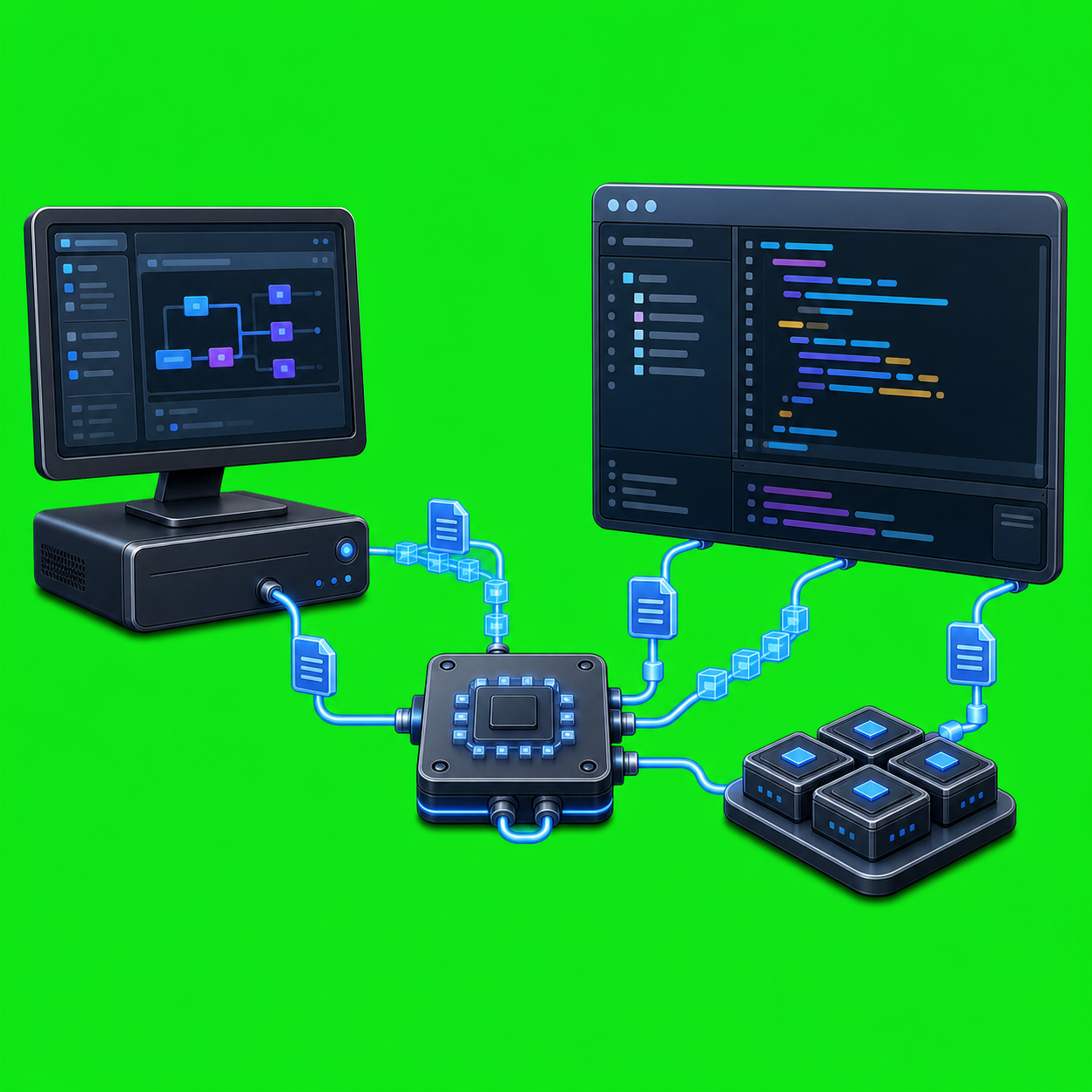
Using AxiOwl With Cursor Cursor is one of the local agent surfaces AxiOwl can address from its Windows desktop product. The practical idea is simple: a Cursor chat can be registered as an AxiOwl agent, then another agent or operator can send work to it through the same AxiOwl command path used for other providers. […]
Using AxiOwl With Codex
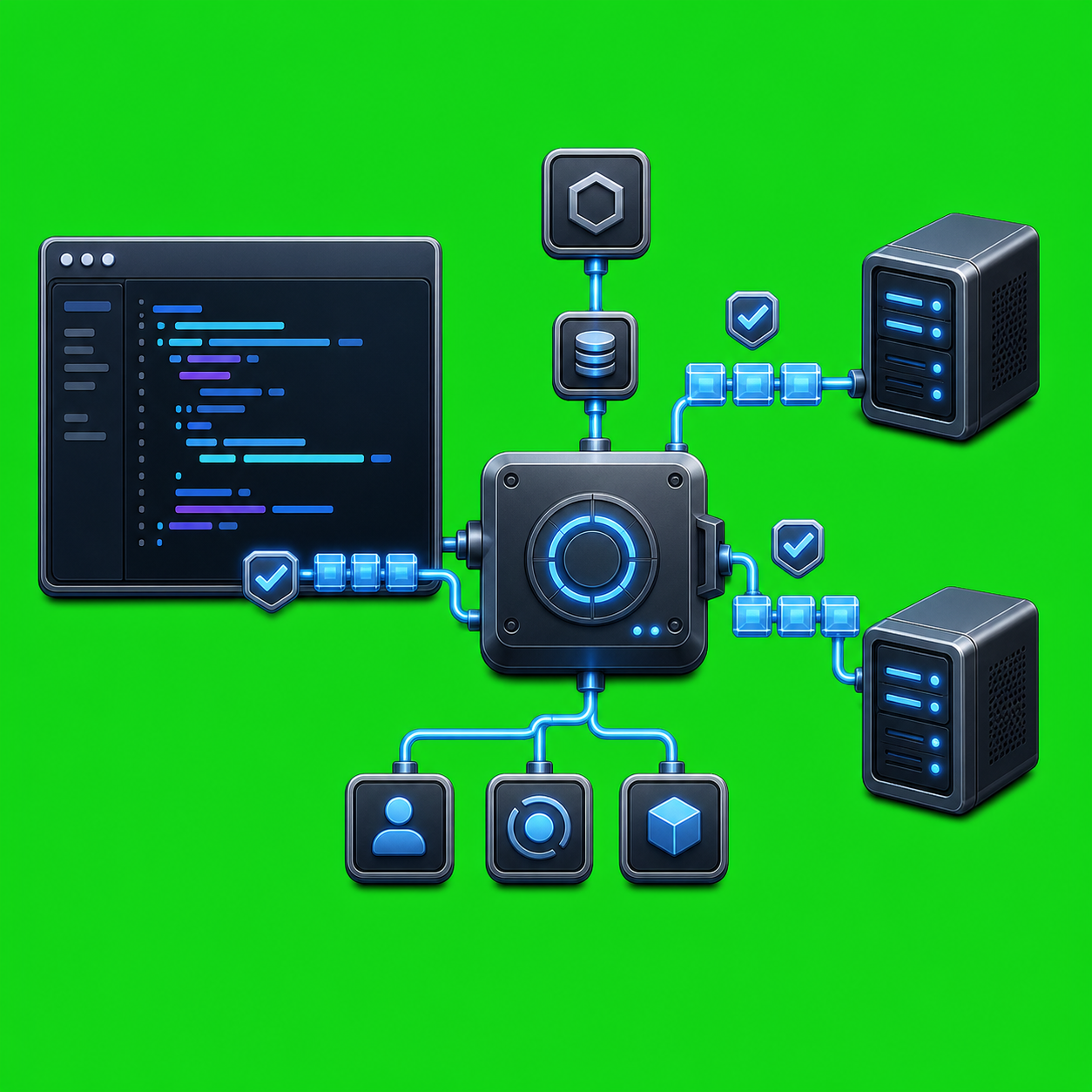
Using AxiOwl With Codex AxiOwl's Codex integration is built around a simple idea: Codex should be able to use AxiOwl as a native tool, not as a pasted shell recipe that asks the model to guess who it is. In the current AxiOwl implementation, the Codex plugin exposes an MCP server named axiowl, and that […]
AxiOwl Node Registry Explained
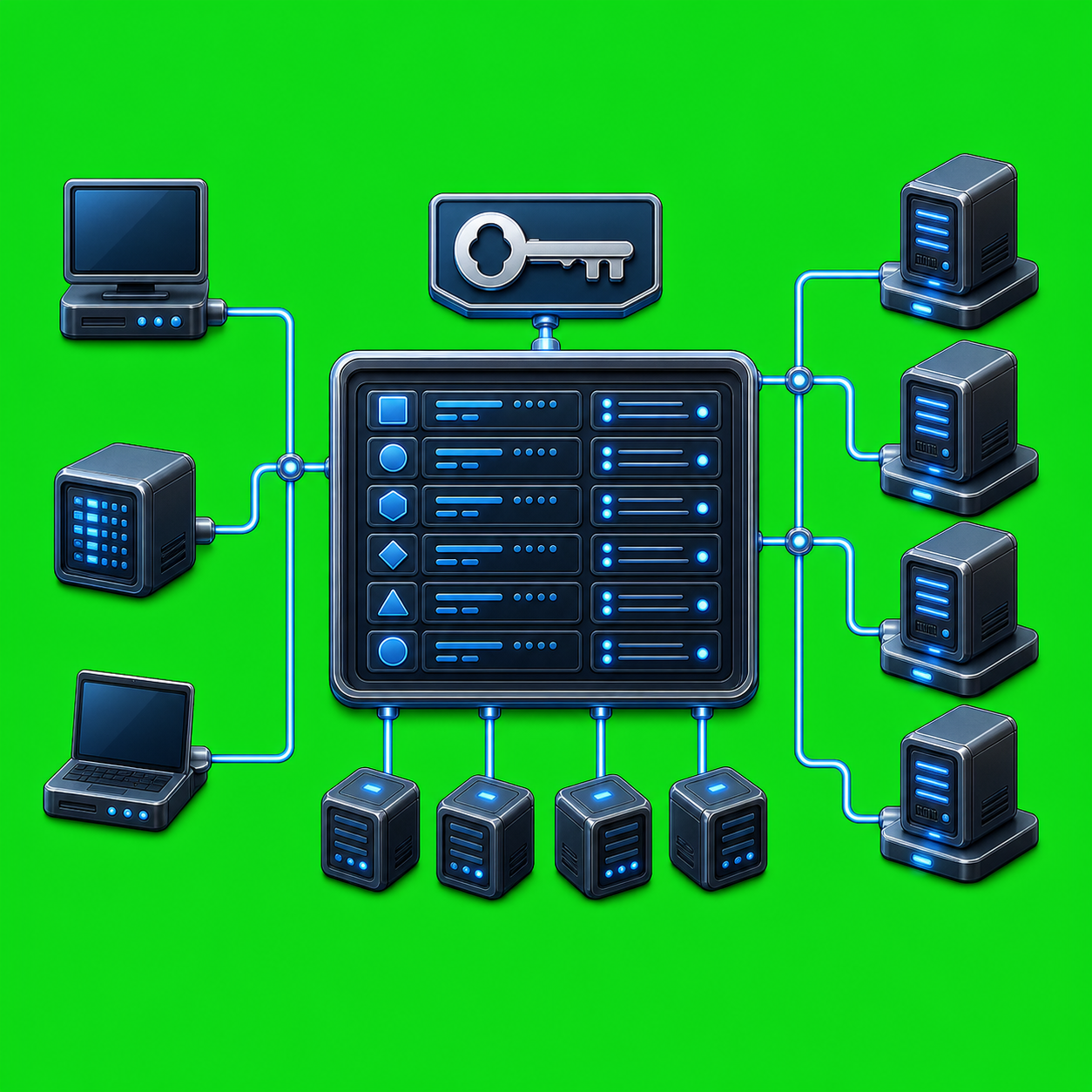
AxiOwl Node Registry Explained AxiOwl needs a practical answer to a simple routing question: when an operator says to reach a remote node, what machine is that, how should AxiOwl connect to it, and is the node still usable? The node registry is the small durable table that answers those questions. In the current AxiOwl […]
AxiOwl Command Telemetry Explained

AxiOwl Command Telemetry Explained Command telemetry in AxiOwl is the local evidence trail that explains what happened when a command, MCP tool call, or provider reply moved through the system. It is not just a success message. It is the difference between "AxiOwl accepted this request" and "the target provider received it, accepted it, and […]
AxiOwl Failure Stages Explained

AxiOwl Failure Stages Explained A failed AxiOwl message is not one vague event. It is a failure at a specific boundary: the request may be malformed, the sender may be unresolved, the target may be missing from the registry, the delivery worker may fail to start, the provider edge may reject the message, or the […]
AxiOwl Run IDs and Message IDs Explained

AxiOwl Run IDs and Message IDs Explained AxiOwl uses two different identifiers when a message moves through the system: a run ID and a message ID. They sound similar, but they answer different questions. The run ID ties related work together. The message ID identifies one specific send attempt and becomes the receipt handle for […]
AxiOwl Remote Execution Without Open Manager Ports

AxiOwl Remote Execution Without Open Manager Ports Remote execution usually creates a security question before it creates an automation question: what has to be listening on the remote machine? AxiOwl's current remote design keeps that answer deliberately narrow. The Windows-side AxiOwl runtime acts as the local coordinator and remote provider, while the Linux-side package acts […]
AxiOwl Named Agents Explained
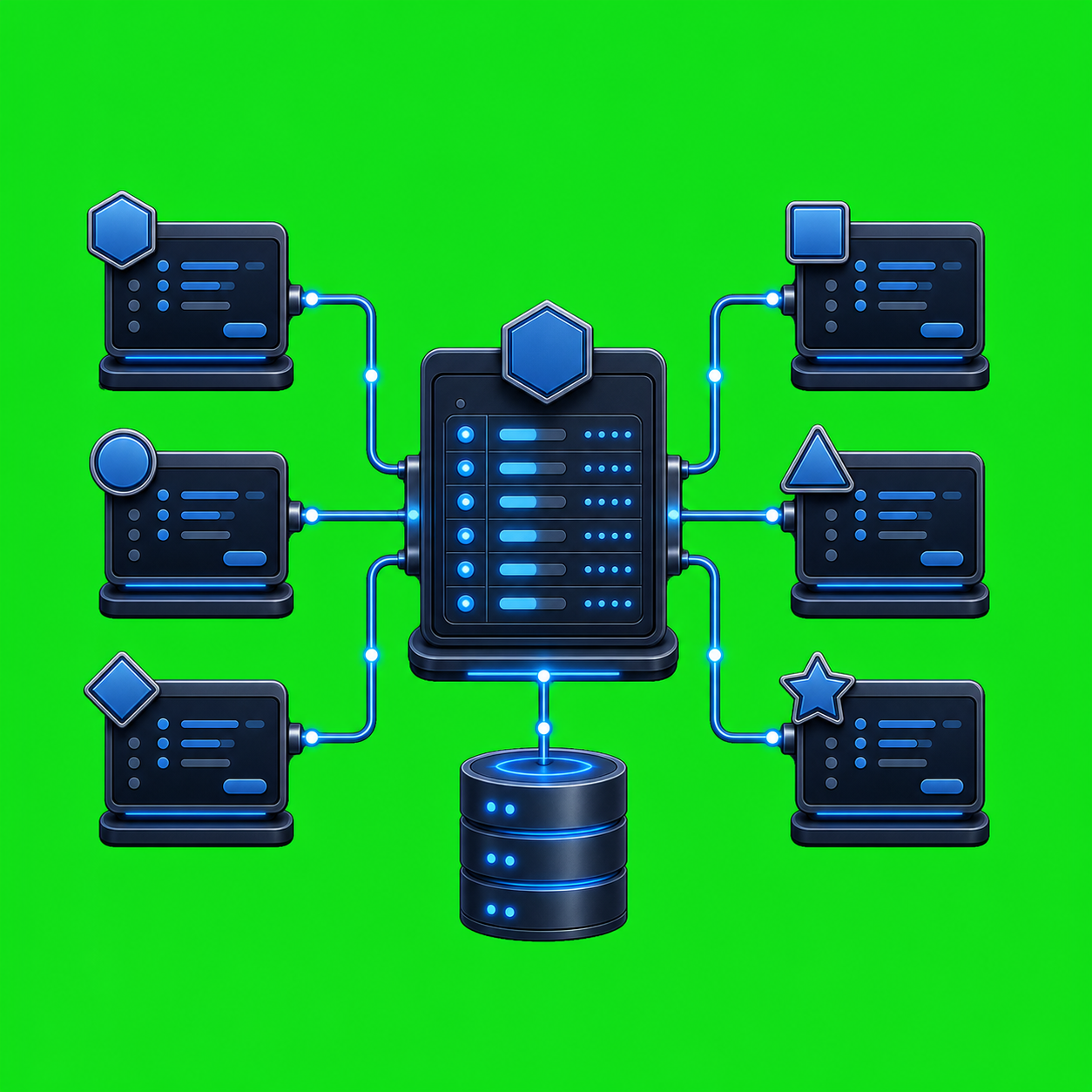
AxiOwl Named Agents Explained A named agent in AxiOwl is a human-friendly handle for a real provider session that AxiOwl can route to. It lets an operator send to a recognizable target such as a chat, coding session, CLI agent, VS Code bridge session, Cursor session, or remote provider session without memorizing the provider's raw […]