Using AxiOwl to Delegate Repetitive Engineering Tasks
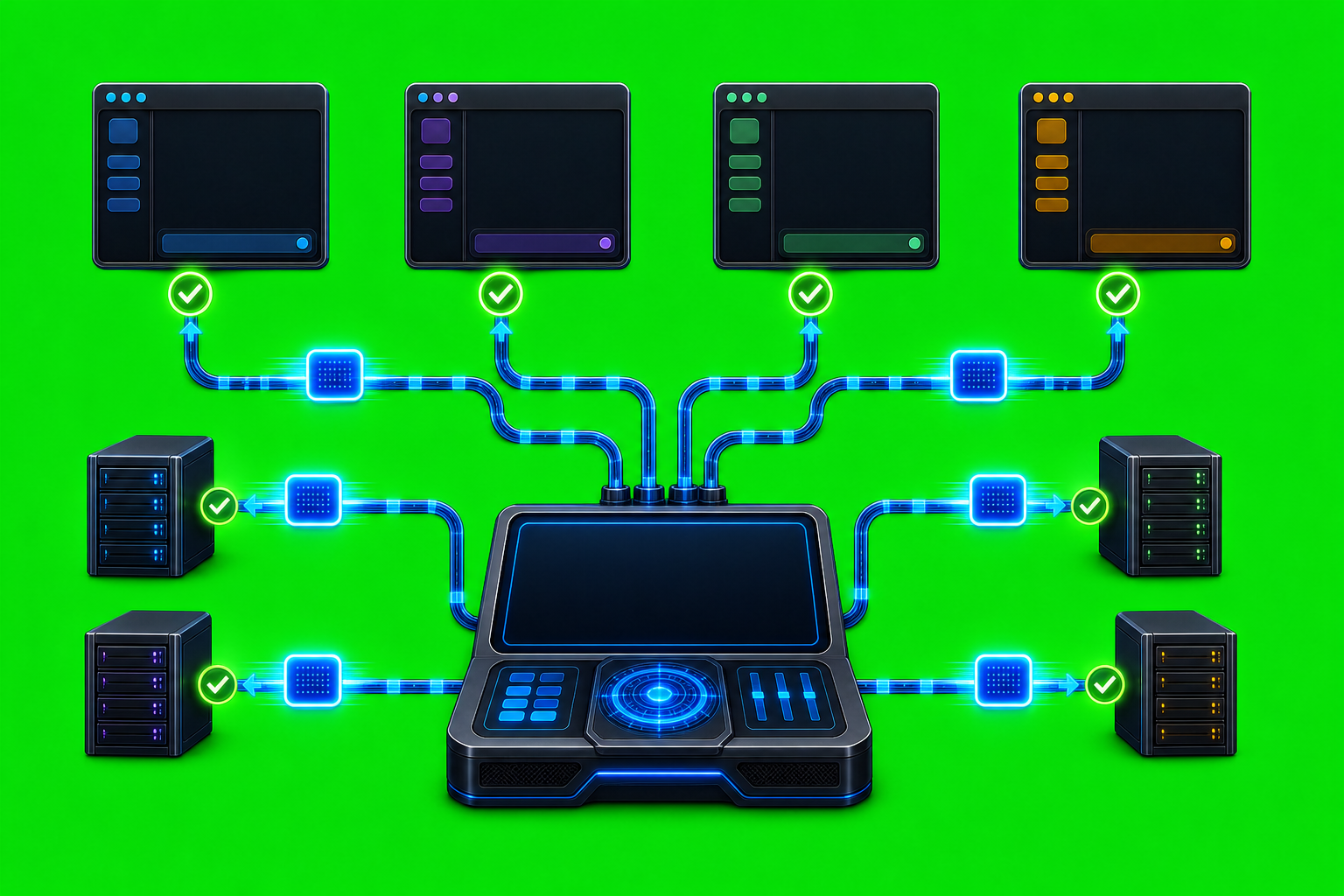
Using AxiOwl to Delegate Repetitive Engineering Tasks Repetitive engineering work is rarely difficult because each individual step is complex. It is difficult because the same careful instructions have to be carried from one context to another: ask one assistant to inspect a code path, ask another to run a focused check, ask a third to […]
Using AxiOwl to Keep Codex, Cursor, and Claude Working Together

Using AxiOwl to Keep Codex, Cursor, and Claude Working Together Modern AI coding work rarely lives in one chat. A developer may have Codex handling a repository task, Cursor open in an editor agent window, and Claude Code useful for a separate command-line investigation. The hard part is not asking each assistant a question. The […]
How to Debug a Failed Agent Message
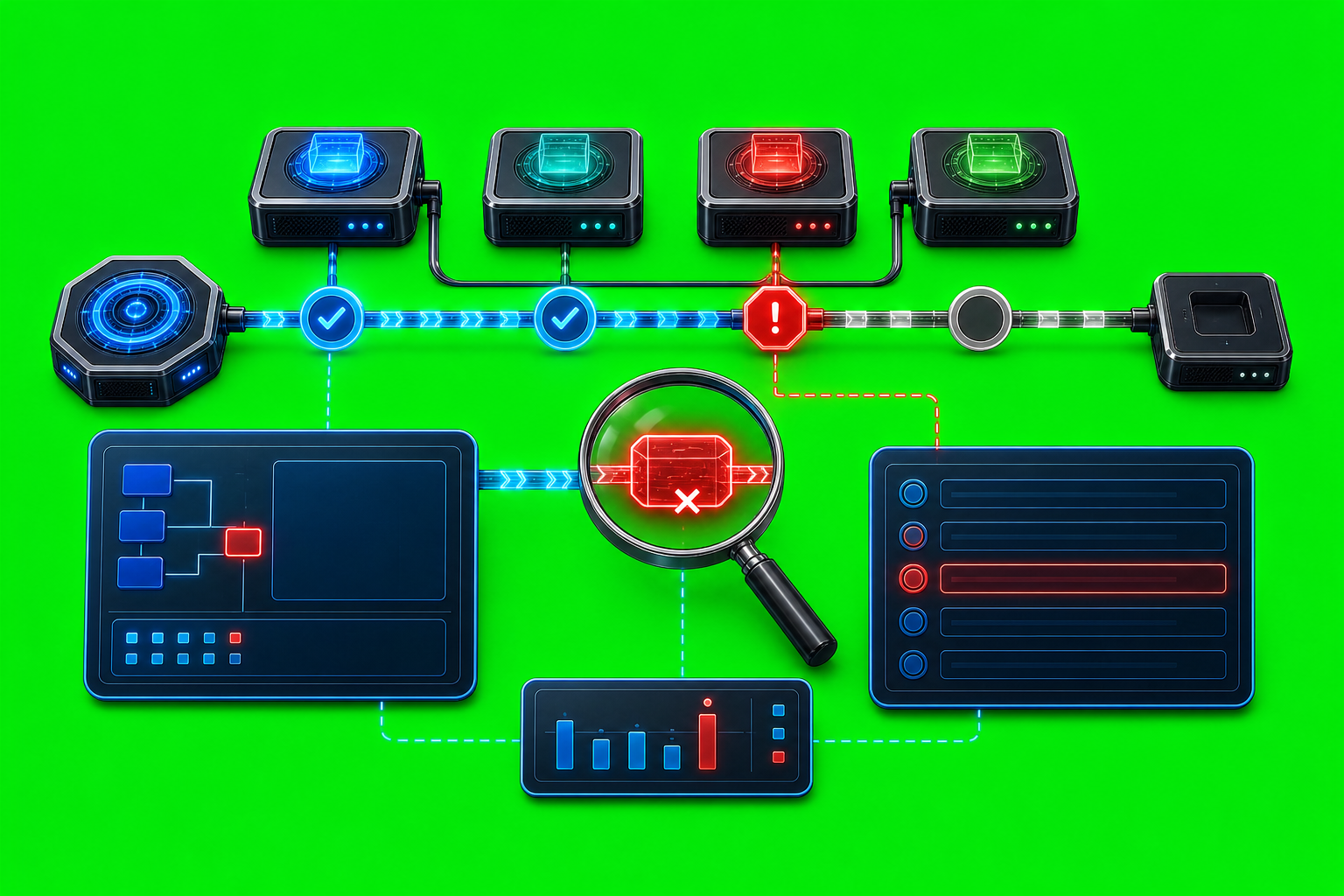
How to Debug a Failed Agent Message A failed agent message is not one problem. It can be a bad command, a missing sender identity, a stale target row, a provider edge that rejected the handoff, or a delivery path that AxiOwl accepted but has not proven inside the provider yet. The fastest way to […]
How to Use AxiOwl for Long-Running Work

How to Use AxiOwl for Long-Running Work Long-running agent work is different from a quick prompt. A short request can live in one chat window. A longer job often needs a named worker, a clear handoff, a way to send follow-up instructions, and a record of what happened after the first message left your hands. […]
How to Hand Off Work Between Agents
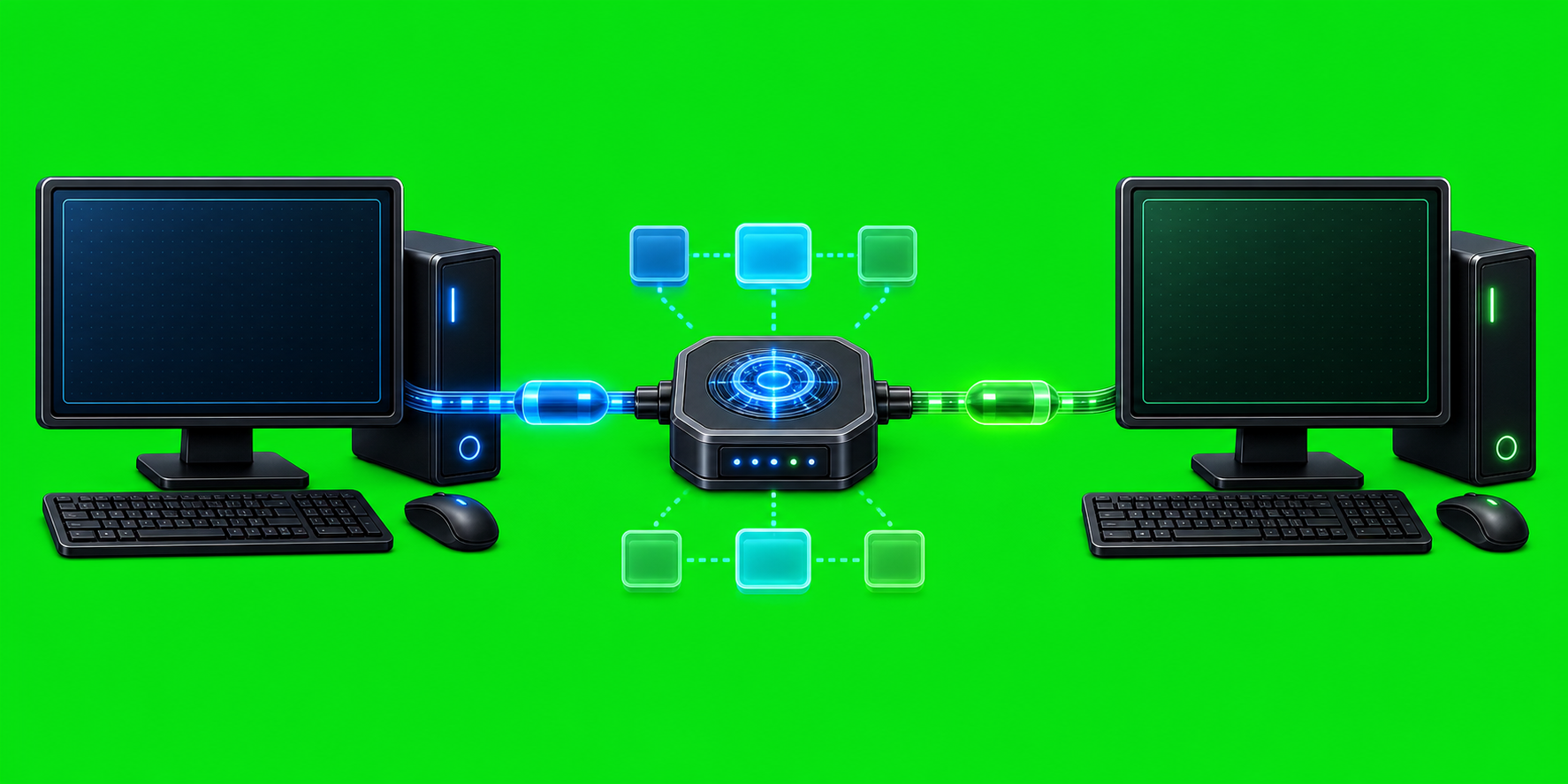
How to Hand Off Work Between Agents Handing off work between agents should not depend on copying a paragraph into the right chat window and hoping the receiving model understands where it came from. A useful handoff needs an addressed recipient, a real sender identity, a visible task body, and a return path that the […]
How to Use AxiOwl Without Losing Track of Which Agent Is Which
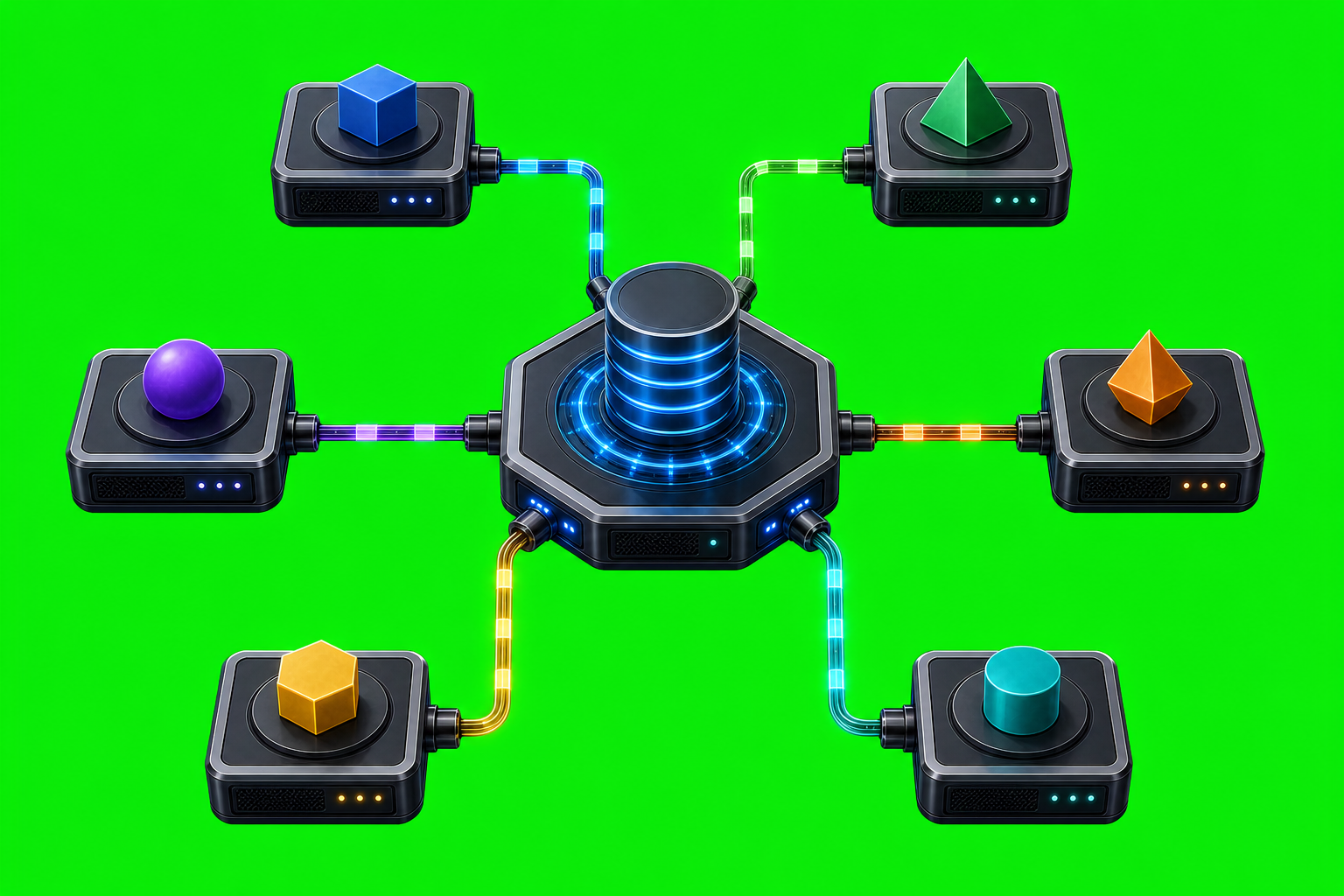
How to Use AxiOwl Without Losing Track of Which Agent Is Which When several AI coding tools are open at once, names stop being enough. A chat title can be reused. A provider can expose more than one session. A stale session can still look familiar in a list. AxiOwl is built around that reality: […]
How to Use AxiOwl Across Multiple Computers

How to Use AxiOwl Across Multiple Computers AxiOwl is designed first as a local Windows coordinator for AI provider sessions. It discovers provider chats on the machine, records them in a registry, sends messages to named sessions, and exposes MCP tools so providers can reply with their real session identity. That local-first model matters when […]
How to Use AxiOwl With Multiple Open Chat Sessions
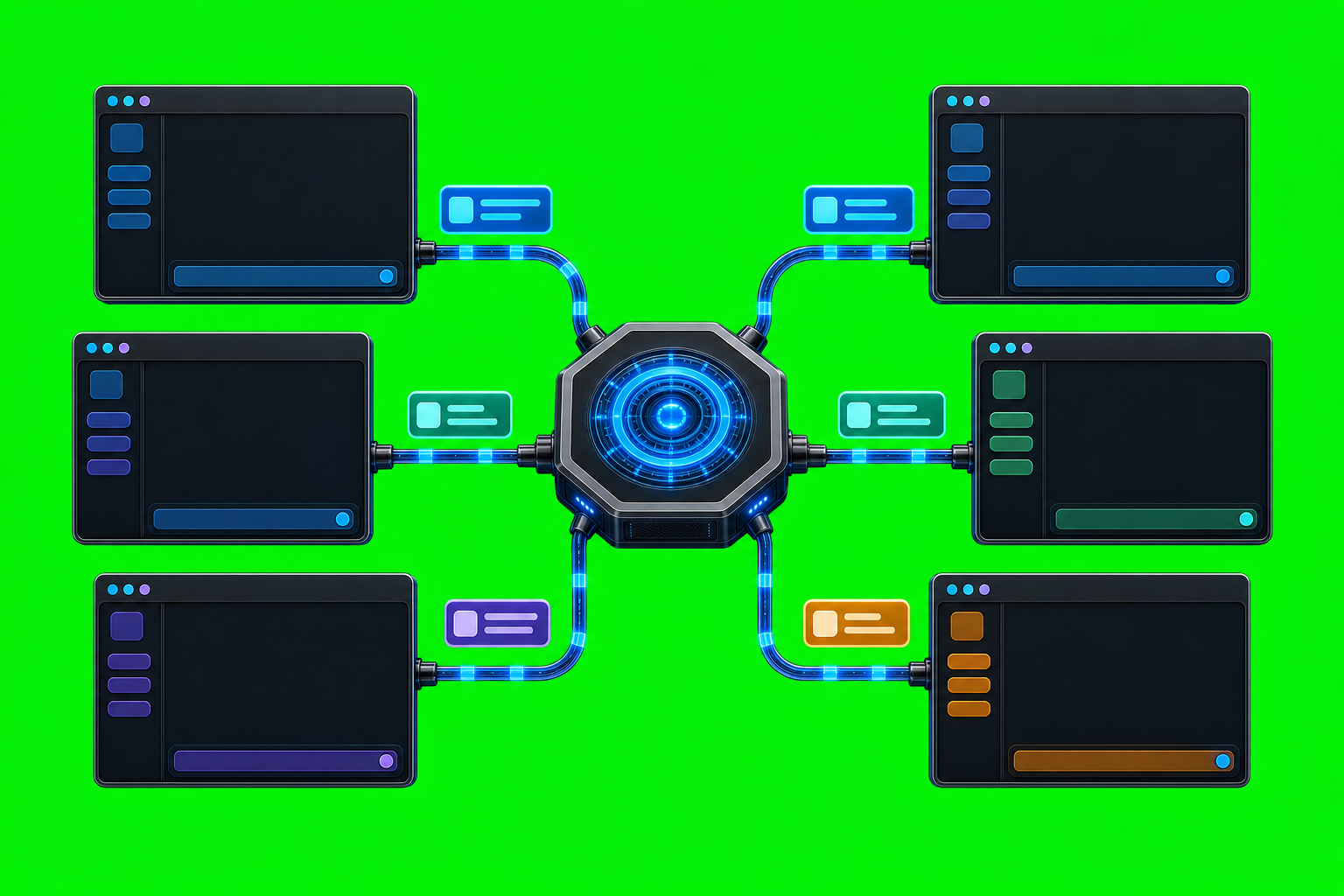
How to Use AxiOwl With Multiple Open Chat Sessions Multiple AI chat windows are useful only if you can address the right one. AxiOwl is built around that problem: it acts as a local Windows coordinator that discovers provider sessions, records them in a durable registry, and routes messages to selected sessions through provider-specific delivery […]
How to Send Messages Between Named Agents

How to Send Messages Between Named Agents AxiOwl's core job is deliberately small: send one text message from one named agent to one named agent, route it through the correct provider edge, and record what happened. Instead of making a user remember provider-specific session identifiers, the operator addresses a human-readable agent name and lets AxiOwl […]
How to Know If AxiOwl Is Working Correctly
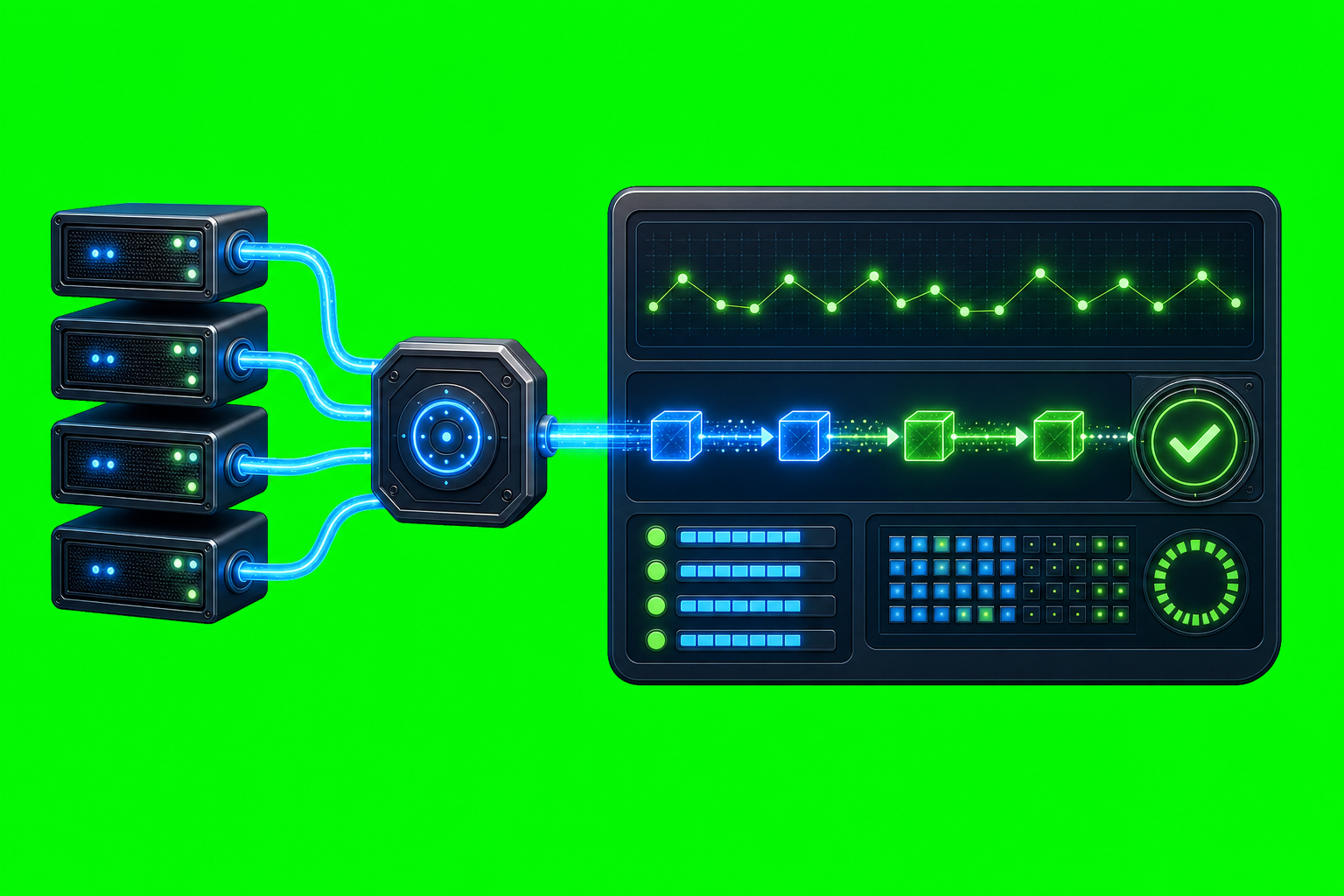
How to Know If AxiOwl Is Working Correctly AxiOwl is working correctly when more than one layer agrees: the runtime is installed, the registry has sendable provider sessions, discovery can refresh those sessions, the MCP tools are visible to the host, and a real provider can receive a message and reply through AxiOwl with the […]